Writer, installation and troubleshooting
Karim Haddad
Karim installs and troubleshoots home IPTV setups on Android TV boxes, Fire TV Stick, Smart TVs and MAG boxes. He reproduces common problems such as black screens, interruptions and audio delay so that every solution is practical and testable. His main focus is the effect of Wi-Fi, Ethernet and DNS settings on playback stability.
- Android TV and MAG boxes
- Fire TV Stick
- Wi-Fi, Ethernet and DNS
- Playback troubleshooting
Editorial responsibility
Checks that each troubleshooting guide reflects a real scenario and provides steps that a non-technical reader can reproduce.
Every page follows the same editorial methodology.
Guides written by Karim
Install IPTV4KSubscriptions on a Samsung Smart TV
- Samsung-compatible player
- Smart IPTV
Install IPTV4KSubscriptions on an LG Smart TV
- webOS-compatible player
- Smart IPTV
Install IPTV4KSubscriptions on an Android TV box
- TiviMate
- IPTV Smarters Pro
Install IPTV4KSubscriptions on Fire TV Stick
- Downloader
- Compatible IPTV player
Install IPTV4KSubscriptions on iPhone and iPad
- IPTV Smarters Pro
- IBO Player
Install IPTV4KSubscriptions on Android Phone
- IPTV Smarters Pro
Install IPTV4KSubscriptions on Windows
- Xtream Codes player
- VLC
Install IPTV4KSubscriptions on Mac
- Xtream Codes player
- VLC
Configure IPTV4KSubscriptions on a MAG box
- Stalker / Ministra portal
- M3U player on Android models
Install and configure IPTV Smarters Pro
- IPTV Smarters Pro
Configure IPTV4KSubscriptions in TiviMate
- TiviMate
Open IPTV4KSubscriptions in VLC with an M3U list
- VLC Media Player
Configure IPTV4KSubscriptions in IBO Player
- IBO Player
Install IPTV with Smart IPTV (SIPTV)
- Smart IPTV (SIPTV)
Articles written by Karim

Best legal IPTV in Portugal 2026: honest ranking, real prices and where to watch the football
An honest 2026 guide to legal IPTV and live TV in Portugal: transparent scores, July 2026 prices and the full map of where the football actually lives.
Read article →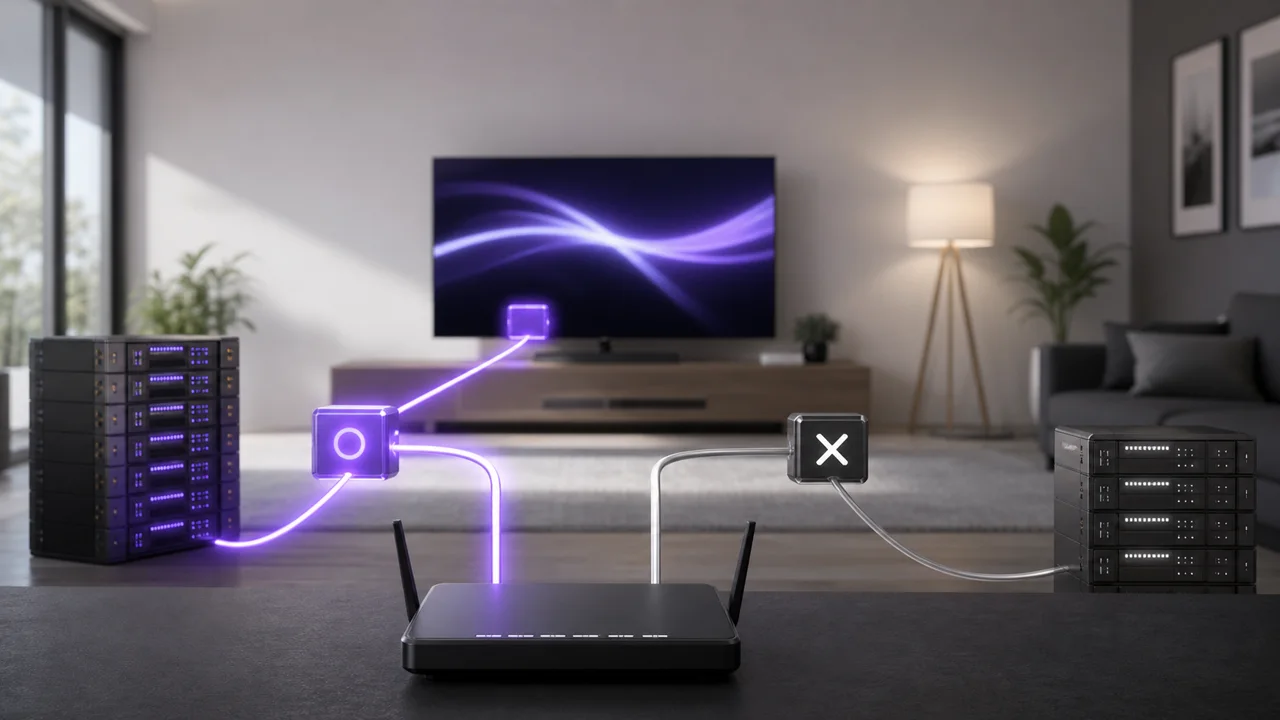
Does changing DNS really help IPTV? The honest answer
Best DNS for IPTV? DNS resolves the server address but carries no video, so it won't fix throughput or buffering. See the rare cases where it truly helps.
Read article →
EPG not working in IPTV: diagnose and resolve
IPTV EPG not working? Four fixes in order: the EPG URL, the app time zone, XMLTV format support and channel mapping. Recreate the profile if nothing loads.
Read article →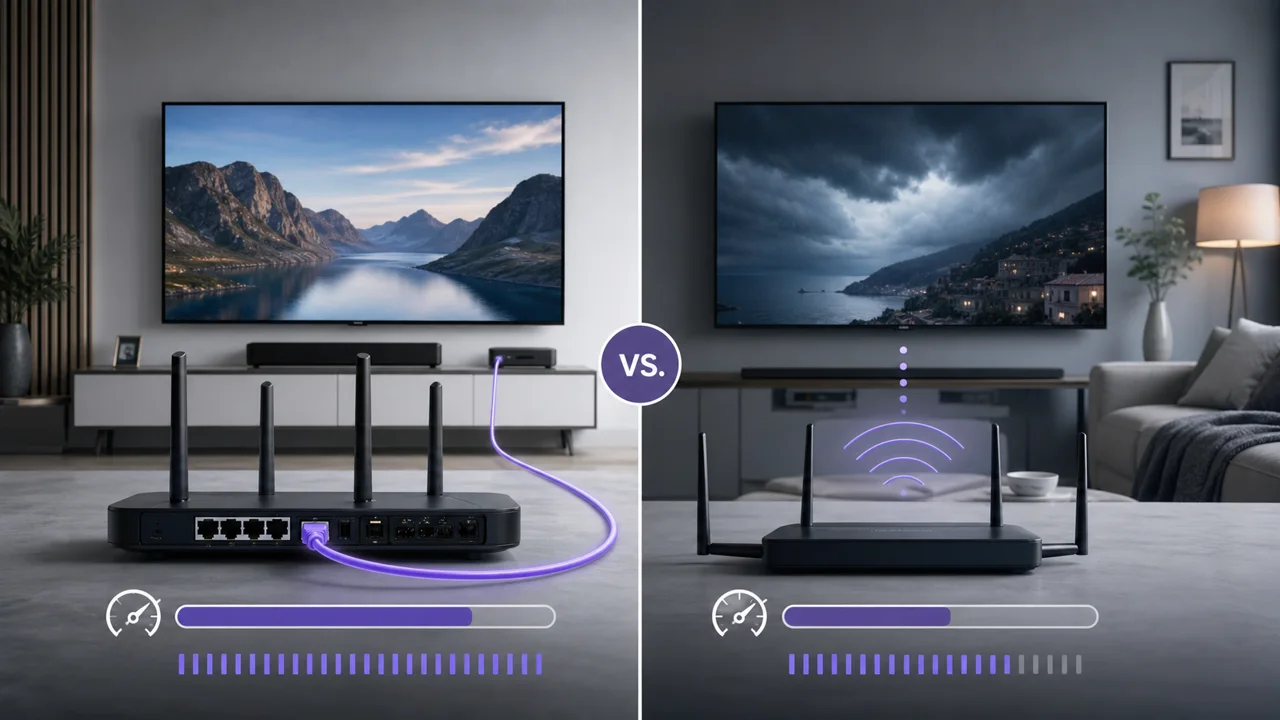
Ethernet or Wi-Fi for IPTV: which one to choose for stability?
Ethernet or Wi-Fi for IPTV? Compare stability, real speed and setup in a clear table, and see why a wired link wins for 4K and multi-screen homes.
Read article →
How to change the URL or IPTV code in your app
How to change the IPTV URL or code (server, user, password) in IPTV Smarters Pro, TiviMate and IBO Player, step by step, without losing channels.
Read article →
How to install IPTV? The 3 methods explained step by step
How to install IPTV in practice: paste an M3U URL, enter Xtream Codes credentials, or use a dedicated app. The 3 universal methods, step by step.
Read article →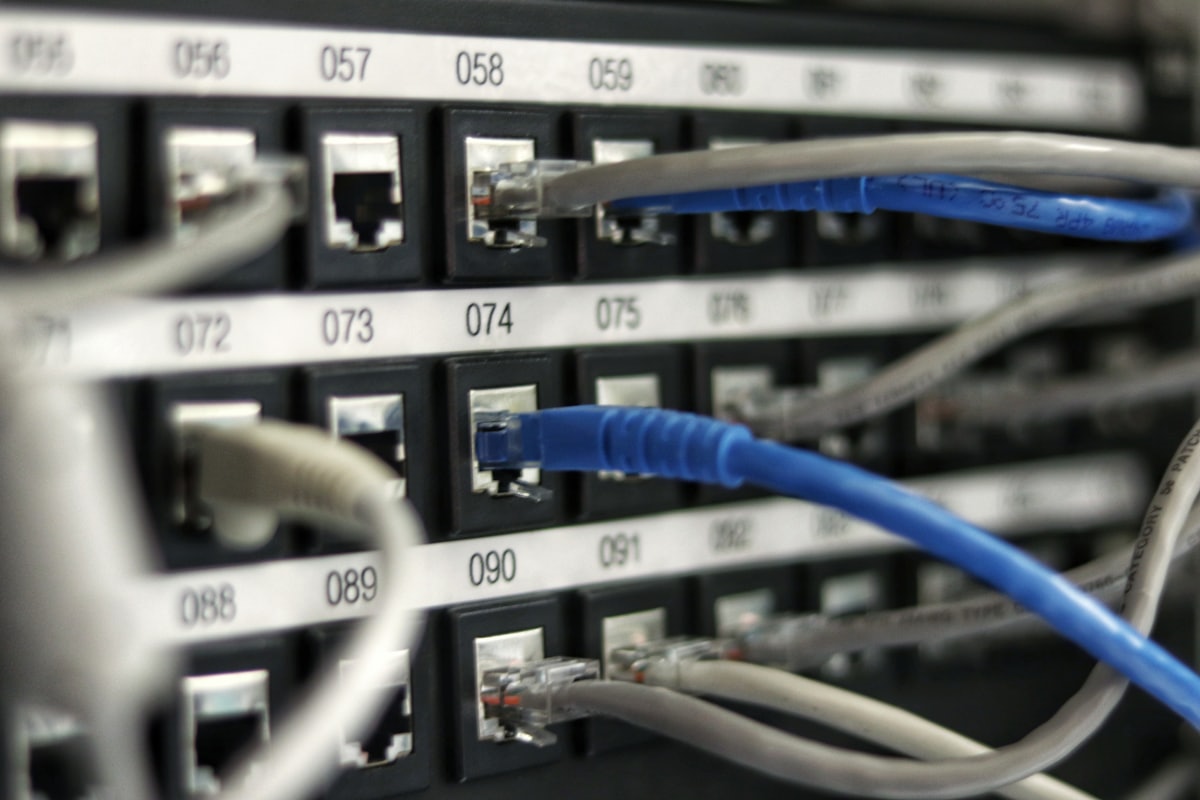
Internet speed for 4K IPTV: how many Mbps per quality?
Internet speed for 4K IPTV: budget about 15 Mbps per 4K stream, 5 Mbps in Full HD and 3 Mbps in HD, and remember speeds add up across screens.
Read article →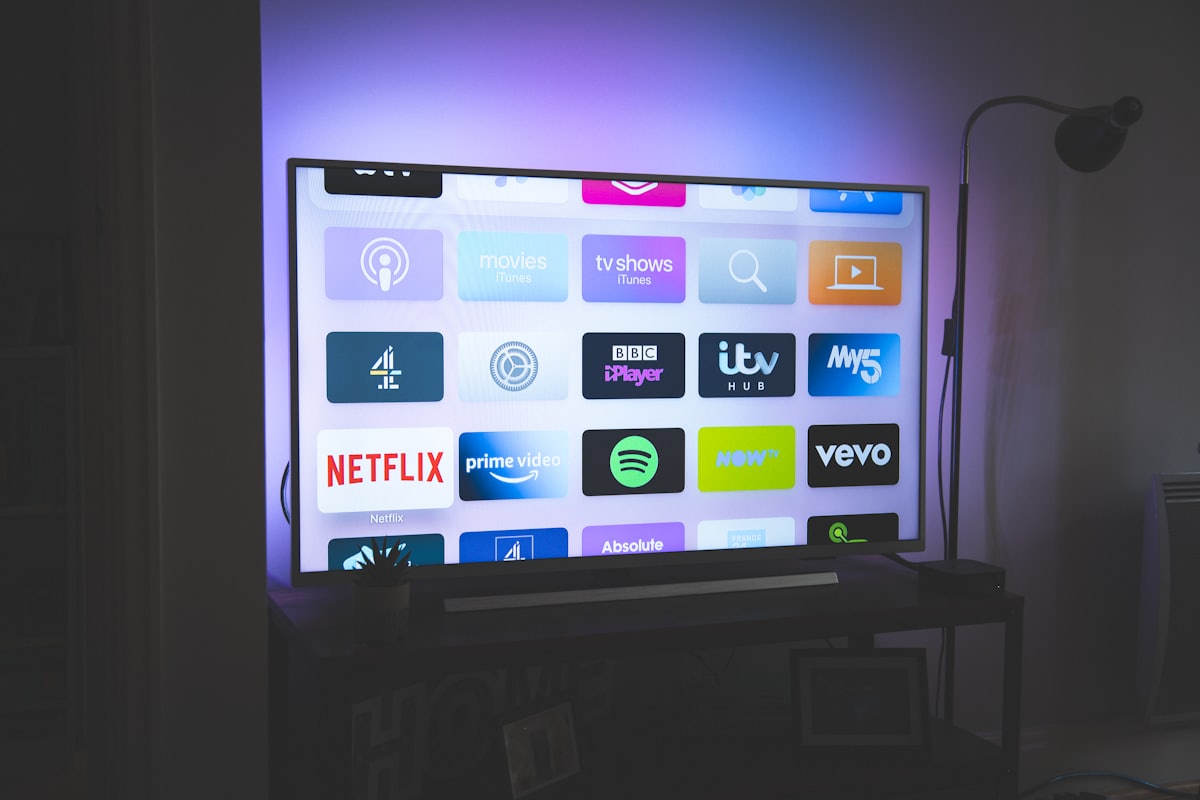
IPTV box: what is it and when do you need it?
What is an IPTV box? A small HDMI device that runs IPTV apps on any TV. How it differs from a Smart TV app or streaming stick, and when you truly need one.
Read article →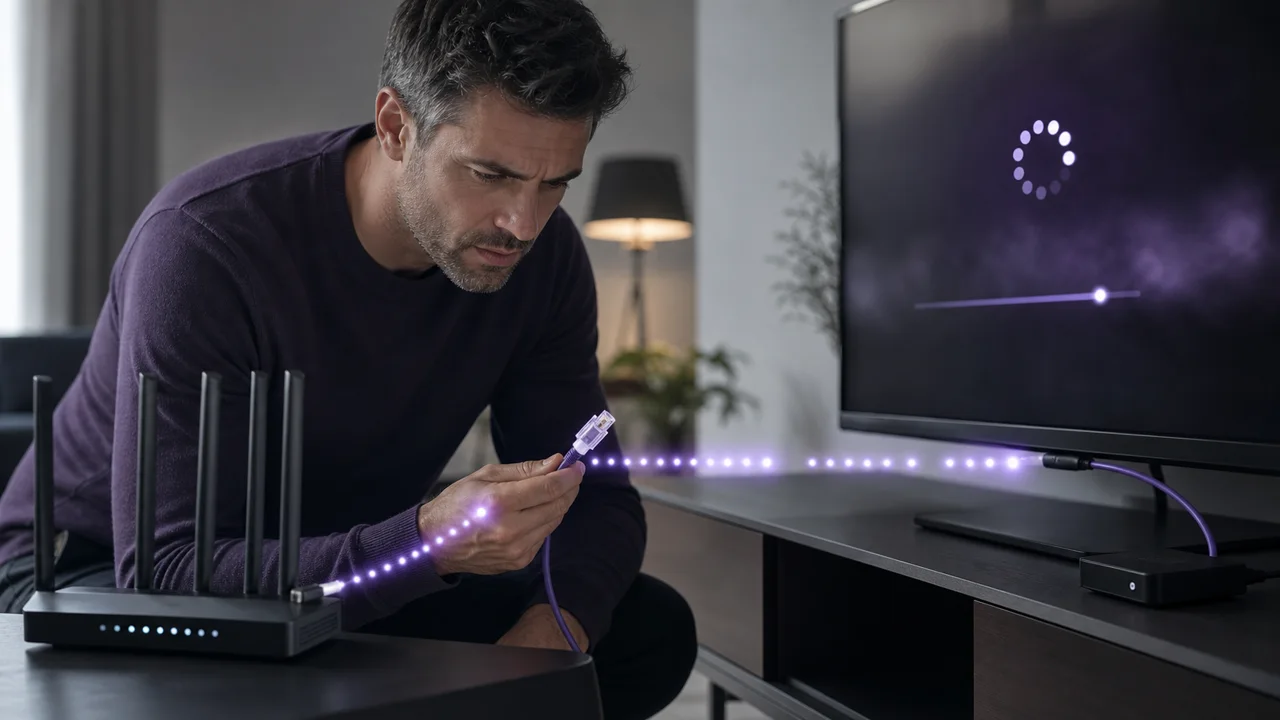
IPTV cutting out every few minutes: why and how to fix it
IPTV freezing every few minutes usually means Wi-Fi switching, a connection limit, a short playback buffer or cyclical server load. Time the interval first.
Read article →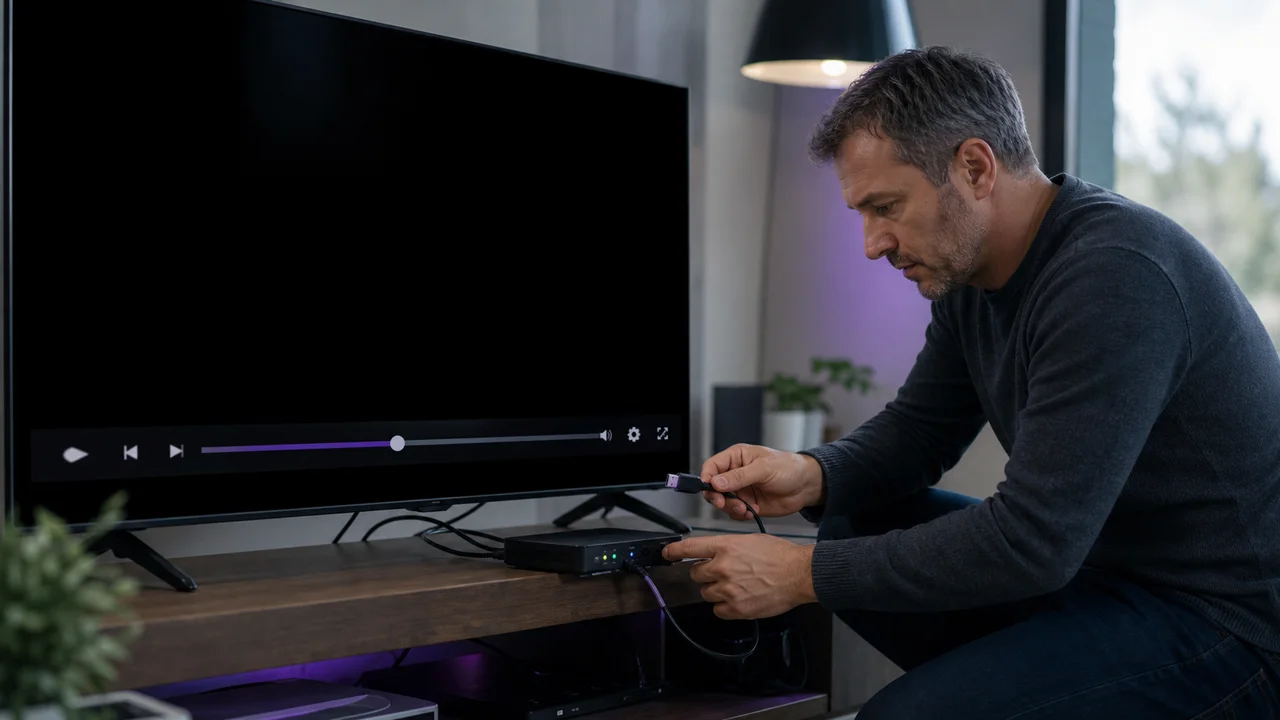
IPTV black screen: causes and solutions by type of failure
IPTV black screen: tell an HDMI fault, an unsupported HEVC codec, expired credentials or a dead stream apart, then fix each case by type of failure.
Read article →
IPTV decoder: how it works, difference with a box or an app
IPTV decoder explained: in IPTV it is almost always software, not a chip. How it differs from a box or an app, and the rare cases hardware is really needed.
Read article →
IPTV in 4K: the hardware and settings you really need
IPTV 4K needs four things beyond bandwidth: a 4K TV, an HEVC-capable box, an HDMI 2.0 cable and the right app stream. Here is the hardware checklist.
Read article →
IPTV “no stream available”: the 3 most common causes
IPTV "no stream available" usually means expired credentials, an outdated server URL, or too many connections. Isolate one channel vs the whole catalog first.
Read article →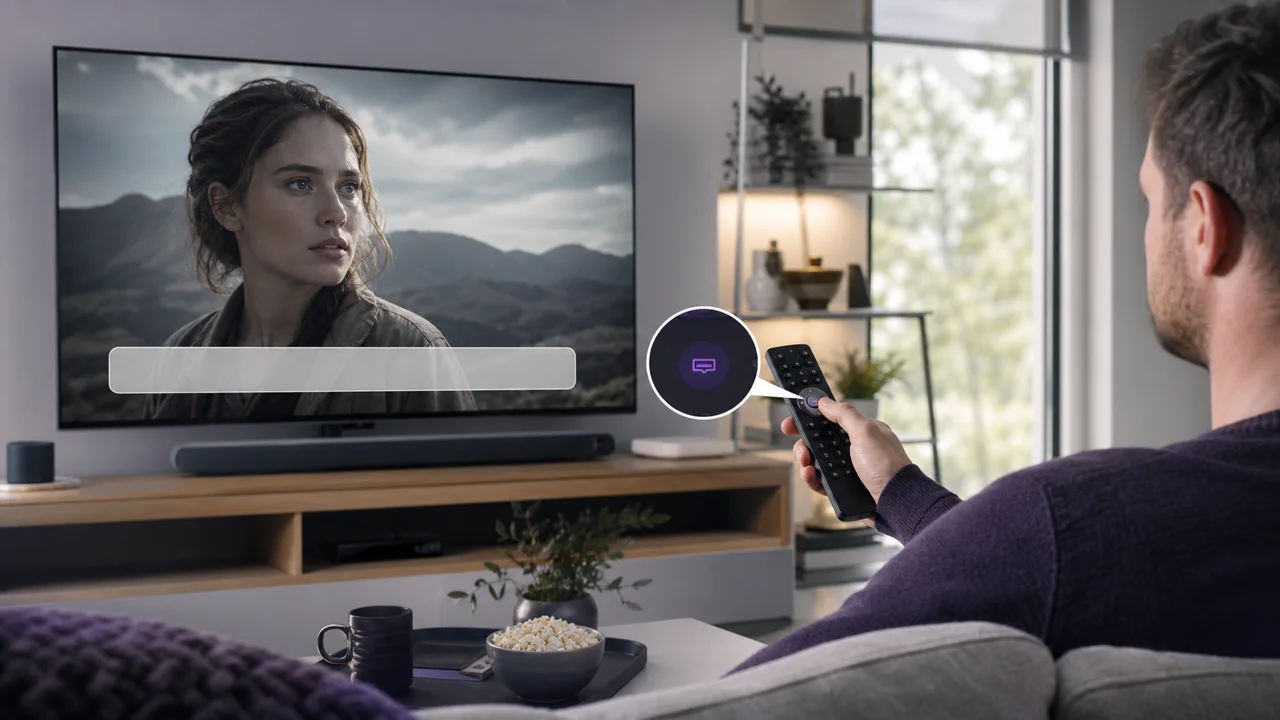
IPTV subtitles not showing: how to activate them
IPTV subtitles not showing? Enable the right track in the playback menu, confirm the stream carries one, and check app support for SRT and embedded formats.
Read article →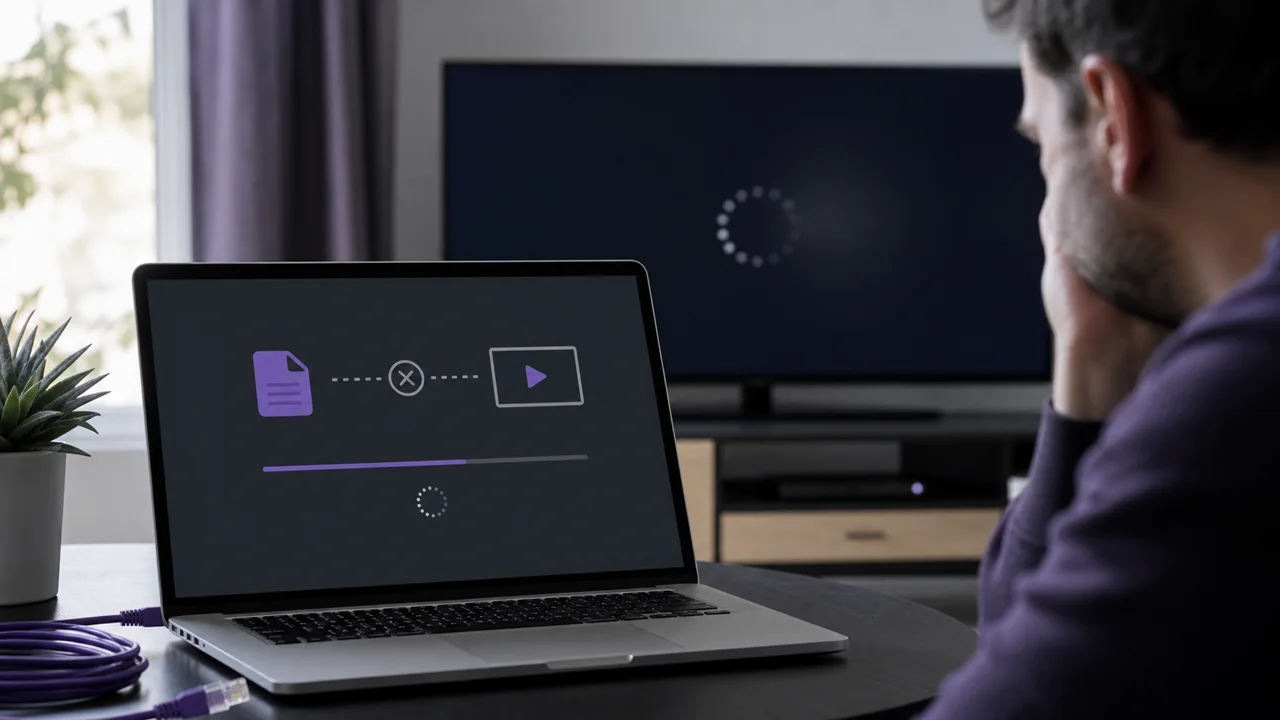
M3U playlist not loading: how to make it work
M3U playlist not loading? Test the URL in a browser first, then check for an incomplete or expired link, bad encoding, or an HTTP/HTTPS mismatch.
Read article →
Manage an M3U playlist: organize, deduplicate and structure channels
Manage an M3U playlist without breaking playback: sort by group-title, remove duplicates, build favorites and merge lists inside your IPTV app.
Read article →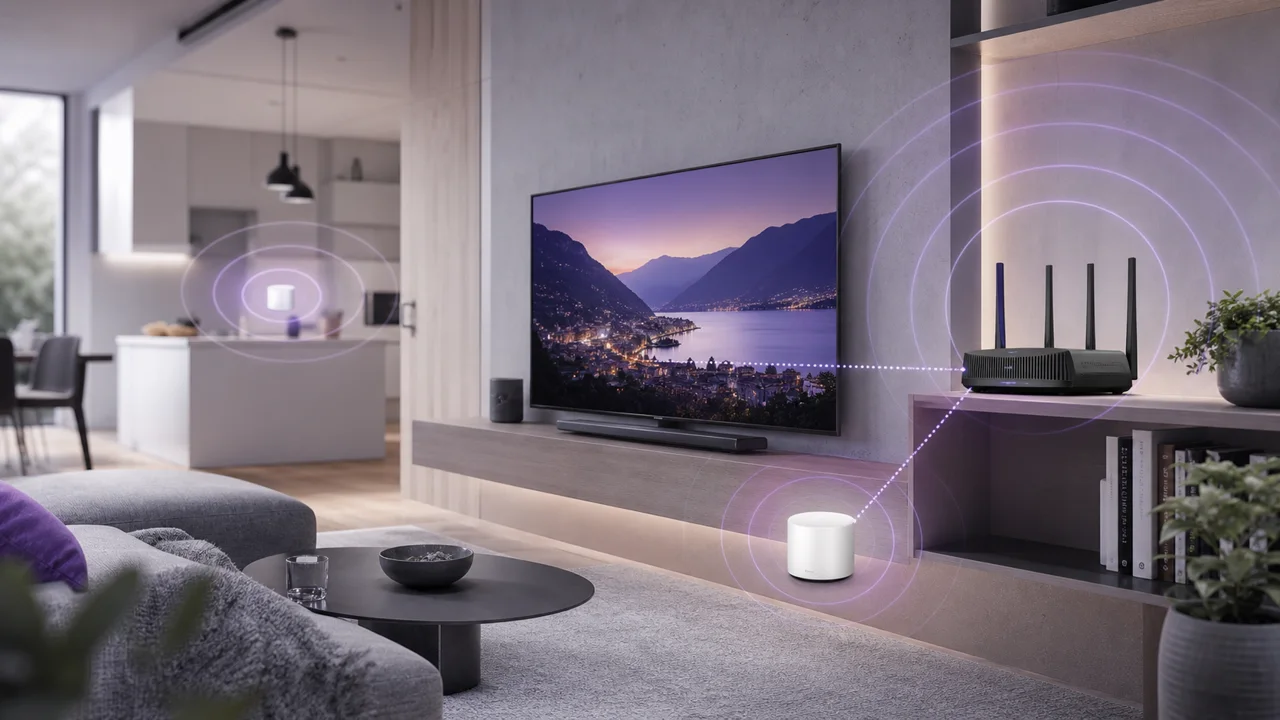
Optimize your Wi-Fi for IPTV: band, position, channel, mesh
Optimize Wi-Fi for IPTV: pick 2.4 or 5 GHz, position the router, change a congested channel and add mesh only for dead zones. Ethernet wins if it persists.
Read article →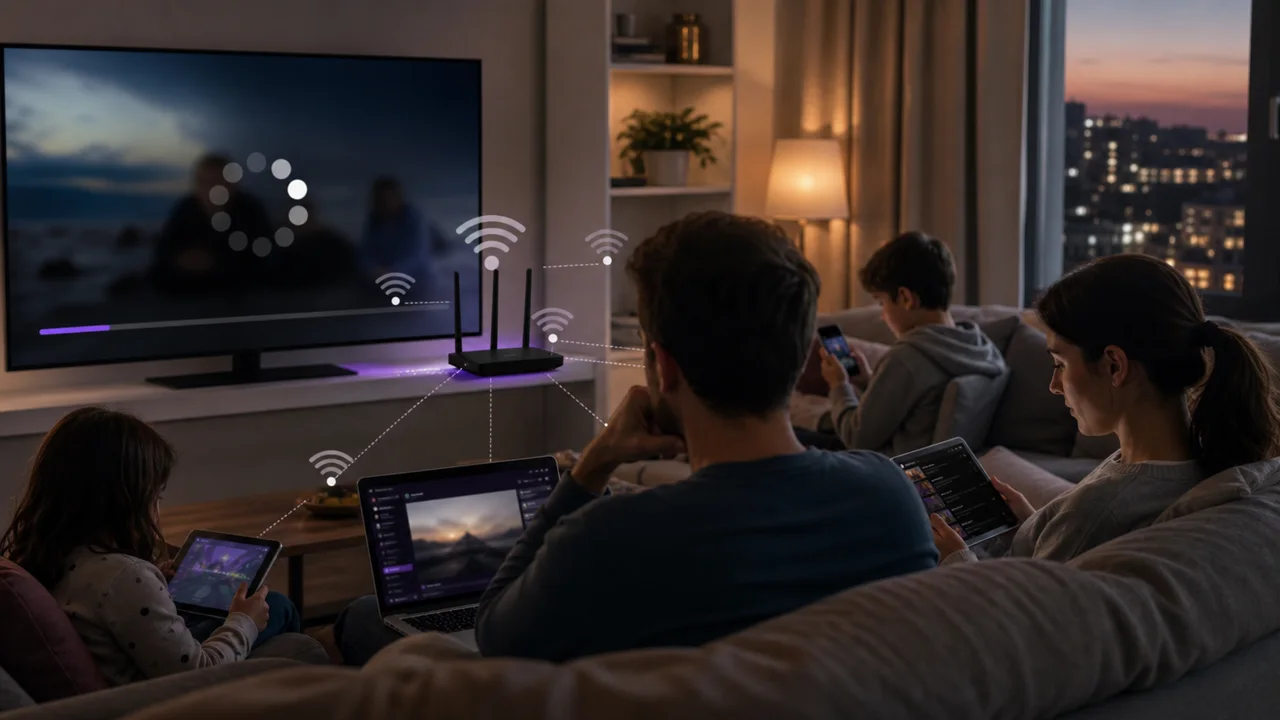
Slow IPTV in the evening: why, and what you can really fix
Why IPTV is slow in the evening: peak-time server load, ISP congestion and a busy home network. Learn what you can fix and what you can only report.
Read article →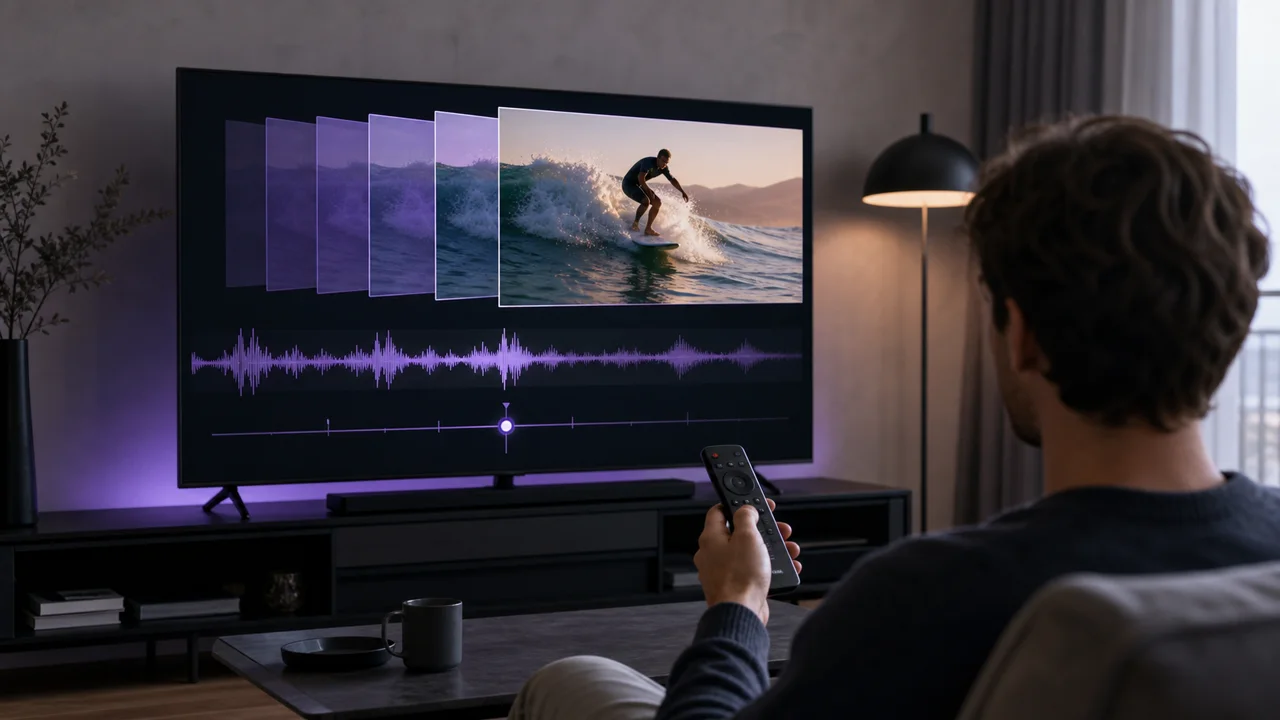
Sound/image lag in IPTV: how to correct it step by step
IPTV audio out of sync? Fix sound delay in 5 steps: switch audio track, adjust the playback buffer, test without a soundbar and check 4K hardware decoding.
Read article →
Structure of an M3U file: anatomy of an IPTV playlist
An M3U playlist is a plain-text file pairing #EXTINF and URL lines. Decode #EXTM3U, group-title, tvg-logo and the .m3u8 UTF-8 anatomy step by step.
Read article →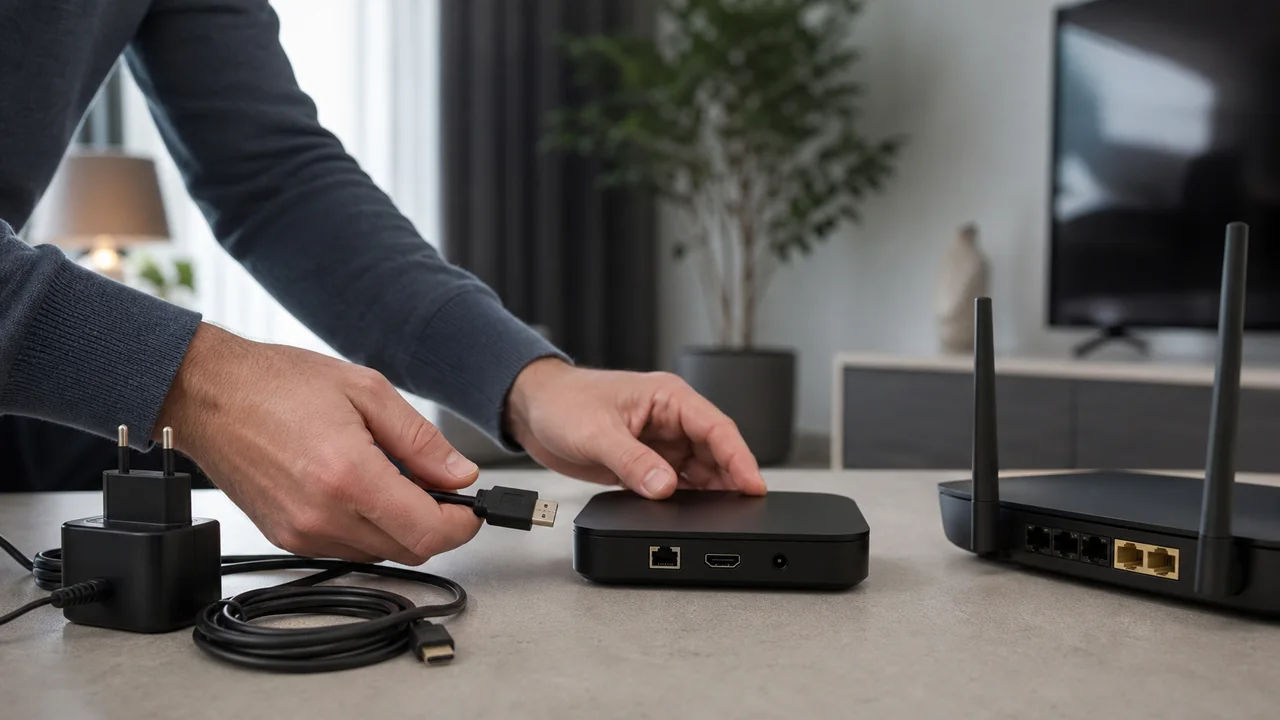
Why my IPTV box no longer works: the complete diagnosis
IPTV box not working? Fix it in 5 steps: full power restart, clear the app cache, check DNS, the subscription expiry and updates before replacing hardware.
Read article →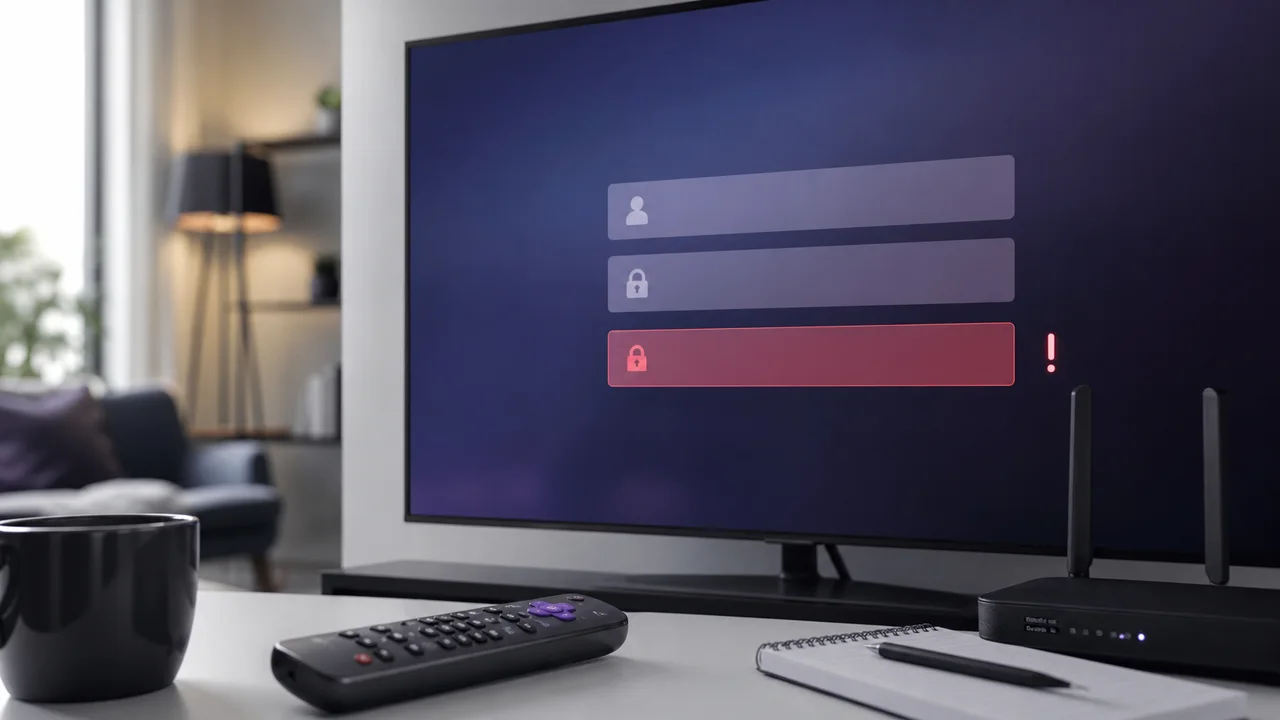
Xtream Codes authentication error: causes and solutions
Xtream Codes authentication error? The 4 usual causes: expired subscription, wrong server or port, a mistyped username or password, or too many connections.
Read article →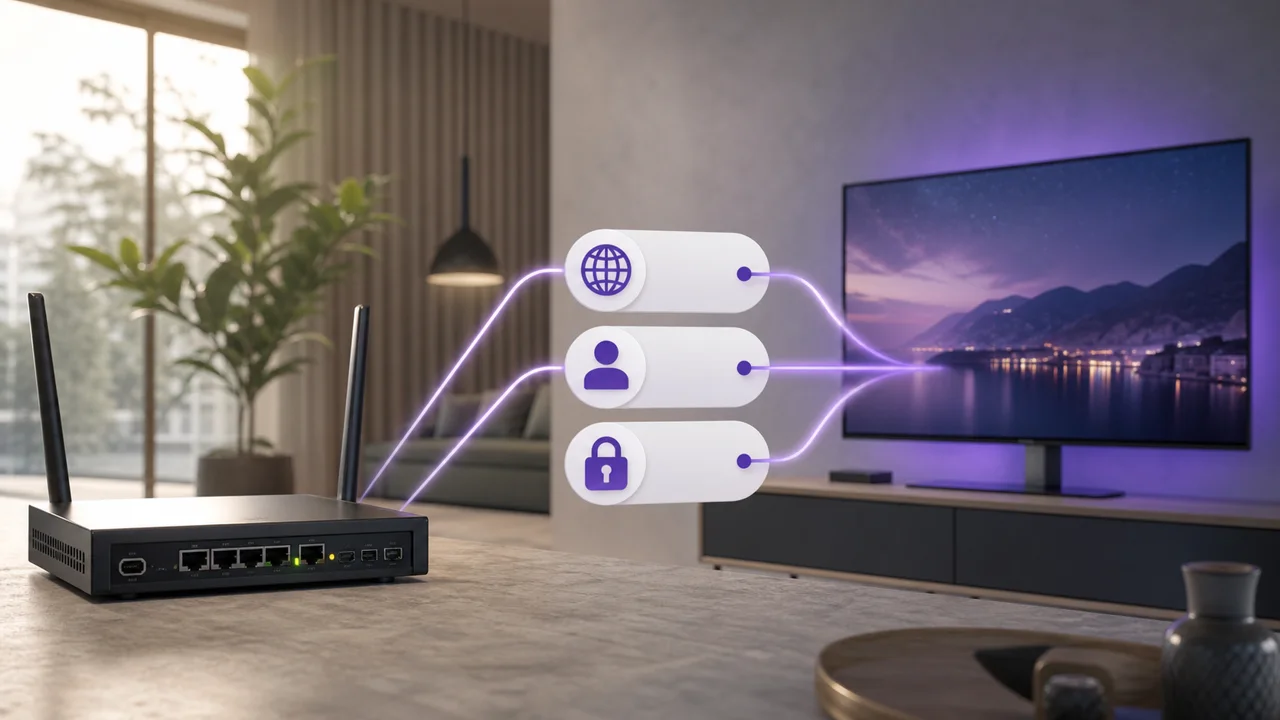
Xtream Codes explained: server, username, password
Xtream Codes IPTV explained: three fields (server, username, password) load live, VOD and EPG in separate sections, unlike a single M3U URL.
Read article →
EPG IPTV: understand and configure the program guide
IPTV EPG explained: the program guide loads from XMLTV data, shows in TiviMate and IPTV Smarters Pro but not VLC. Fix an empty grid step by step.
Read article →
IPTV that lags or hangs: 8 solutions to buffering
Fix IPTV buffering with 8 ordered checks: speed, Wi-Fi vs Ethernet, app, VPN and DNS. In 4K, plan for around 15 Mbps per stream to avoid lag.
Read article →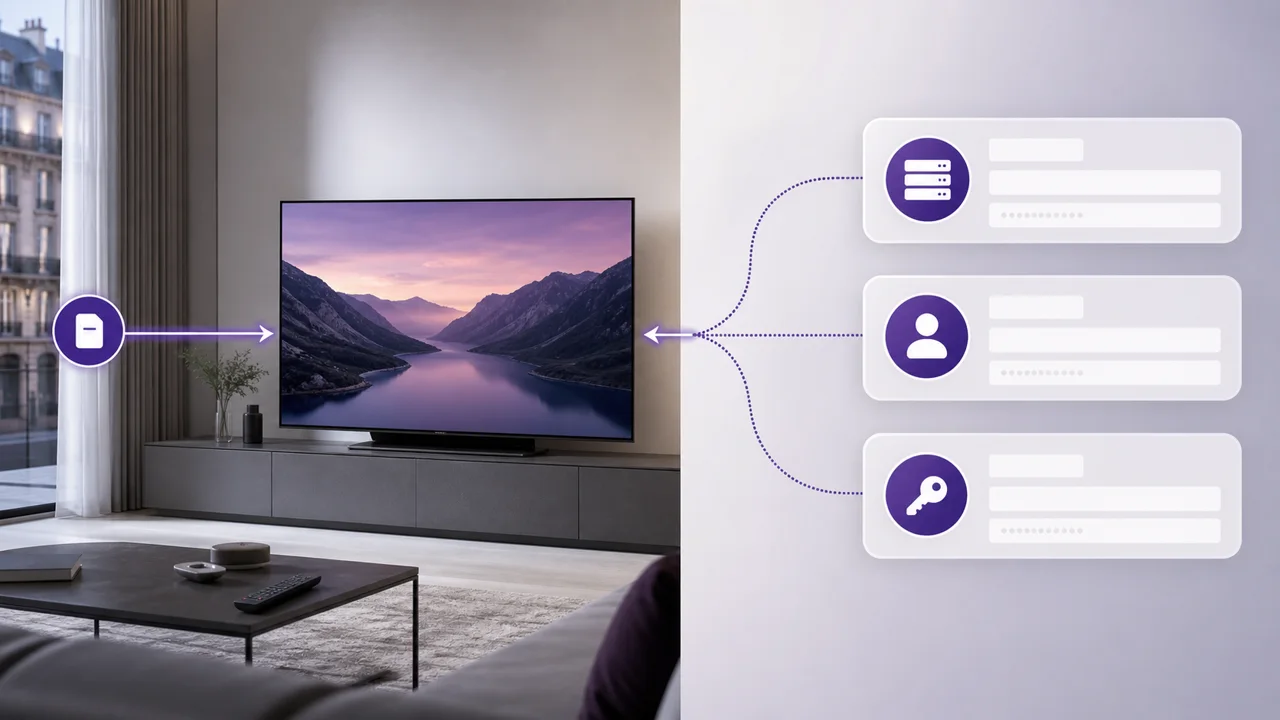
M3U or Xtream Codes: differences and best choice
M3U vs Xtream Codes: M3U uses one URL, Xtream Codes needs server, username and password. Compare compatibility, EPG and the best method per app.
Read article →Ready to try IPTV4KSubscriptions?
Request a free trial on your device, with no payment card required.