Troubleshooting
IPTV black screen: causes and solutions by type of failure
IPTV black screen: tell an HDMI fault, an unsupported HEVC codec, expired credentials or a dead stream apart, then fix each case by type of failure.
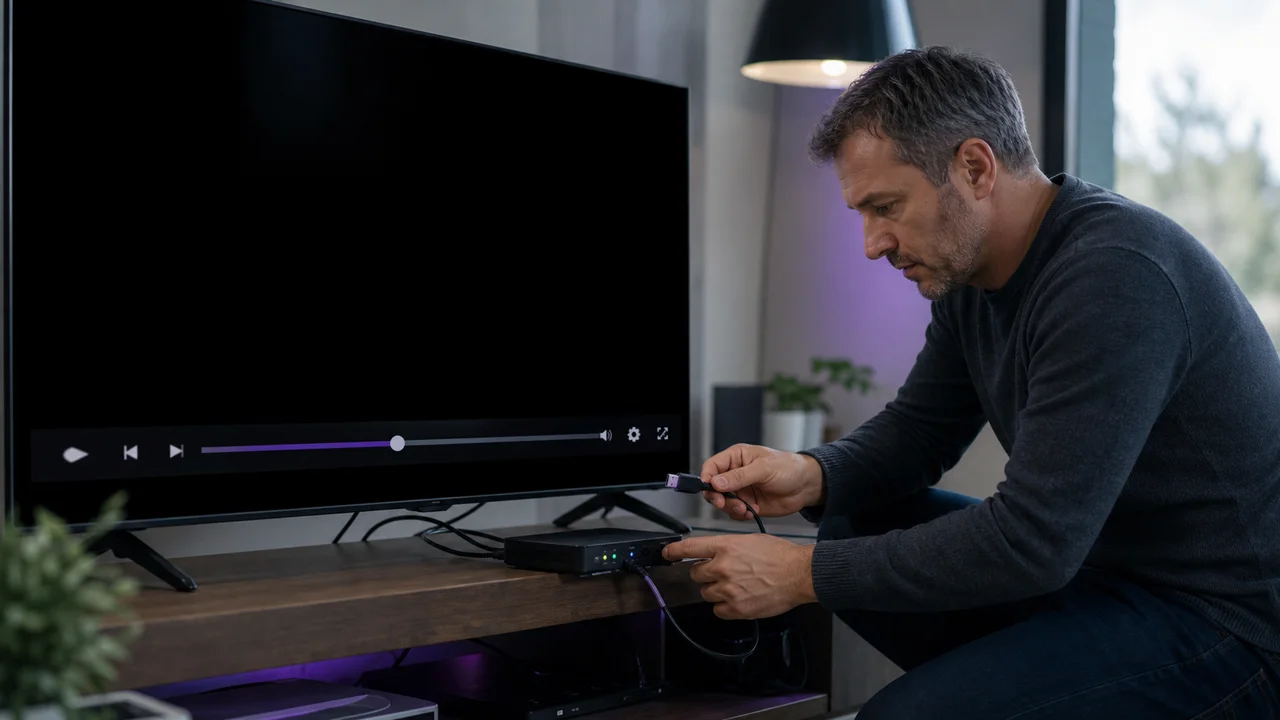
A black screen differs from buffering in the complete absence of any image, sometimes with sound continuing in the background. The possible causes are not the same: the connection to the screen, the video codec, the application or your credentials can each produce this symptom. This guide details how to identify the cause before taking action; for the initial installation on your device, see the corresponding guide instead.
Black screen or buffering: what is the difference?
Our article on how to fix IPTV buffering covers cases where the image freezes, stutters or waits for loading. A black screen is different: no image is displayed at all, sometimes without any loading icon. If your problem is more like playback that lags or freezes intermittently, consult that dedicated buffering guide. Its network diagnosis (speed, Wi-Fi, Ethernet) remains relevant alongside this article.
1. Is one channel affected, or the entire screen?
Change the channel, then test on-demand content if your subscription offers it. If only one channel displays a black screen while the others are working, the cause probably comes from the stream itself (codec or format not supported by your device on this specific channel). If the screen remains black across the entire catalog, continue with the diagnostics below.
2. Can a faulty HDMI connection cause a black screen?
A general black screen, including outside IPTV, often points to the screen connection rather than the stream:
- Unplug and firmly reconnect the HDMI cable at both ends.
- Test another HDMI port on the TV if more than one is available.
- Test the same cable with another source (console, computer) to confirm if it works.
- Check that the TV is set to the correct HDMI input.
The HDMI connection automatically negotiates a compatible resolution between the device and the television when connected; a damaged cable or unstable port can interrupt this negotiation and produce a completely black screen, as described in the HDMI technical documentation.
3. Can the video codec cause a black screen?
Some channels or content use a newer video codec, such as HEVC (H.265), which an older device or app version may not decode correctly. This case generally produces a black screen on that specific channel, sometimes with only sound. HEVC support has become widely available on recent devices, but remains absent or limited on some older models or some non-updated system versions, as documented in the HEVC reference page. If only certain channels are affected, test them on another device or application to confirm this lead.
4. How do you restart the app and device?
Close the IPTV app completely, not just the menu, then restart the TV or box. A general black screen after a pending system or application update is often corrected simply by this restart. Our full IPTV box diagnosis details the checks to make in order if the problem persists after restarting.
5. Can expired credentials cause a black screen?
On some apps, expired credentials or an outdated login URL produce a black screen rather than an explicit error message. If the problem affects the entire catalog without any images or loading indications:
- Check that your subscription is still active.
- Re-copy your credentials or your M3U URL from the activation email, with no stray spaces. Our guide on changing the URL or IPTV code details the procedure depending on the application.
- Run a Cloudflare Speed Test to rule out a complete network outage, which can also produce a black screen without a message.
Troubleshooting
- Black screen with sound continuing: first suspect the HDMI (cable, port) or codec rather than the network.
- Total black screen, without sound or image: check the network and your credentials before the display hardware.
- Only one channel affected: probable codec or stream problem; test it on another device.
- Still blocked after these checks: contact support with the channel name, device, application and tests already carried out.
In summary
A black screen in IPTV is diagnosed differently from buffering: start by isolating a channel or the entire screen, check the HDMI connection and the codec if a specific channel is affected, then move on to the application, the network and your credentials if the problem affects the entire catalog. If playback lags rather than remaining black, our guide on fixing IPTV buffering covers this separate case in detail.
Frequently asked questions
Black screen and buffering, are they the same problem?
No. Buffering shows the application loading or an image freezing while waiting for data, while a black screen displays a completely blank image, sometimes with sound continuing or an error in the background. The causes and verifications differ.
Why does the screen stay black but the sound continues?
This usually indicates a video display problem (HDMI cable, resolution, codec) rather than a network connection problem: the application receives and decodes the audio, but not the image, or the device cannot display it.
Can a black screen come from expired credentials?
Yes, on some apps that don't always display an explicit error message when the account has expired. With a persistent black screen on all channels, and no image or message at all, it is worth checking your credentials before looking for a hardware problem.
Should you change the HDMI cable if you have a black screen?
Test it as a last resort after having ruled out the application and the network: a defective HDMI cable or port causes a generalized black screen, including outside IPTV, which a test with another source (console, other device) can quickly confirm.
Why do some channels show a black screen and others not?
If the problem affects a specific channel, the cause probably comes from the stream itself (codec, format) rather than your installation. If all channels are affected at the same time, HDMI, the application or your credentials are the more likely causes.