Troubleshooting
Why my IPTV box no longer works: the complete diagnosis
IPTV box not working? Fix it in 5 steps: full power restart, clear the app cache, check DNS, the subscription expiry and updates before replacing hardware.
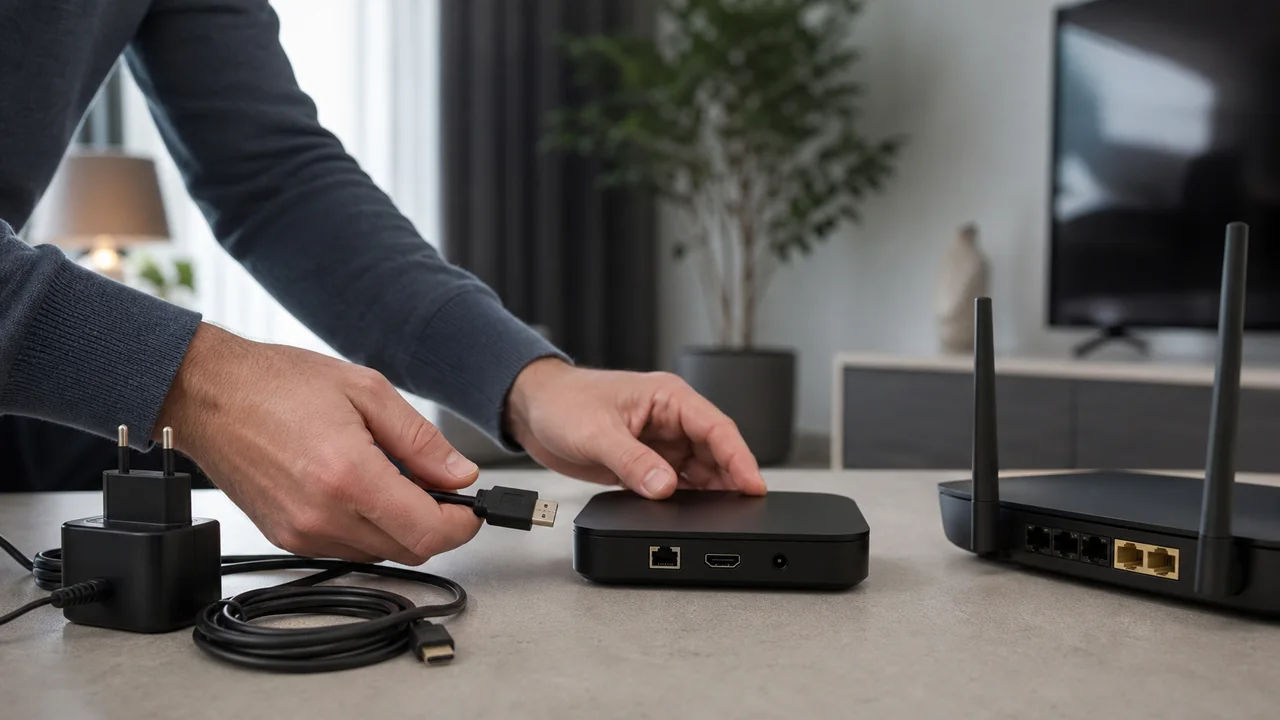
An IPTV box is just a small dedicated computer that runs an application, as described in the definition of set-top box on Wikipedia: when “nothing works anymore”, the cause is almost always software or linked to the subscription, rarely hardware. Follow these checks in order before considering a replacement.
1. How do you fully restart an IPTV box?
A complete electrical restart (unplugging from the mains for a few seconds, not a simple standby) frees the memory and restarts the entire system:
- Unplug the box from the power supply.
- Wait about ten seconds.
- Plug it back in and wait for it to fully boot before relaunching the application.
This simple step resolves a large share of freezes, especially if the box has been running continuously for several days without interruption.
2. How do you clear the IPTV app cache?
A full cache can prevent an application from launching normally or loading channels correctly:
- Open the box settings (often in Applications or Application management).
- Select your IPTV app, then look for the Clear cache option.
- Relaunch the application after clearing the cache.
If no cache clearing option exists on your box, uninstalling then reinstalling the app has a similar effect.
3. Can DNS stop an IPTV box from working?
DNS can block a box, but only at startup, when the app looks up the server address before any video transfer. The DNS translates that server address into information usable by the network, so a faulty response can freeze the application as soon as it is launched, even before it connects to the IPTV server.
- If the freeze occurs precisely when the application opens (a loading screen that never progresses), test an alternative public DNS in the network settings of the box.
- If the application opens normally but playback then stops, DNS is rarely the cause: instead, refer to our IPTV buffering guide.
4. Has your subscription expired?
An expired subscription generally displays an explicit message (credentials refused) rather than a silent block, but this is not systematic depending on the application:
- Check the expiry date indicated in your last activation email.
- If the date has passed, it is normal for the box to stop working, and renewing the subscription resolves it.
- If the date is still valid but the error persists, re-enter the server, username and password, copied with no stray spaces.
5. Can a system update break a working IPTV app?
A recent system update of the box can sometimes modify settings or require new authorization for the IPTV application already installed:
- Check if an update of the app itself is available in its app store.
- Also check the box for system updates, especially if the freeze started right after an automatic update.
The Android TV and Google TV platforms, which equip a large part of the IPTV boxes on the market, document this general behaviour in their official Google support.
Summary table
| Symptom | Probable cause | Action |
|---|---|---|
| Frozen box or unresponsive application | Memory full | Complete electrical restart |
| App slow to load channels | Cache full | Clear the cache or reinstall |
| Blocked when opening the application | Failing DNS | Test an alternative public DNS |
| Credentials error at startup | Subscription expired | Check the expiry date |
| Blockage appeared after an update | Outdated firmware or application | Check for available updates |
Troubleshooting
- Nothing changes after these five steps: test the same application with the same credentials on another device in the household (mobile or Smart TV) to isolate whether the problem comes from the box or the subscription.
- The box works but only one channel fails: the problem probably comes from that specific channel, not from the box. See our guide on the message “no stream available”.
- The problem returns regularly at the same time: see our article on IPTV slow in the evening, which covers a separate cause related to network load.
- Still blocked: contact support with the box model, the application used and the steps already tested.
In summary
An IPTV box that no longer works is fixed in this order: complete electrical restart, clearing the application cache, checking the DNS if the freeze occurs at startup, checking the subscription expiry date, then checking for updates. Our definition article IPTV box, what is it explains the exact role of this device if you are still unsure about its usefulness compared to a Smart TV.
Frequently asked questions
My IPTV box turns on but no application launches, what should I do?
This usually indicates a software problem rather than a hardware one. Completely restart the box (unplug it for a few seconds, not just standby), then relaunch the application after the complete restart.
Should you clear the application cache or reinstall it directly?
First clear the cache from the box settings if this option exists: it's faster and is often enough. Save a full reinstall for when clearing the cache doesn't change anything.
Can DNS really stop a box from working?
DNS comes into play when the device looks up the server address as the application starts. A poorly responding DNS server can block this initial step, but it generally does not explain playback stopping after a connection has already been established.
How do I know if my subscription has expired rather than a technical problem?
An expired subscription usually displays an error message when starting the application (credentials refused) rather than a silent crash. Check the expiry date indicated in your activation email before looking for a technical cause.
Can a box update break a working app?
Yes, occasionally. A system update may change settings or require new authorization for the application. Check for available updates for the app itself after a recent system update.
Should you change the box if nothing works after all these steps?
Not necessarily. First test the same application on another device in the household (mobile, Smart TV) with the same credentials: if it works elsewhere, the box itself is probably the cause; otherwise, the problem is with the subscription or network, not the hardware.