Features
EPG IPTV: understand and configure the program guide
IPTV EPG explained: the program guide loads from XMLTV data, shows in TiviMate and IPTV Smarters Pro but not VLC. Fix an empty grid step by step.

The EPG is the grid that displays the current program, the following broadcasts and their times. In IPTV, its content depends on the information associated with the channels and its presentation varies depending on the application. Here's how to recognize an iptv program guide, load it, and resolve common display problems.
What does EPG mean?
EPG stands for “Electronic Program Guide”. Concretely, it is a database that associates with each channel a list of programs with their title, their start and end times, and sometimes a short summary. A detailed definition on Wikipedia notes that this type of guide has existed since the beginnings of digital television. This is what allows you to see, without changing channels, what is being broadcast now and in the hours that follow, a bit like an iptv program grid, the digital version of a paper TV guide.
How does EPG work with IPTV4KSubscriptions?
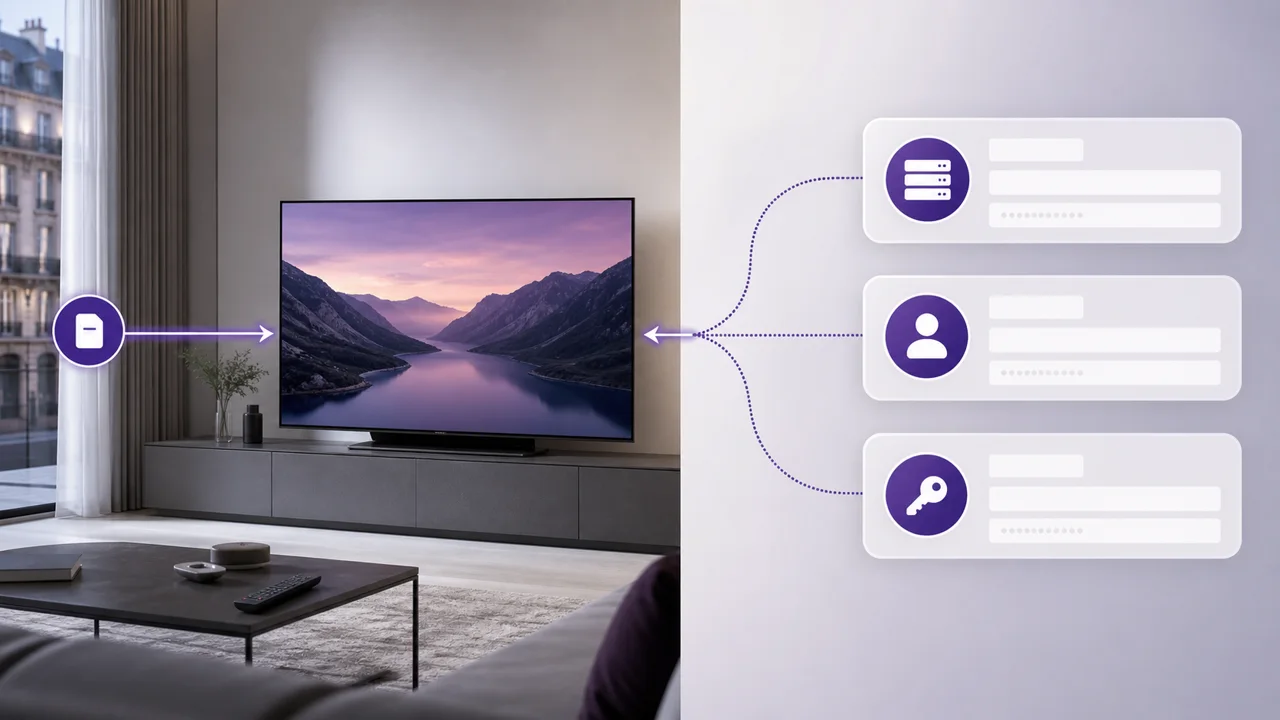
Live channels may be accompanied by EPG data. An Xtream Codes connection can transmit them with the account; an M3U configuration may request a separate EPG address, often in a standard format like XMLTV, widely used to describe TV program schedules. The application then downloads the grid and associates it with the channels it recognizes.
Apps like IPTV Smarters Pro or TiviMate can present the EPG in a horizontal grid, with navigation by channel and time. Our IPTV Smarters Pro guide and our TiviMate guide explain where to add login information.
Conversely, a minimalist application like VLC, which simply opens a network stream from an M3U URL, generally does not display any structured EPG: you see the channel live, but not the iptv TV schedule grid. This is not a fault of our service, it is a limitation specific to this type of player, worth knowing before choosing your application if the EPG matters to you. Our comparison of IPTV applications details this criterion for each player.
Why does the EPG sometimes seem out of sync?
Sometimes the schedule displayed in the EPG does not correspond exactly to what is broadcast at the same time. Two causes explain almost every case, and both are simple to correct:
- A poorly configured time zone offset in the application: most offer a time zone setting in their settings, to be checked as a priority in the event of a constant offset.
- An update of the grid in progress: the EPG data is updated regularly, and a slight delay between a programming change and its update in the EPG may occasionally occur.
An EPG offset usually affects the guide information and not video playback. If the picture and sound are also out of sync, restart the application and, if the problem persists across multiple channels, see our guide to streaming buffering. If the grid remains empty rather than simply shifted, our article EPG does not work details the possible causes (EPG URL, time zone, XMLTV format) and how to correct them one by one.
How do you get the most out of the EPG?
If the TV schedule is important to you, choose a player that displays the EPG and allows you to refresh it. Our IPTV application comparison presents the options depending on your device.
The EPG is also useful for planning TV evenings with others, by seeing in advance what will be broadcast on the channels which have program data, without having to channel-hop blindly.
How do the EPG and the on-demand catalog differ?
The EPG applies only to live channels, never to VOD, because the two rely on different logic. Live channels follow a continuous schedule, like a classic television channel: this is precisely what the EPG allows you to anticipate, by displaying the sequence of programs hour by hour. The VOD catalog works on demand: you freely choose what to watch, when you want, without depending on a broadcast schedule. The EPG therefore only applies to live channels, not to the VOD part, which is navigated by categories in your application.
A film or episode available on VOD does not have a broadcast schedule to consult. The two modes complement each other: EPG for live, categories for video on demand.
Is the EPG specific to IPTV?
No. EPG is a standard inherited from digital television, satellite and cable, which IPTV has simply adopted. The data that feeds these grids often follows a format close to XMLTV, which appeared in the early 2000s to describe TV programs in a structured and interoperable way between applications. This explains why the logic is familiar to you if you have already used a classic decoder. This continuity is an advantage: you don't have to relearn a new way to view programs, just choose an application that displays the EPG comfortably on your device.
Is EPG available for every channel?
Not necessarily: EPG coverage varies by channel and time period. It does not depend on the duration chosen on the pricing page, but on the information available and its correct association in your player. If you are unsure about a specific channel, check our FAQ or contact support.
In summary
The IPTV EPG is the digital version of a TV schedule, usually powered by a format like XMLTV. To use it, choose a compatible application (TiviMate and IPTV Smarters Pro display it, VLC does not), refresh its data and check the time zone. Its coverage varies depending on the channel, while VOD remains accessible without a schedule.
Frequently asked questions
Is EPG available for all channels?
Availability depends on the data provided with your IPTV access. The display quality then depends on the application chosen, as explained above.
Can I see programs several days in advance?
It depends on the period provided and the application. Check its EPG settings to see the available range.
Does the EPG also work for the catalog of films and series?
No, the EPG only concerns live channels, since it is a time-based schedule. Our catalog of films and series is available on demand, without a fixed schedule, and can be viewed via the VOD categories in your application rather than via the EPG.
What should I do if the EPG shows nothing at all?
Check the connection, start an EPG refresh and restart the player. If you're using M3U, check if the app asks for a separate EPG URL. With Xtream Codes, remove and re-add the account if the update gets stuck.
What is the XMLTV format used by the EPG?
XMLTV is a standard format, based on XML, which describes TV program schedules: channel, title, times and sometimes summary. Many IPTV applications rely on this format, or a close variant, to construct the EPG displayed on the screen.
Why do some IPTV apps not show any EPG?
Some players, like VLC, are designed to simply open a network URL without building a full IPTV interface. They therefore do not process EPG data even when an address is available: this is not an account problem, but a limitation specific to this type of application.