Configuration
Xtream Codes explained: server, username, password
Xtream Codes IPTV explained: three fields (server, username, password) load live, VOD and EPG in separate sections, unlike a single M3U URL.
The term “Xtream” often comes up in IPTV activation emails, but its technical operation is rarely clearly explained. This guide details what Xtream Codes identifiers actually are, how they differ from an M3U URL, and what each field requested by the application corresponds to.
What does “Xtream Codes” actually mean?
Xtream Codes originally referred to a management panel used by some IPTV providers to administer their servers. In common usage today, "Xtream Codes connection" or "Xtream Codes API" simply refers to a structured connection method, where the application communicates with the server through an application programming interface (API) rather than by downloading a simple text file. An API is, generally speaking, an interface that allows two programs to exchange data in a structured way, as noted in the Wikipedia definition.
Which three fields does Xtream Codes require?
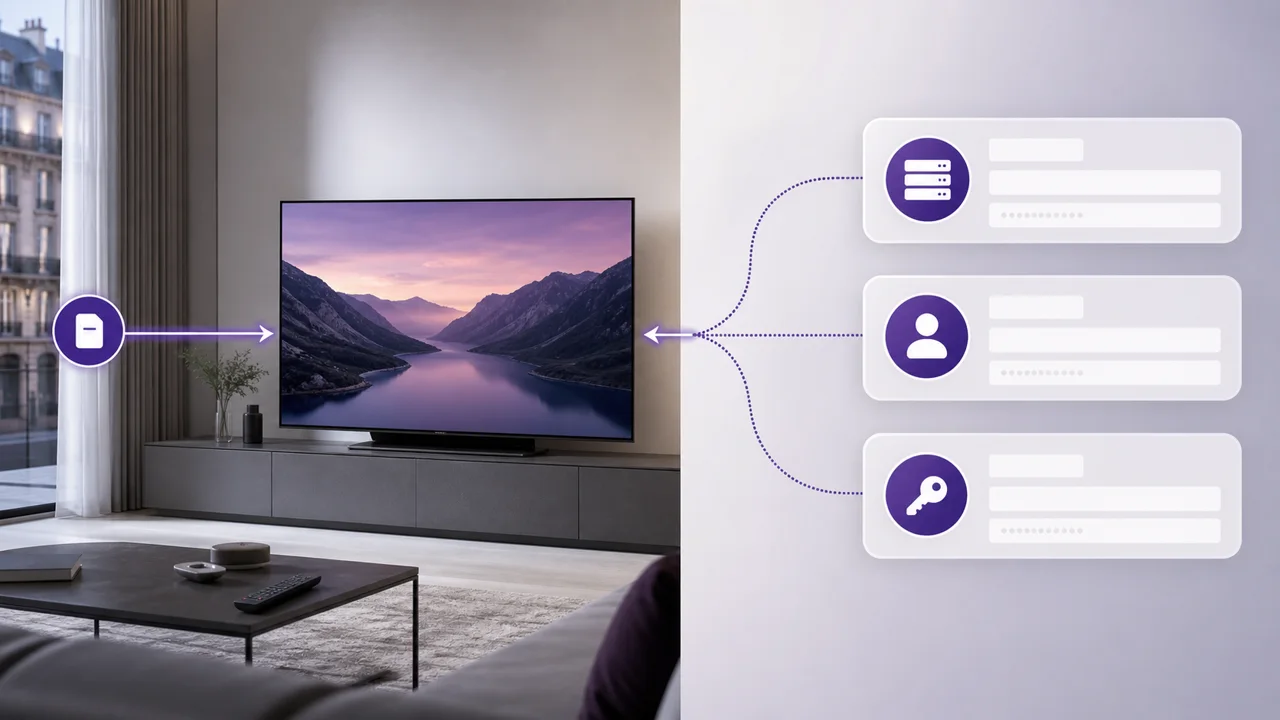
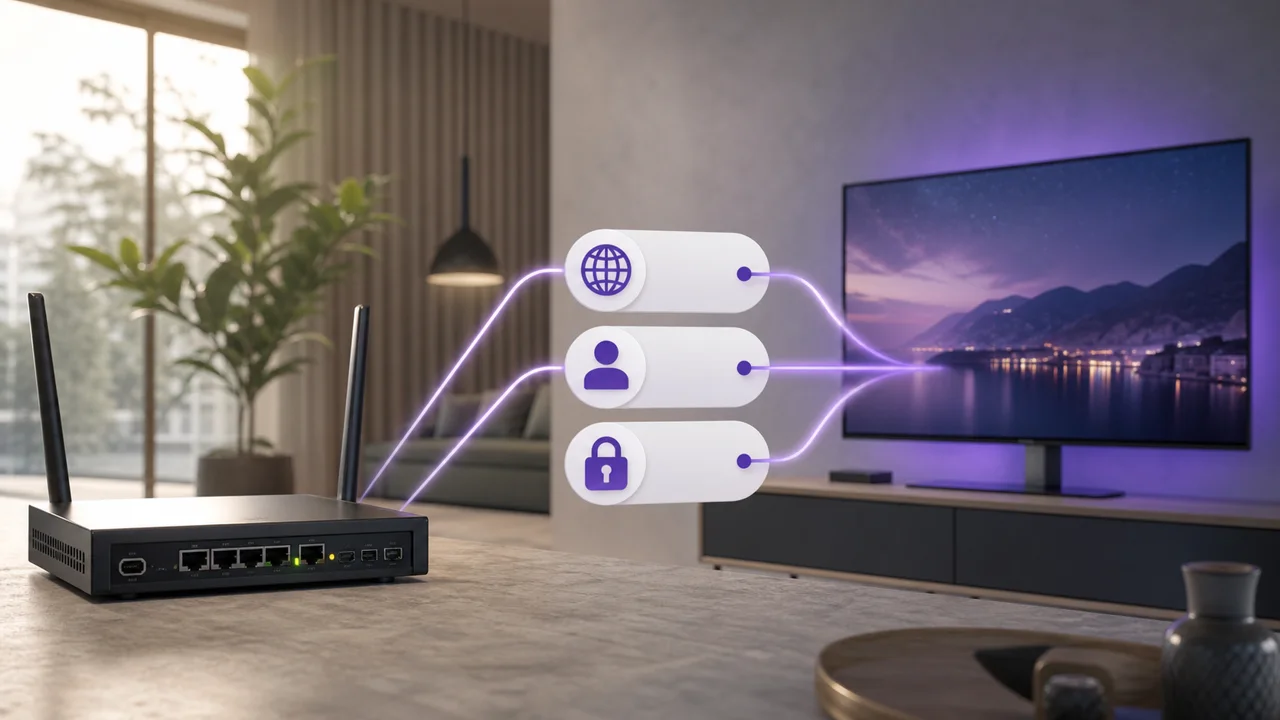
An Xtream Codes connection systematically requests three pieces of information: a server address, a username and a password, as illustrated in the diagram above:
| Field | Role | Format example |
|---|---|---|
| Server Address | URL of the IPTV server, with its port | http://exemple-serveur.fr:8080 |
| Username | Unique identifier associated with your subscription | Provided by email |
| Password | Key associated with this identifier | Provided by email |
The server address generally includes a port number (often after the colon, like :8080): this number is an integral part of the address and must be copied exactly, without omitting it. A common mistake is to only enter the domain name without the port, which prevents any connection.
What does the app load once connected?
Once the three fields are validated, the application queries the server via the API and can display three sets of content separately:
- live (channels in real time, organized by categories);
- VOD (films and series on demand);
- the EPG (program guide), when the server provides it.
It is this automatic separation into distinct sections which most visibly differentiates an Xtream Codes connection from a simple M3U list, where everything generally appears in a single list, according to the player's own organization. Applications like TiviMate or IPTV Smarters Pro take full advantage of this structure via their dedicated “Xtream Codes API” login screen.
What is the real difference between Xtream Codes and M3U?
The difference does not relate to the quality of the video stream, identical in both cases since it is the same subscription. It concerns the connection method and the organization of the catalog:
- M3U transmits a single URL that the player interprets as a list, according to the structure described in our article on the anatomy of an M3U file.
- Xtream Codes passes three distinct identifiers and lets the application query the server to dynamically construct live, VOD and EPG. The M3U format also remains more universally compatible, including with simple players that do not offer any dedicated IPTV connection screen, as documented in the format's reference entry on Wikipedia. Our comparison M3U or Xtream Codes details how to choose between the two depending on your application.
What do you do about a connection error?
The most common errors come from a typo in one of the three fields, especially on mobile where copying can add an invisible character. If the connection fails despite carefully checked entry, this may indicate account expiration or exceeding the number of simultaneous connections included in your plan, a detailed point on our rates page. Our dedicated article on the Xtream Codes authentication error details each error code and its most likely cause.
In summary
Xtream Codes is an IPTV connection method via API, which relies on three fields (server, user, password) to deliver a catalog organized into distinct sections. It does not technically replace the M3U format, but offers more structured navigation when the application supports it. Visit our FAQ for other common setup questions.
Frequently asked questions
What exactly is an Xtream Codes connection?
It's a structured connection method: your application connects to a server via an API using a server address, username, and password, rather than just a playlist URL. The application then retrieves the live, VOD and EPG in an organized manner.
Where can I find my Xtream Codes identifiers?
They are generally sent by email when activating your subscription: a server address (URL with a port number), a username and a password. Keep this email, you will need it for each new installation.
What does the port number in server address mean?
The port is part of the server's network address and indicates which specific channel the connection is on (often 80, 8080, or a custom number). It must be copied exactly as provided, without omitting or modifying it.
Is Xtream Codes more reliable than M3U?
Neither method is inherently more reliable: stability depends on the server, network and application, not the connection protocol. Above all, Xtream Codes offers a more structured catalog organization when the application supports it.
What to do if Xtream Codes authentication error appears?
First check that the server, user and password are copied without spaces or invisible characters, especially on mobile. If the error persists, it may be due to an account expiration or exceeding the number of simultaneous connections allowed.
Can you use Xtream Codes without a dedicated application?
Some generic players can sometimes reconstruct an equivalent M3U URL from Xtream Codes identifiers, but the intended use remains an application that explicitly offers an "Xtream Codes API" login screen.