Hardware
IPTV decoder: how it works, difference with a box or an app
IPTV decoder explained: in IPTV it is almost always software, not a chip. How it differs from a box or an app, and the rare cases hardware is really needed.
The word “decoder” often evokes a box placed under the television, inherited from cable or satellite television. In IPTV, the reality is different: this guide explains what a decoder actually does, how it differs from a box or a simple application, and in which cases a dedicated device becomes useful.
Decoder, box, application: three words for the same function?
These three terms often overlap in everyday language, but they do not mean the same thing:
- The decoder is a function: it receives an encrypted or compressed signal and transforms it into viewable image and sound. Historically, this function relied on dedicated hardware chips, designed for terrestrial, cable or satellite television broadcasting, as recalled in the reference definition on Wikipedia.
- The box is an external physical device that hosts this function, generally in software form in IPTV. Our dedicated article what is an IPTV box details its role.
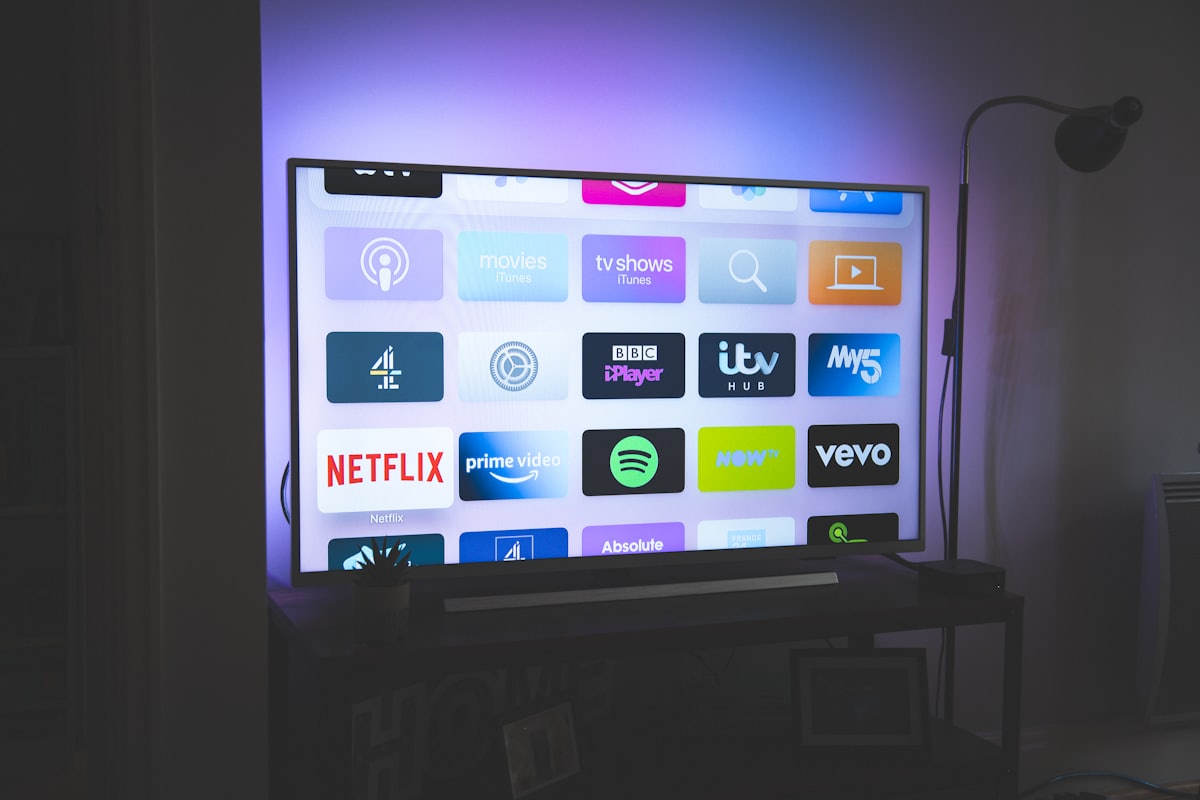
- The application is the program itself (VLC, TiviMate, IPTV Smarters Pro, etc.), which can run directly on a Smart TV, a mobile or a computer, without a box or external decoder.
In summary, an IPTV box contains a software decoder; the two words are not automatically synonyms.
How does an IPTV decoder work, concretely?
Unlike a satellite or cable decoder, an IPTV decoder does not need specialized circuitry to operate: it is almost always software that interprets the video stream sent by the server, as explained in our IPTV definition article. This software runs on any sufficiently powerful device: Smart TV, Android box, computer, smartphone. The category of devices capable of installing and running this type of application, including Smart TV, is described as a common technology family on Wikipedia.
Concretely, decoding an IPTV stream consists of receiving compressed video packets (generally in H.264 or H.265) and transforming them into a displayable image, in near real time. It is this task that the application carries out, without specific hardware intervention in the vast majority of cases.
IPTV decoder vs IPTV box: what is the difference?
The difference is that the decoder is a function while the box is the device that hosts it. An IPTV box is a software variation of the traditional "set-top box," a small dedicated unit that converts a signal into content viewable on a television, as defined on Wikipedia. What sets it apart from a classic satellite decoder is what it decodes: not a terrestrial or satellite signal, but a network stream received via an M3U URL or Xtream Codes credentials.
Asking “do I need a decoder?” therefore often comes down to asking whether you need an external box, or whether the device you already have (Smart TV, computer) can take on this role without additional hardware.
Decoder vs native application: when does hardware become essential?
A dedicated device becomes really useful in specific cases:
- The TV is not a Smart TV and cannot install any applications.
- The available application store is too limited to offer a suitable IPTV player.
- The service used is based on a proprietary portal linked to a MAC address (Stalker/MAG type), which requires a compatible box rather than a simple application.
In all other cases (recent Smart TV, computer, mobile), an application is enough, with no separate hardware decoder.
Comparison table: decoder, box and application
| Term | What it means | Hardware needed? |
|---|---|---|
| Decoder | The function that transforms the stream into a readable image | No, almost always software |
| IPTV box | The external device that hosts a software decoder | Yes, a dedicated physical device |
| IPTV app | The player program (VLC, TiviMate, etc.) | No, installable on an existing device |
What does “code” mean when talking about IPTV decoders?
The term “code” frequently comes up around IPTV decoders, but it covers two distinct realities:
- Xtream Codes credentials: a server address, username and password, entered into the application to load the channels. How this works exactly is detailed in our article M3U or Xtream Codes.
- A rarer activation code linked to a MAC address, used by certain proprietary portals associated with a specific box rather than a generic application.
In both cases, this “code” is not specific to a hardware decoder: it simply allows an application or a portal to authenticate itself with the server.
How do you know if you need a hardware decoder?
You need a hardware decoder only when no device you own can run an IPTV app itself. Ask yourself these three questions, in order:
- Can your TV already install apps (Smart TV)? If so, one application is usually enough.
- Otherwise, do you have another connected device (computer, mobile, console) capable of displaying the stream, possibly connected to the television? This can save you buying anything.
- If none of these options work, an external box is the simplest solution to add this capability to a TV that doesn't have it.
Our installation guides by device detail each configuration, including the box, and our guide how to install IPTV covers the three connection methods step by step.
In summary
In IPTV, the “decoder” is almost always software, not a dedicated chip: it is what transforms the network stream into a watchable image, whether it is running in a box, a Smart TV or a mobile application. A separate hardware decoder only becomes necessary if the device you have cannot run an IPTV application itself. In the event of an unexplained failure after installation, our buffering troubleshooting guide covers the most common causes.
Frequently asked questions
What exactly is an IPTV decoder?
It is a device that receives an encrypted or compressed video stream and “unscrambles” it for display on a television. In IPTV, this role is generally performed by a software application rather than by a dedicated chip, but the principle remains the same: transforming a network stream into a watchable image.
What is the difference between a decoder and an IPTV box?
The decoder refers to the function (unscrambling and playing the stream), the box refers to the physical device that hosts this function. An IPTV box therefore contains a software decoder, just like a Smart TV or a streaming stick.
Do I need a hardware decoder to watch IPTV?
Rarely. Most IPTV services rely on a purely software decoder, integrated into an application. A dedicated hardware decoder is only useful in specific cases, for example certain proprietary portals linked to a specific device.
What does “code” mean when talking about IPTV decoders?
The term covers two different uses: Xtream Codes credentials (server, username, password) that are entered in an application, or more rarely a MAC activation code linked to a specific box or portal. The general principle is explained in our article on M3U and Xtream Codes.
Can you use a classic TNT decoder for IPTV?
No. A TNT decoder only receives the terrestrial broadcast signal and has no connection to the Internet to receive an IPTV stream. You need a connected device (Smart TV, box, computer, mobile) capable of running an IPTV application.
Is a simple application enough, without any additional hardware?
Yes, in the majority of cases. If your Smart TV, computer or mobile can install an IPTV application, the software decoder it contains is more than enough, without a box or external decoder.