Configuration
Structure of an M3U file: anatomy of an IPTV playlist
An M3U playlist is a plain-text file pairing #EXTINF and URL lines. Decode #EXTM3U, group-title, tvg-logo and the .m3u8 UTF-8 anatomy step by step.

Understanding the internal structure of an M3U file helps diagnose display issues (missing logo, misclassified channel) and better understand what your application is actually doing when it "loads" a list. This guide details each line, without technical prerequisites.
What exactly is an M3U file?
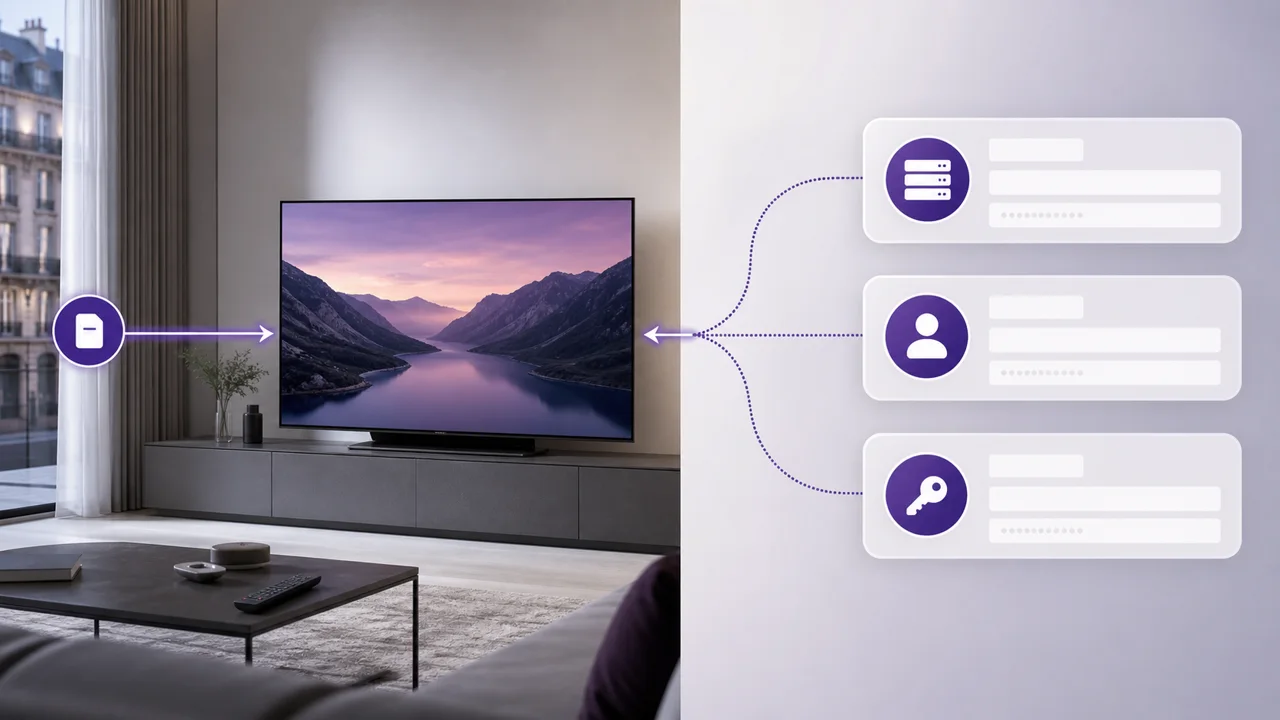
An M3U file is a plain text file (not a video) that references a series of streams or tracks. The format has been around since the early days of MP3 and was later adopted for video streaming, and it remains one of the most widely supported playlist formats among media players today, as documented in its entry on Wikipedia. When an application "opens" an M3U URL, it actually downloads this text file and interprets each of its lines to construct the list of channels displayed on the screen, as shown in the diagram above.
What is the #EXTM3U header for?
The #EXTM3U header is the required first line that identifies the file as an extended M3U playlist. It must sit alone on the very first line, and without it most players refuse to treat the file as a valid channel list:
#EXTM3U
It tells the player that this is an “Extended” M3U file, a format that allows the additional metadata detailed below. A basic M3U file, without this header, would be limited to a simple list of URLs without names or logos.
What does the #EXTINF line contain?
Each entry in the playlist is preceded by a #EXTINF line, which carries the descriptive information for one channel: its duration flag, optional attributes, and the displayed name. Its typical structure looks like this:
#EXTINF:-1 tvg-id="chaine1" tvg-logo="https://exemple.fr/logo.png" group-title="Sport",Nom de la chaîne
https://serveur-exemple.fr/live/chaine1/index.m3u8
Three elements make up this line:
- The duration (
-1for a live stream with no set duration; a positive value would indicate the duration in seconds for on-demand content). - Optional attributes:
tvg-id(identifier used to associate a program guide),tvg-logo(URL of the logo image),group-title(displayed category, for example “Sport” or “Cinema”). - The displayed name, placed after the final comma.
The next line contains the URL of the stream itself: this is the address the player uses to start playing when you select the channel.
What does group-title do in an M3U playlist?
The group-title attribute determines the category under which a channel appears in applications that use it. Without this attribute, or if the player does not support it, all channels typically display in a flat, unsorted list. This is one reason why the same M3U list may appear better organized in one app than in another. Organization depends on how each player interprets that attribute, not on the playlist itself.
What is the difference between M3U and M3U8?
The difference between the two extensions is only in the character encoding. A .m3u8 file uses UTF-8 encoding, necessary to correctly display accents and non-Latin characters in channel names. The extended M3U8 format is also the one used by HLS adaptive streaming (HTTP Live Streaming), where each playlist references successive video segments rather than a single continuous stream, as described by Wikipedia. For classic IPTV use, this distinction remains transparent: almost all current applications accept either extension interchangeably.
How does a player open an M3U URL?
A player opens an M3U URL by downloading the text file and reading its lines, but the interface built on top varies by app. Some applications, like VLC, open the URL directly from their network playback menu, without a dedicated IPTV login screen, an approach documented in the official VideoLAN documentation. Other dedicated IPTV apps, like IPTV Smarters Pro, provide a specific screen for pasting the M3U URL and add their own interface on top of the structure described here.
How do you diagnose a display problem from the M3U structure?
Knowing this structure helps you trace where a display problem comes from, because each visible symptom usually maps to one specific line or attribute:
- Missing logo: the URL entered in
tvg-logois broken or inaccessible from your network. - Misclassified or uncategorized channel: the
group-titleattribute is missing from the #EXTINF line, or the player does not use it. - List that does not load at all: the problem lies upstream, often at the global URL or connection level, not the internal structure of the file. See our dedicated guide if your M3U playlist does not load.
Once you understand the structure, our article on managing an M3U playlist explains how to organize it, update it, and keep it readable over time.
In summary
An M3U file remains a simple structured text file: a header, then pairs of #EXTINF/URL lines that describe each channel. Understanding this anatomy helps you better interpret your application's behavior and distinguish a playlist issue from a network issue. To choose between this method and an Xtream Codes connection, see our article M3U or Xtream Codes.
Frequently asked questions
What is the difference between .m3u and .m3u8?
Both follow the same structure. The .m3u8 extension simply specifies that the file is encoded in UTF-8, which is necessary to correctly display accents and special characters (channel names in several languages, for example). Most current IPTV applications accept both interchangeably.
What is the #EXTM3U line at the very beginning of the file for?
This is the required header that identifies the file as an extended M3U playlist. Without this line in the first position, most players refuse to treat the file as a valid channel list.
What does group-title mean in an #EXTINF line?
This is an optional attribute that indicates the category of a channel (e.g. “Sport”, “Cinema”, “News”). Applications that support it use it to automatically organize the list into sections rather than displaying all the channels in one unsorted list.
Why are some channel logos not displayed?
The logo comes from a URL entered in the tvg-logo attribute of the #EXTINF line. If this URL is missing, expired, or blocked by the network, the player displays a default icon instead of the logo.
Can you open and play an M3U file in a simple text editor?
Yes, an M3U file is a plain text file: you can open it with any editor to inspect its contents. This does not make it playable - only a compatible application (VLC, TiviMate, IPTV Smarters Pro, etc.) can actually read the streams it references.
Does the M3U file contain the video directly?
No. It only contains addresses (URLs) pointing to video streams hosted on a remote server, as well as metadata (name, logo, category). The file itself is only a few kilobytes, regardless of the size of the catalog referenced.