Editor, IPTV applications
Léa Fontaine
Léa follows IPTV applications including TiviMate, IPTV Smarters Pro, GSE Smart IPTV, VLC, Kodi, Perfect Player and OTT Navigator. Before publishing a tutorial, she installs the application on the relevant device and completes the setup herself. She prioritises verifiable official download links over unconfirmed third-party sources.
- TiviMate
- IPTV Smarters Pro
- GSE Smart IPTV
- VLC and Kodi
- Perfect Player
- OTT Navigator
Editorial responsibility
Keeps connection instructions, M3U and Xtream Codes steps, and official application links aligned with the current version of each app.
Every page follows the same editorial methodology.
Articles written by Léa
The best legal IPTV and live TV in Brazil 2026: an honest ranking, real prices and where the football is
An honest ranking of legal IPTV and live TV in Brazil: transparent scores, July 2026 prices and the full map of where every big match is shown.
Read article →
Best legal IPTV in Spain 2026: the ranking, the real prices and how the football is split
Ranked guide to licensed IPTV and live TV in Spain, with July 2026 prices, transparent scores and exactly where LaLiga and the Champions League are.
Read article →
12 best IPTV subscriptions in Quebec (2026)
The best IPTV in Canada for 2026: 12 Quebec subscriptions compared, free and paid, on real prices, live channels, devices and hockey (RDS, Sportsnet).
Read article →
Activate IBO Player: MAC address, device key and M3U playlist
Activate IBO Player in 3 steps: note the MAC address and device key, pair them on the iboplayer.com portal, then add your M3U playlist URL there.
Read article →
GSE Smart IPTV: configure the application with Xtream Codes or M3U
GSE Smart IPTV setup: enter Xtream Codes credentials or an M3U URL on iOS, Apple TV, Android, macOS or Windows, plus an XMLTV EPG, step by step.
Read article →
IPTV in a web browser: what really works
IPTV in a web browser: a web player can open a compatible M3U stream, but three limits bite — no reliable background playback, DRM issues and no EPG.
Read article →
IPTV in Kodi: configure PVR IPTV Simple Client with M3U and EPG
Kodi IPTV setup with the official PVR IPTV Simple Client add-on: install it, add your M3U playlist, then a separate XMLTV EPG URL, step by step.
Read article →
IPTV on Apple TV: available applications and real limits
IPTV on Apple TV means installing a player like IPTV Smarters Pro from the App Store; sideloading needs Xcode and stays dev-only. Connect via Xtream or M3U.
Read article →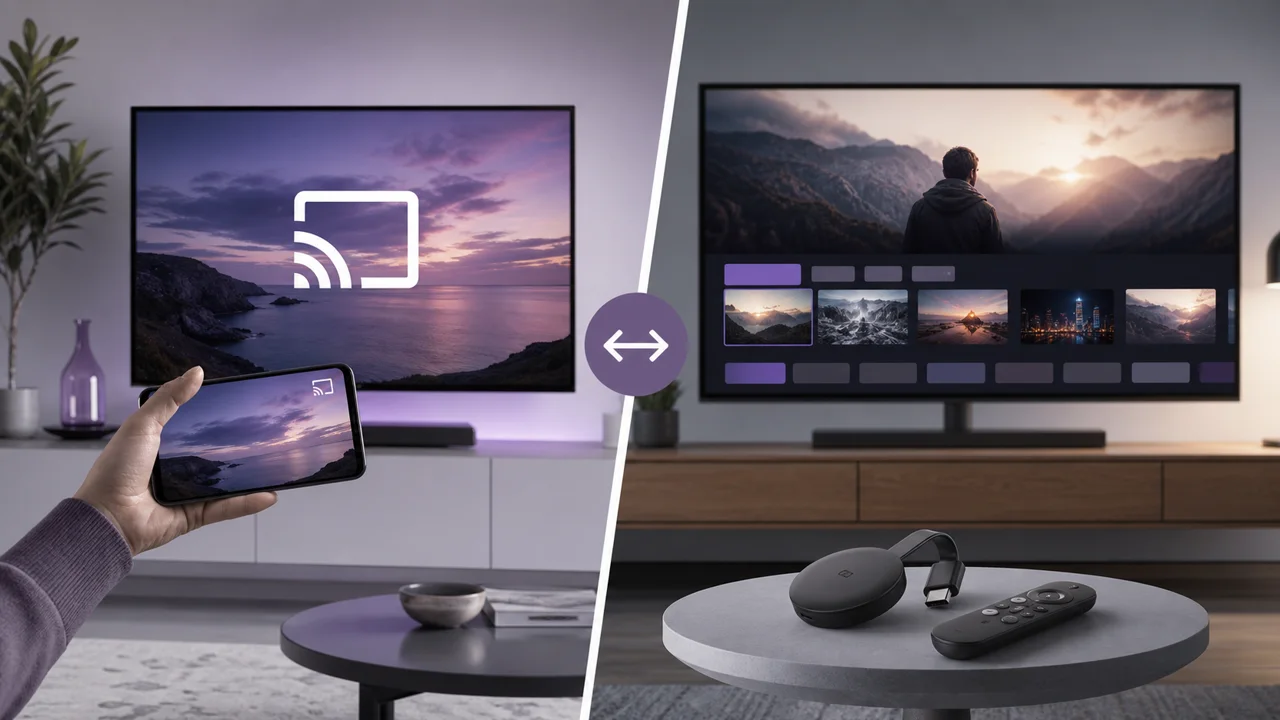
IPTV on Chromecast and Google TV: cast or install the application?
IPTV on Chromecast: cast from a mobile app, or install a native player on Chromecast with Google TV. Compare the two methods, their steps and real limits.
Read article →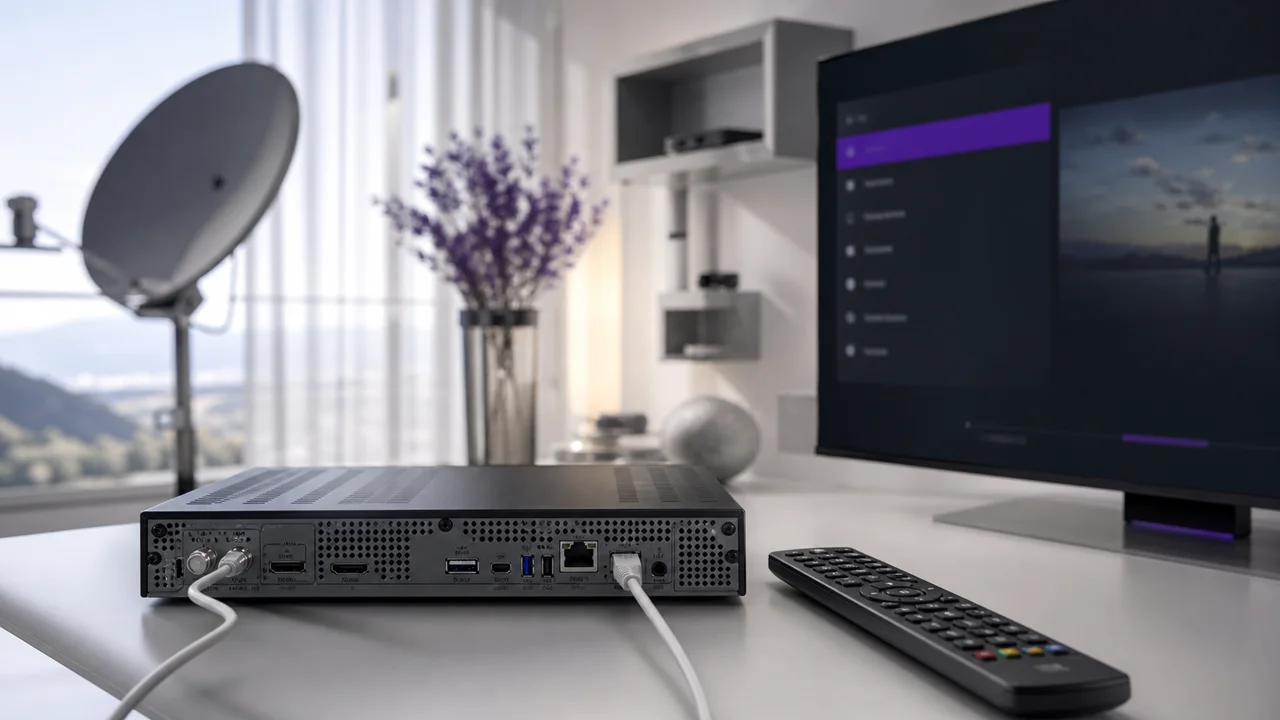
IPTV on Enigma2 (Vu+, Dreambox): portal and M3U list
Set up IPTV on an Enigma2 receiver (Vu+, Dreambox): install an IPTV plugin from the image's extensions manager, then connect an M3U URL or Xtream Codes.
Read article →
IPTV on Mac: which software to choose and why macOS may block it
IPTV on macOS: compare a dedicated Xtream Codes player, VLC and Kodi, and see why Gatekeeper can block legitimate software on first launch, then allow it.
Read article →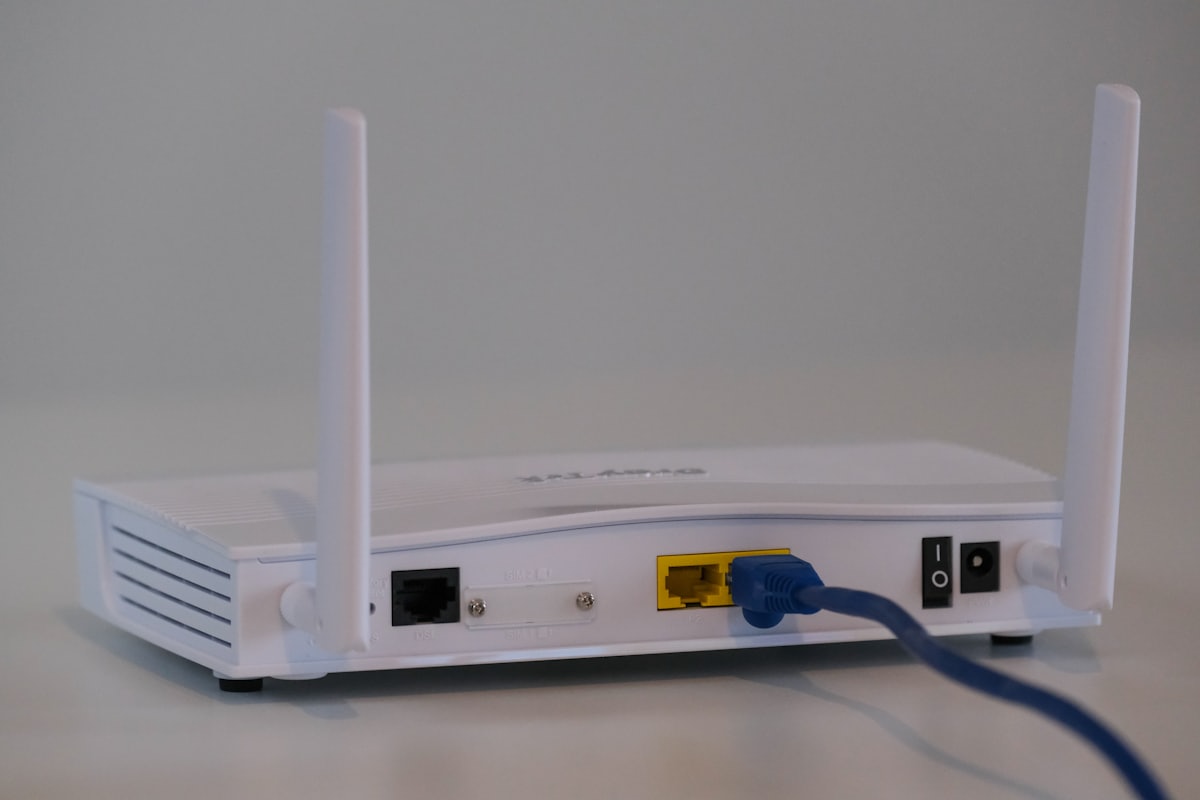
IPTV on Orange or SFR box: what works (and what doesn’t work)
Install IPTV on an Orange or SFR box: why the operator decoder is locked, why the box works only as an internet access point, and the real network limits.
Read article →
IPTV on Roku: why it's limited and the realistic alternatives
IPTV on Roku is limited: strict Channel Store rules make Xtream Codes players rare, so use realistic alternatives like AirPlay 2, mirroring or a second box.
Read article →
IPTV on Windows PC: IPTV Smarters Pro, VLC or Kodi?
IPTV Smarters Pro on Windows vs VLC and Kodi: compare all three players and follow step-by-step Xtream Codes or M3U setup for each on your Windows PC.
Read article →
IPTV parental control: configure restrictions per application
IPTV parental control works app by app: set a PIN, lock adult categories and add a restricted device profile. No single universal setting exists.
Read article →
IPTV Smarters Pro vs TiviMate: which one to choose depending on use
IPTV Smarters Pro vs TiviMate compared by use: devices, EPG and ease of setup. Smarters covers mobile and Fire TV; TiviMate targets Android TV boxes.
Read article →
Perfect Player: configure the playlist and EPG (XMLTV)
Perfect Player setup: add an M3U or Xtream Codes playlist, then a separate XMLTV EPG URL. The two settings are independent — each explained step by step.
Read article →
TiviMate: the complete guide (installation, EPG, groups, tips)
TiviMate setup: install on Android TV, connect via Xtream Codes or M3U, configure the EPG grid, build custom channel groups, plus free vs Premium.
Read article →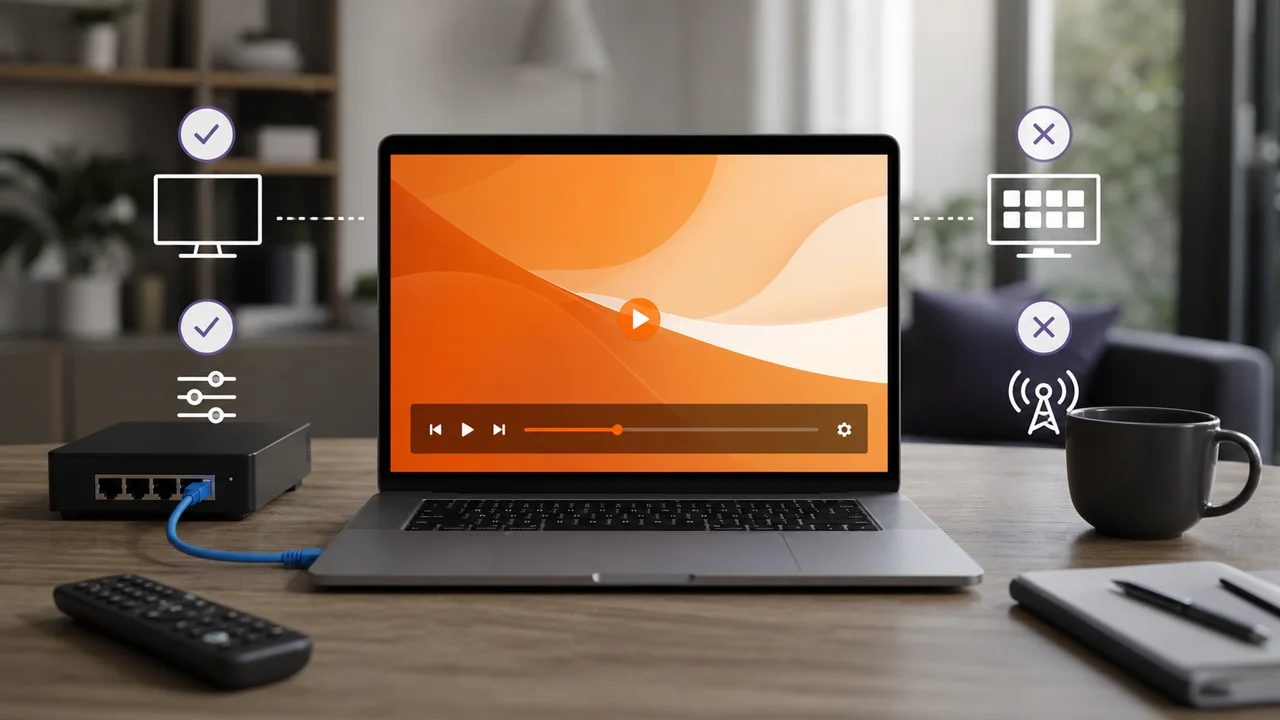
VLC and IPTV: what the player allows, and what it does not replace
IPTV on VLC: open an M3U URL in seconds from Open Network Stream, no Xtream Codes. What VLC allows and its limits — no EPG, categories or catch-up.
Read article →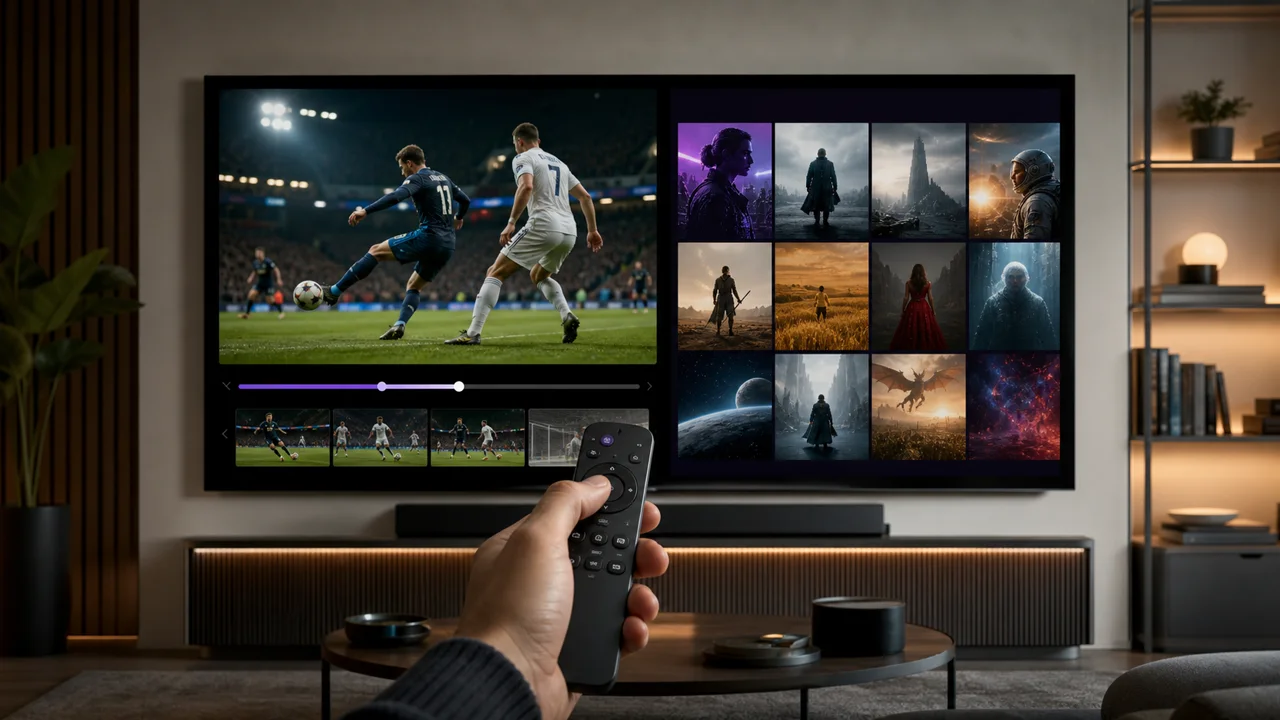
VOD or direct IPTV: what is the difference and how does it work?
IPTV VOD or live: how each mode delivers content, when to use which, and how to switch between video on demand and live channels inside the same app.
Read article →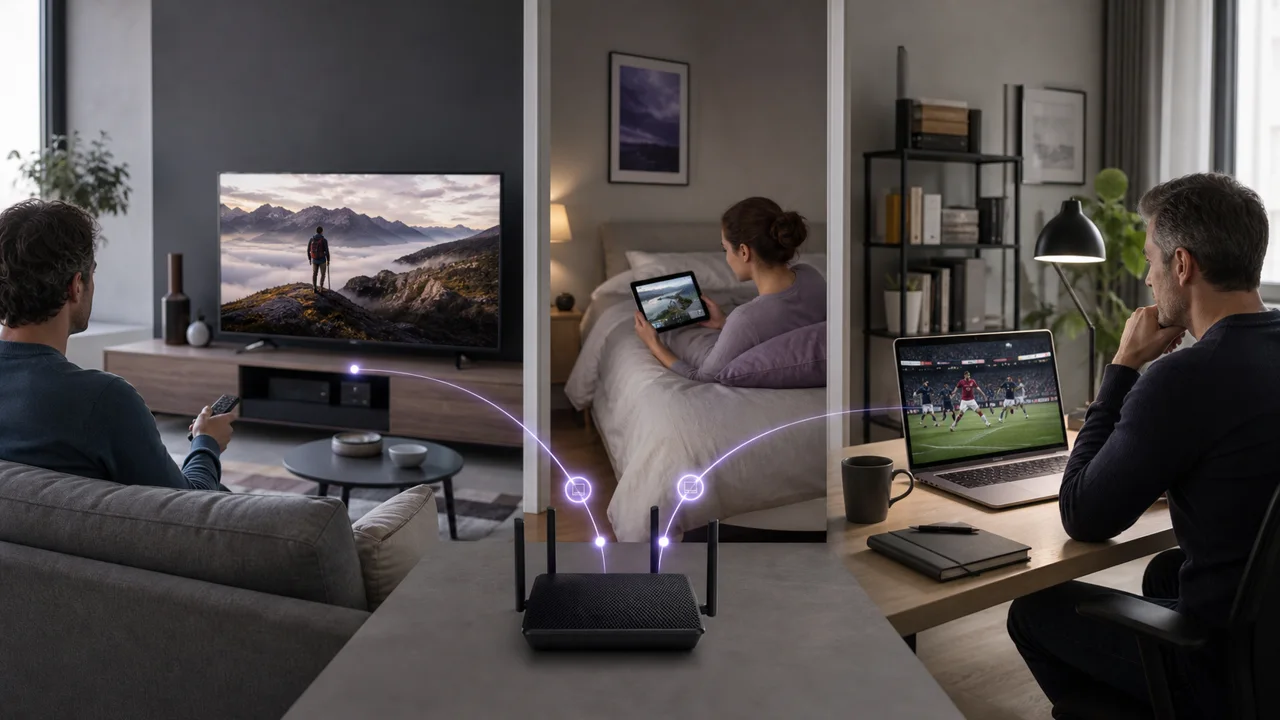
IPTV multiple screens: how many simultaneous connections to choose?
IPTV multiple screens: what counts is simultaneous connections, not installed devices. Pick 1, 2 or 3 streams based on screens active at once.
Read article →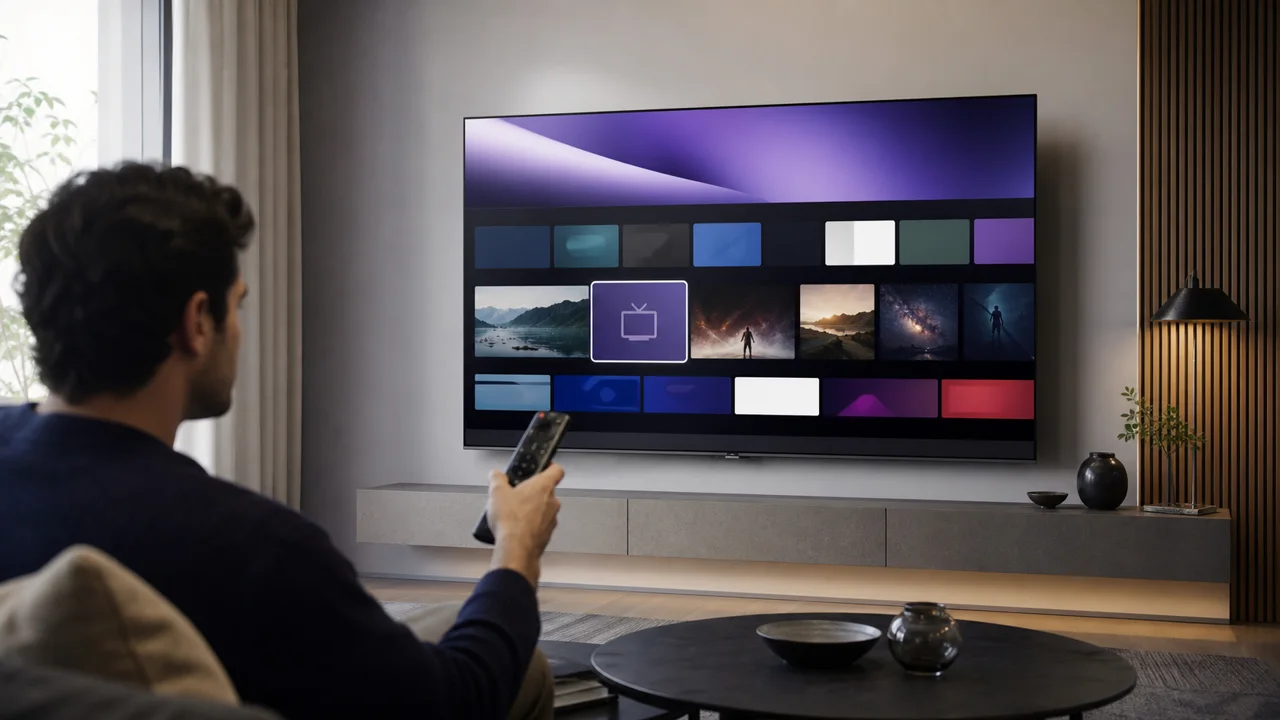
Install IPTV on a Samsung TV without a box
IPTV on a Samsung TV without a box works when Smart Hub lists a compatible player: check the store first, then set up M3U or Xtream Codes in minutes.
Read article →
Which IPTV application to choose in 2026? The comparison
Which is the best IPTV app for 2026? Compare IPTV Smarters Pro, TiviMate, IBO Player, VLC and Smart IPTV by device, connection method, EPG and ease of use.
Read article →Ready to try IPTV4KSubscriptions?
Request a free trial on your device, with no payment card required.