Installation
IPTV on Apple TV: available applications and real limits
IPTV on Apple TV means installing a player like IPTV Smarters Pro from the App Store; sideloading needs Xcode and stays dev-only. Connect via Xtream or M3U.
Unlike an Android TV box, Apple TV only allows the installation of applications from a single official channel: the tvOS App Store. This locked-down approach changes how you handle IPTV on this device, particularly around sideloading, which is often misunderstood.
How do you install an IPTV app from the App Store?
On Apple TV, an IPTV player installs only from the tvOS App Store, in four steps: open the store, search the player by name, check its publisher, then install it.
- From the Apple TV Home screen, open the App Store.
- Search for the exact name of the desired player, for example IPTV Smarters Pro.
- Verify the publisher displayed on its listing before installing, as recommended by Apple's support page on downloading apps.
- Select Get or Install, depending on the price of the app, then wait for the download to complete.
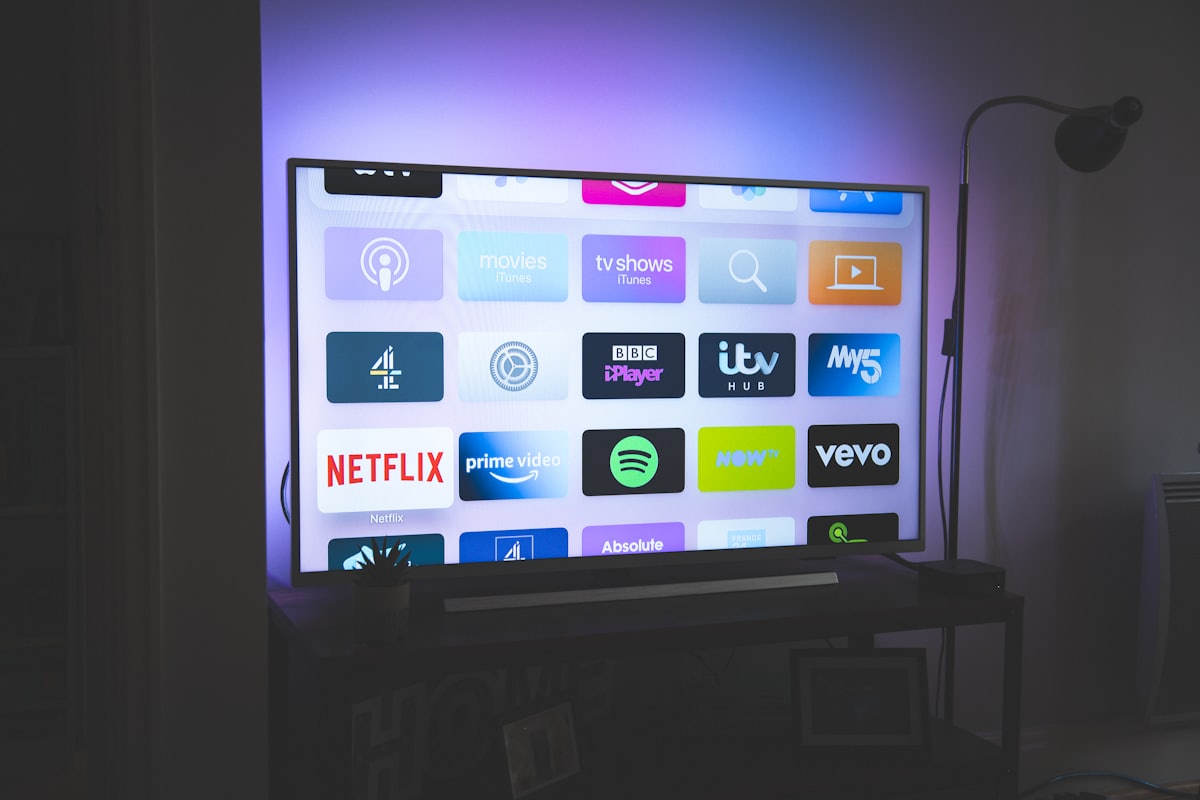
Once installed, the app appears on the home screen just like regular streaming apps, as confirmed by the Apple documentation on installing apps.
How do you connect the app to your subscription?
Open the player and enter either your Xtream Codes credentials (server, username, password) or your full M3U URL: those are the two connection methods every Apple TV IPTV app supports.
- Open the installed application and choose the connection method offered.
- For Xtream Codes, enter the server address, username and password received with your subscription.
- For an M3U URL, paste the full address of the playlist, without spaces at the beginning or end.
- Confirm and let the application load all categories before testing a channel.
Typing on the Apple TV keyboard can be tedious for a long URL or complex password: the Remote app on iPhone makes typing faster via the phone's touch keyboard.
Can you sideload IPTV apps on Apple TV?
No, Apple TV has no consumer sideloading method: unlike Android TV, it does not let you install applications outside its store. The only alternative route is a development tool: Xcode allows a developer with a free Apple developer account to install an application directly on their own device for testing, as described in the Apple Developer tvOS documentation. This procedure requires a Mac, Xcode and technical knowledge. It is not a practical shortcut for everyday use and does not provide access to an application that its publisher has not distributed elsewhere. For normal use, the App Store therefore remains the recommended route.
What are the limits to be aware of?
Apple TV IPTV has four practical limits: variable app availability, no manual install file, slow on-screen typing, and network-dependent playback.
- Variable availability: some applications on iPhone do not have a tvOS version, or are limited to certain countries depending on the Apple account used.
- No file to copy manually: unlike an Android TV box, no external installation file can be used without using the development tools described above.
- Slower keyboard input: use the Remote app on iPhone for long credentials.
- Unstable playback: if the image freezes after a successful installation, the cause is almost always network rather than software; see our buffering troubleshooting guide.
In summary
On Apple TV, always install the IPTV app from the official App Store, then configure it with your Xtream Codes credentials or M3U URL. Sideloading via Xcode exists, but remains a development tool, not an installation method for everyday use. To also install on iPhone or iPad, consult our universal installation guide and our article on what is an IPTV box to compare with other devices.
Frequently asked questions
Which IPTV apps officially exist on the Apple TV App Store?
Several Xtream Codes or M3U compatible players are available, such as IPTV Smarters Pro. Their presence and functions may vary depending on the version of tvOS and the country of the Apple account used.
Can you install an IPTV application without going through the App Store?
Technically, Xcode allows a developer to install an application on their own Apple TV with a free developer account, without going through the App Store. This is for development testing only, not a consumer installation method.
Do you need a paid developer account to use Apple TV normally?
No. Standard use of the Apple TV is only through the App Store, without any developer account. This account is only used for the developer-only testing method mentioned above.
How do I connect an IPTV application on Apple TV to my subscription?
Open the installed application, choose Xtream Codes or M3U according to the information received, then enter the server, username and password, or the full URL of the playlist.
Why doesn't an app available on iPhone appear on Apple TV?
A developer can release an iPhone version without a dedicated tvOS version, or limit its availability to certain countries. Check the app's listing on the Apple TV's own App Store, which is separate from the iPhone's.
Does Apple TV show an EPG like an Android TV box?
It depends entirely on the installed application, like on other platforms. The EPG is not a function of the Apple TV system but of the chosen player.