Installation
IPTV on Mac: which software to choose and why macOS may block it
IPTV on macOS: compare a dedicated Xtream Codes player, VLC and Kodi, and see why Gatekeeper can block legitimate software on first launch, then allow it.
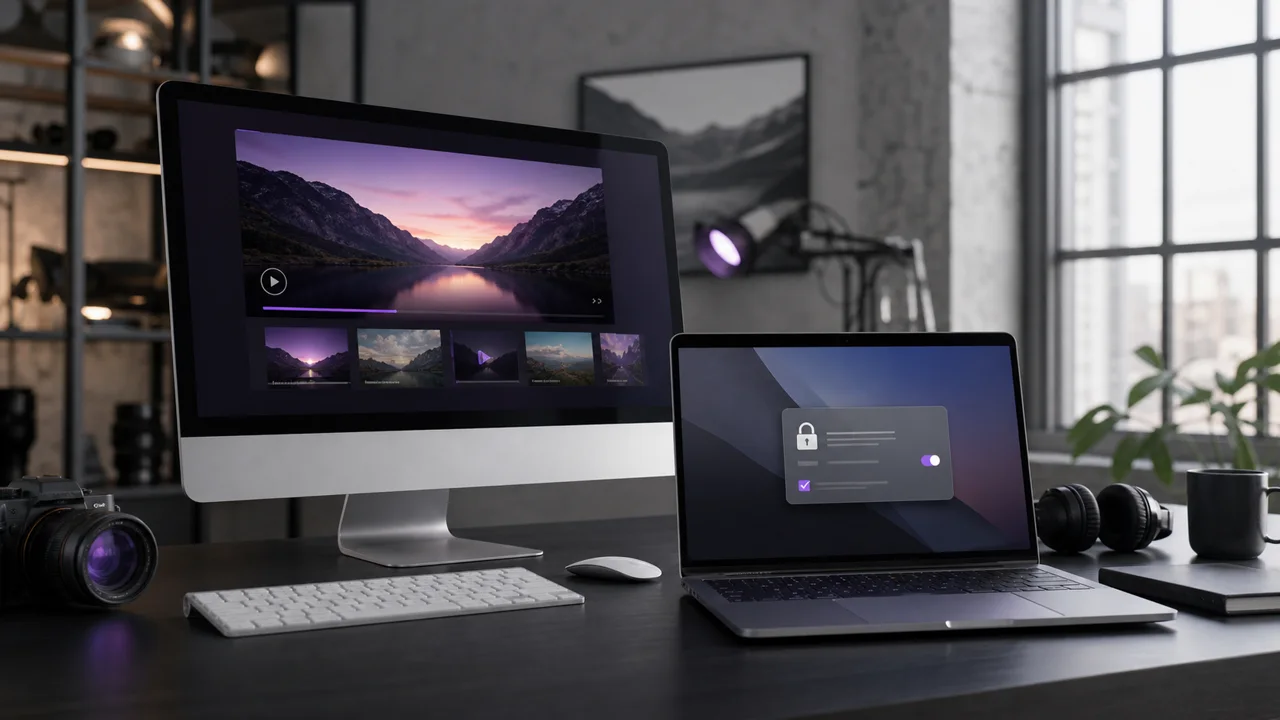
On macOS, IPTV depends entirely on the installed software, since no application comes preconfigured for this use. This guide compares the available options and details why some players, although legitimate, may be blocked on first launch.
Which dedicated IPTV player should you choose for Mac?
A dedicated Xtream Codes player is the best choice on Mac when you want categories and an EPG organised around your credentials. Several such players exist in macOS versions. Once installed and launched:
- Create a profile in the app and give it a name.
- Enter the server address, username and password received with your subscription, or directly paste the M3U URL depending on the connection method offered.
- Confirm and wait for the categories to finish loading.
- Check for the presence of the EPG if your subscription provides one: this function depends entirely on the chosen player, not the macOS system.
How do you open an M3U URL in VLC on Mac?
VLC opens an M3U URL through its network menu, with no categories or EPG. VLC, published by VideoLAN, works identically on Mac and Windows:
- Open VLC, then File > Open Network, or the equivalent network menu depending on the installed version.
- Paste the full M3U URL, without added spaces.
- Start playing, then display the playlist to navigate between available channels.
VLC remains the quickest solution to verify that a URL works, without organization by categories or EPG.
Does Kodi on Mac need a PVR extension?
Yes: as on other systems, Kodi does not support IPTV natively, so a PVR extension is required. Install one (like PVR IPTV Simple Client) from the Kodi extensions repository, enter the M3U URL or the Xtream Codes credentials in its settings, then open the Live TV section to find your channels with their program schedule if the EPG is provided.
Why does macOS block some IPTV players on first launch?
macOS blocks some players because Gatekeeper verifies the signature and origin of each application before allowing it to open. Software downloaded outside the Mac App Store may show an "unidentified developer" warning even when it is perfectly legitimate. In this case, Apple support on opening an app from an unidentified developer details the procedure to follow to manually authorize the software from the security settings.
Three checks before authorizing a Gatekeeper block:
- The origin of the file: only the official website of the publisher, never a third-party link or a search engine.
- The name of the developer displayed: it must correspond exactly to the publisher announced on the official website.
- Compatibility announced: minimum version of macOS and Apple Silicon or Intel support, depending on your Mac.
Never bypass this warning for a file whose origin is uncertain.
Quick comparison
| Software | Categories | EPG | Configuration |
|---|---|---|---|
| Dedicated Xtream Codes player | Yes | Yes, if provided by the subscription | Simple, one screen |
| VLC | No, simple playlist | No | Immediate, a URL is enough |
| Kodi + PVR extension | Yes | Yes, if provided by the subscription | One extra step (extension) |
In summary
On Mac, a dedicated IPTV player organizes categories and the EPG around your Xtream Codes credentials, VLC is suitable for quickly testing an M3U URL, and Kodi adds an EPG at the cost of an extension to install. Always download these programs from their official websites to avoid an unwarranted Gatekeeper block. For a household that also has a Windows PC, our article IPTV on Windows PC details the Windows equivalents of these same programs, and our universal installation guide summarizes the three connection methods common to all devices.
Frequently asked questions
Why does macOS block some IPTV players on first launch?
Gatekeeper, the security mechanism of macOS, verifies the signature and origin of applications before authorizing them. A block does not necessarily indicate malware, but the software must always come from its publisher's official website before you authorize it manually.
Does the same player work on Apple Silicon (M-series) and an Intel Mac?
Not always. Some publishers publish a universal version, others separate versions depending on the processor. Check the compatibility stated on the download page before installing the software.
Does VLC for Mac offer the same functions as on Windows?
Yes, opening an M3U network stream works according to the same principle on macOS, with a slightly different menu depending on the installed version.
Do you need a specific extension to use Kodi on Mac?
Yes, like on other systems: Kodi does not handle IPTV natively. A PVR extension like PVR IPTV Simple Client must be installed before adding an M3U list or Xtream Codes credentials.
Can I use AirPlay from my Mac to my Smart TV to watch IPTV?
This depends on the player used, the stream format and the AirPlay receiver available on the TV. Test this feature with your chosen player before assuming it is available.
What should I do if the software refuses to open even after verifying the developer?
Check the minimum version of macOS required by the software and compatibility with your chip. Software that is too old or not updated may remain incompatible with the latest versions of macOS.