Installation
Install IPTV on a Samsung TV without a box
IPTV on a Samsung TV without a box works when Smart Hub lists a compatible player: check the store first, then set up M3U or Xtream Codes in minutes.
A Samsung Smart TV can play IPTV access without an external box when a compatible player is offered in its application store. Availability varies by model, Tizen version, and country associated with the Samsung account. The right first step is therefore to check Smart Hub directly before purchasing an additional device.
How do you check your Samsung TV before installing IPTV?
Before buying any box, open Home, then Apps on the TV and search for an IPTV player by its exact name: if a compatible player is listed in Smart Hub, your Samsung can run IPTV on its own. Samsung says an internet connection and, depending on the model, a Samsung account are required to install apps from Smart Hub. The official procedure is detailed in Samsung France support.
If the player you are looking for appears in your TV's store, open its listing, check the name of the publisher, then install it. If it does not appear, this does not prove that the TV is defective: the application catalog may differ depending on the model and region.
How does a Smart TV work?
A Smart TV is an Internet-connected television that runs its own system (Tizen on Samsung) and offers an integrated application store, Smart Hub. Unlike an external box, it does not need an additional device connected via HDMI to install a player: the application is installed directly on the television, just like a video player or a classic streaming application. IPTV is never a native feature of the TV, however; it always depends on a third-party app that you choose and configure yourself.
Which connection method should you choose?
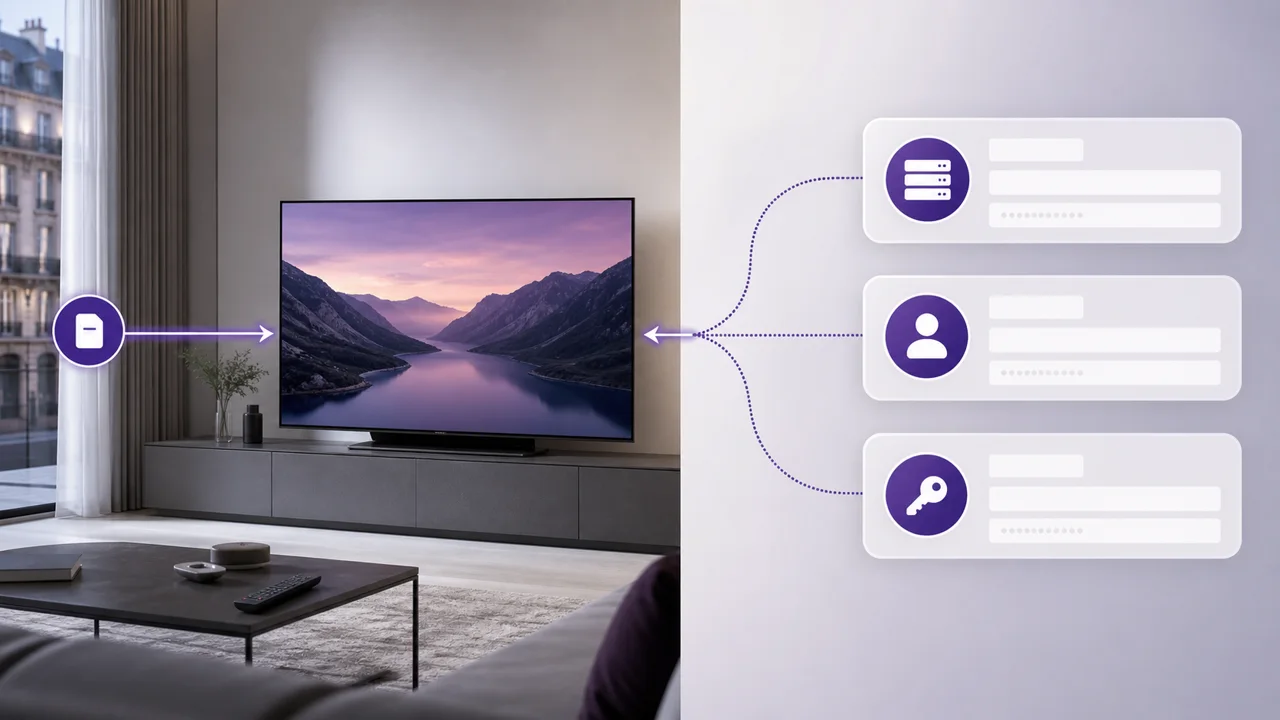
Samsung players use one of three connection methods: Xtream Codes, a full M3U URL, or a MAC-address portal. Not all players use the same one, so check which a player accepts before you install it.
- Xtream Codes requests a server address, username and password.
- M3U requests the full URL of the list received with your access.
- Portal with MAC address (used by Smart IPTV, for example) requires pairing the television from the app publisher's website.
Our Samsung Smart TV guide explains the common steps, the M3U versus Xtream Codes comparison covers the first two methods, and the application directory helps you find the guide for your chosen player.
How do you install an IPTV app from Smart Hub?
Installing takes six steps: connect the TV, search the store, check the publisher, install, then enter your access details and let the categories load.
- Connect the TV to the Internet and open Home > Apps.
- Search for the exact name of the player you chose.
- Check the publisher shown, then select Install.
- Open the application and choose the method that matches your access.
- Enter the information received by email, without adding any spaces.
- Let the app load the categories before testing a channel.
The labels change from one player to another. An option can for example be called Add user, Login with Xtream Codes API, M3U URL or External playlist.
External box or integrated application: what to choose?
| Situation | Recommended solution |
|---|---|
| A compatible player exists in Smart Hub | Built-in app, no IPTV box needed |
| The TV does not have a Smart Hub (older model) | Android TV box or Fire TV Stick |
| No suitable player is offered for this model | Compatible external box |
| You prefer an application not available on Tizen | External box or external IPTV decoder |
When is an external box useful?
An Android TV box or a Fire TV Stick becomes useful in three situations: the TV does not have a Smart Hub, no suitable player is offered for this model, or you prefer an application not available in Tizen. The box does not modify your subscription; it simply adds another application environment, distinct from a classic IPTV decoder connected via HDMI.
Before purchasing, check for available software updates in Samsung settings, then search the store again. If the app is still missing, choose a compatible box and follow the Android TV guide or the Fire TV Stick guide.
Wi-Fi or Ethernet cable?
Samsung recommends the Ethernet cable when possible: it reduces variations linked to distance and interference, as detailed in Samsung support on Wi-Fi connection problems. However, stable Wi-Fi remains sufficient for many uses. If you get interruptions, first test a channel with the television moved close to the router or temporarily connected by cable: this comparison tells you whether the local network is the cause.
The resolution actually displayed depends on the available content, the bandwidth, the application and the TV's capabilities. The presence or absence of a box does not transform an HD stream into 4K. Our guide to streaming buffering provides a step-by-step diagnostic method if playback remains unstable after installation.
In summary
Start by searching for a player in Smart Hub: if it is available for your model and accepts M3U or Xtream Codes, no box is needed to enjoy IPTV on your Samsung TV. If the store does not offer a suitable application, an external box is a fallback solution, without changing your IPTV4KSubscriptions plan.
Frequently asked questions
I can't find the recommended application in Smart Hub. What to do?
Check spelling, Samsung account country and TV updates. If it remains missing, choose another available player or use a compatible external device.
Can I use the Samsung remote?
Yes, when an app has been designed for Tizen, its primary navigation works with the TV remote. The exact ergonomics, however, depend on the player.
Is my access linked to the TV?
M3U or Xtream Codes access can be configured on different compatible devices. Simply respect the number of simultaneous streams allowed by your plan.
Why are categories not showing after login?
Check each character of the address, username and password, then try the refresh again. If the app uses a MAC address, make sure you record the one it displays, not the TV's network address.
What is Smart IPTV (SIPTV) and why does it go through a web portal?
Smart IPTV is a third-party application available on certain Samsung and LG models. Since the remote control doesn't make it easy to enter a long URL, the publisher offers a web portal (siptv.app) where you associate your list with the MAC address displayed by the application on the TV.
Does a Smart TV have IPTV natively integrated?
No. A Smart TV refers to a television connected to the Internet capable of installing applications from an integrated store (Smart Hub on Samsung). IPTV is not a native function of the television: it always goes through a compatible third-party application that you install yourself.