Configuration
IPTV in a web browser: what really works
IPTV in a web browser: a web player can open a compatible M3U stream, but three limits bite — no reliable background playback, DRM issues and no EPG.
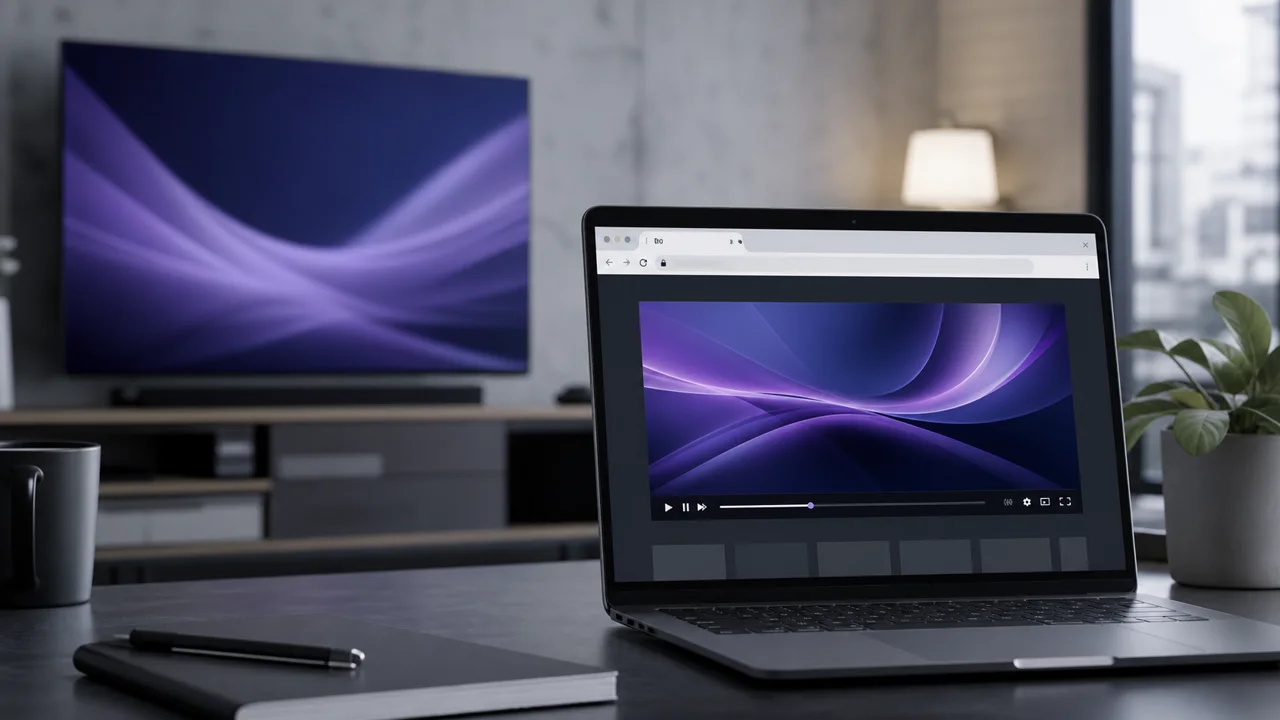
Some searches are for an “in-browser” IPTV player, without installing an app. It is technically possible in specific cases, but with limits worth knowing before making it your main method. This guide explains what really works and why a dedicated application is preferable for regular use.
What is an IPTV “web player”?
An IPTV web player is, strictly speaking, a web page that opens a video stream from a URL, generally by relying on the browser's native video tag or a JavaScript library that knows how to decode an HLS (HTTP Live Streaming) stream, the protocol used by many IPTV streams. The MDN Web Docs documentation on streaming audio and video confirms that modern browsers can play this type of stream, provided the format is supported natively or via a suitable library.
However, this is not the same as a complete IPTV application like IPTV Smarters Pro or TiviMate: most web players are limited to displaying a single video, without building a channel catalog, a VOD or an EPG.
What actually works in a browser?
In a browser, a web player reliably does one thing: open a single compatible M3U stream so you can test a channel or troubleshoot on a device with no player installed. What that covers:
- Open a simple M3U URL: if the referenced stream is in a compatible format, a browser can play it directly, a bit like VLC does once installed on the computer, except that it happens in a web page rather than in software.
- Quickly test a channel: useful for checking that a URL works, without installing an application first.
- Troubleshoot a device without an installed IPTV player: occasionally useful, particularly on a shared computer.
Big limitation #1: no reliable background playback
Browsers intentionally limit the activity of inactive tabs to save resources and device battery. A stream open in a tab that you leave, or a screen that locks, can pause or cut off without warning. An installed IPTV app, conversely, is designed to continue current playback even when you change screens, something a browser tab does not guarantee.
Big limitation #2: DRM can block certain streams
Some protected video streams require a digital rights management (DRM) system to decrypt. The W3C, the organization that defines web standards, documents this mechanism under the name Encrypted Media Extensions (EME): it allows a browser to communicate with a decryption module, but the availability and behavior of this module vary depending on the browser, the operating system and the device. In practice, a protected stream that works in a native application is not guaranteed to work identically, or even at all, in a browser.
Big limitation #3: (almost) never an EPG
A basic web player opens a video stream, period. It generally does not build the program schedule that a dedicated IPTV application offers, the same limitation as documented in our EPG guide about VLC. If the program guide matters to you, a web player is not the right option.
Browser vs dedicated app: what is the difference?
The difference is scope: a browser plays a raw stream with no install, while a dedicated app adds stable background playback, an EPG and organized categories. Side by side:
| Criterion | Player in a browser | Dedicated IPTV application |
|---|---|---|
| Installation | None | Required |
| Background playback | Unreliable | Generally stable |
| EPG | Almost never displayed | Generally available |
| Categories / VOD | Rarely built | Organized by the app |
| Good for | Quick test, one-off troubleshooting | Daily use |
When should you use a web player?
Use a web player only for one-off cases, never as your main method. Reserve the browser for specific situations: verifying that an M3U URL responds before configuring an application, temporarily troubleshooting on a computer without a player installed, or testing a channel while waiting to install the application adapted to your device. For daily use, always prefer a dedicated application: our guide how to install IPTV details the three universal methods, and our IPTV guide on Windows PC lists the players you can install on a computer.
Common troubleshooting
- Blank page or playback error: the stream format is probably not natively supported by your browser; try a different browser or switch to a dedicated app.
- The video cuts when changing tabs: normal behavior of a tab placed in the background, not a problem related to your access.
- Nothing is displayed despite a correct URL: check that the URL was copied with no spaces, then test the same address in VLC to isolate the cause.
In summary
A browser can open a compatible IPTV stream, but remains a troubleshooting solution: no reliable playback in the background, possible complications with DRM, and an EPG that is almost always missing. For comfortable daily use, an IPTV application dedicated to your device remains the right choice, so consult our IPTV application comparison to choose yours.
Frequently asked questions
Can you watch IPTV directly in a browser, without an application?
To a certain extent, yes: a browser can open a video stream if the format is supported and no DRM protection prevents it. In practice, this remains a one-off solution rather than a comfortable daily method.
Why does playback stop when I change tabs?
Browsers limit background tab activity to save resources and battery. A video stream open in an inactive tab may pause or cut, unlike a dedicated app designed to continue playback.
Why doesn't the EPG appear in a web player?
Most web players simply open a raw video stream, without building the complete interface (categories, EPG, VOD) that a dedicated IPTV application offers. This is a structural limitation of the browser as a player, not an account issue.
Does DRM prevent IPTV from playing in a browser?
DRM (content protection) can make playback difficult depending on the browser, system and available decryption module. The IPTV streams affected by this scenario are not guaranteed to function identically from one browser to another.
Does VLC offer an IPTV player in the browser?
No. VLC is software installed on the device, not a web service. It can open an M3U URL once installed, but it cannot be used from a browser.
Does a web player replace a full IPTV application?
No, not for everyday use. It can help occasionally (test a URL, check a channel), but a dedicated application is still necessary to benefit from the EPG, categories and stable playback in the background.