Content
VOD or direct IPTV: what is the difference and how does it work?
IPTV VOD or live: how each mode delivers content, when to use which, and how to switch between video on demand and live channels inside the same app.
“VOD or direct” is not really a choice to make once and for all: they are two complementary broadcasting methods, almost always combined in the same IPTV subscription. This guide explains how each works technically, and when to favor one or the other depending on usage.
VOD or live: what are the two ways to watch IPTV?
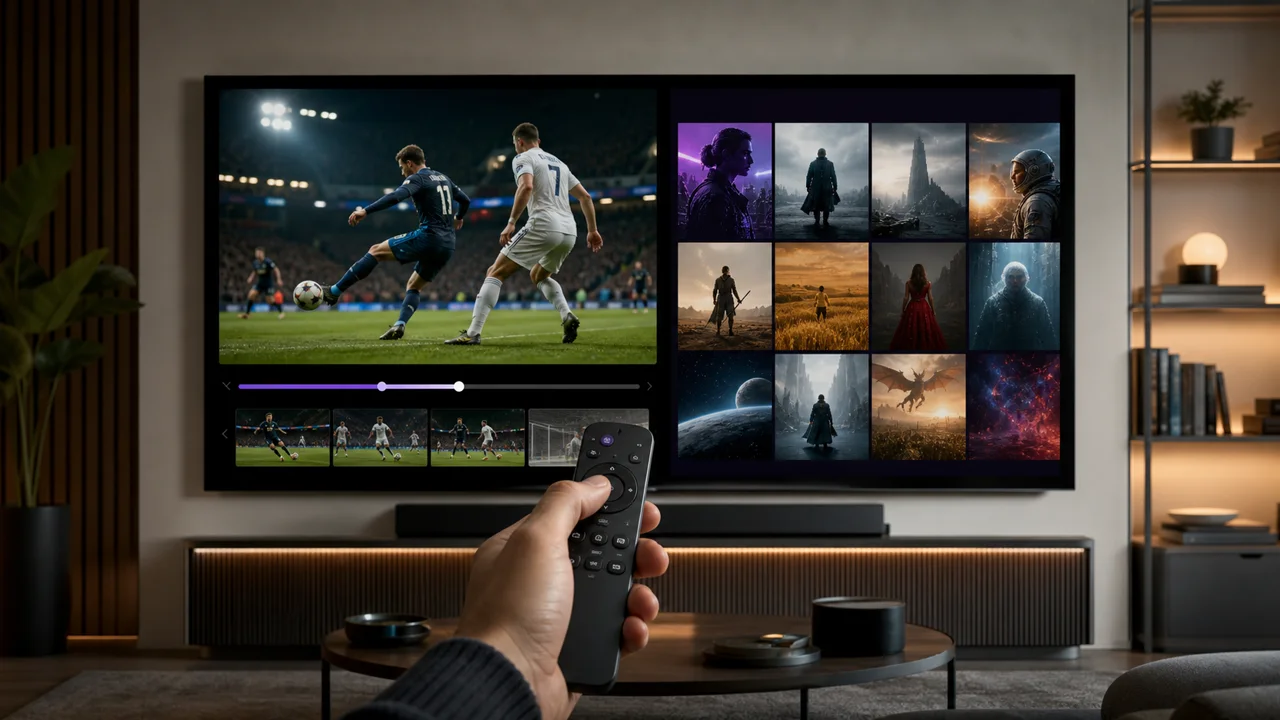
An IPTV service almost always combines two distinct catalogs in the same application: live channels organised like a television schedule, and a VOD library you browse on demand. As defined in our definition article, these are the two ways to watch:
- Live channels, organized like a classic television schedule, with zapping and often a program guide (EPG).
- The VOD catalog, a library of films and series that can be consulted at any time, regardless of broadcast times.
This dual offer explains why the question “VOD or direct” rarely arises in practice: one does not replace the other, each responds to a different use.
How does live IPTV work?
Live streaming is based on a continuous stream: the server constantly sends the same video data to all viewers connected to a given channel, exactly like a classic television broadcast transposed to the Internet, according to the principle of streaming described on Wikipedia. Concretely, this means:
- Impossible to choose what to watch at a given moment, only which channel to watch.
- The program follows a timetable, generally viewable via the EPG — see our EPG and program guide.
- Without timeshift function (delayed pause), impossible to go back once the moment has passed.
How does VOD work in IPTV?
VOD (video on demand) works in the opposite way: each item in the catalog is stored individually on the server and delivered only when a user selects it, as defined in its reference entry on Wikipedia. Concretely:
- The viewer chooses a title from a list (films, series, seasons, episodes).
- Playback can be paused, resumed, rewound or fast-forwarded at any time.
- The content remains available as long as it appears in the catalog, without depending on a broadcast schedule.
Comparison table: VOD vs direct
| Criterion | Live | VOD |
|---|---|---|
| Content | Channel schedule, fixed program | Catalog of films and series |
| Playback Control | None (except timeshift) | Pause, rewind, resume |
| Availability | Limited to the broadcast slot | Available as long as the title remains in the catalog |
| Typical usage | Live sport, news, zapping | Films, series, content viewed on demand |
| Related guide | EPG (schedule) | Internal catalogue/search engine |
Which mode to choose according to your use?
Choose live for anything tied to a schedule, such as sport or news, and VOD for content you want to watch on your own time. In detail:
- To follow a live event (sport, news, current broadcast), live broadcast remains the only relevant option.
- To watch a film or series at your own pace, without time constraints, VOD is much more suitable.
- To explore a catalog of content available outside the channel schedules, VOD via our catalogue page gives an overview of what a subscription offers.
Can you have both in the same subscription?
Yes: with almost all IPTV services, live and VOD are included in the same package and accessible from the same application, generally via two separate sections or tabs. The choice is therefore not made at the subscription level, but at the time of use, depending on what you feel like watching.
In summary
VOD and live respond to two different needs rather than a real dilemma: live is suitable for content linked to a schedule (sport, news), VOD for anything that can be consumed without time constraints. Understanding this distinction helps you better navigate an IPTV application and know where to look for specific content. To learn more about the associated vocabulary, consult our IPTV glossary.
Frequently asked questions
What is the real difference between VOD and direct?
Live broadcasts an identical continuous stream to all viewers at the same time, like a traditional television channel. VOD (video on demand) offers a catalog of content that everyone chooses and watches at their own pace, with pause and rewind.
Does an IPTV subscription include both VOD and live?
In the vast majority of cases, yes: both are offered in the same subscription and accessible from the same application, generally via two distinct sections (live channels on one side, film/series catalog on the other).
Can you pause or rewind live?
It depends on the timeshift function, when it is offered by the service and supported by the application. Without timeshift, a live stream is watched continuously, without playback control, unlike VOD which always allows pause and rewind.
Does VOD require more bandwidth than direct?
Not necessarily: the necessary bit rate depends above all on the resolution of the content (HD, Full HD, 4K), not on the broadcast mode. On the other hand, a live stream shared by many simultaneous viewers may place greater demands on the provider's infrastructure than VOD content viewed at different times.
How do I know if content is available on VOD or only live?
In most IPTV apps, VOD occupies a separate section (often named "Movies", "Series" or "VOD") separate from the list of live channels. If a title only appears in a channel's program, it is generally only viewable at the time of its broadcast, unless catch-up is available.