Applications
TiviMate: the complete guide (installation, EPG, groups, tips)
TiviMate setup: install on Android TV, connect via Xtream Codes or M3U, configure the EPG grid, build custom channel groups, plus free vs Premium.
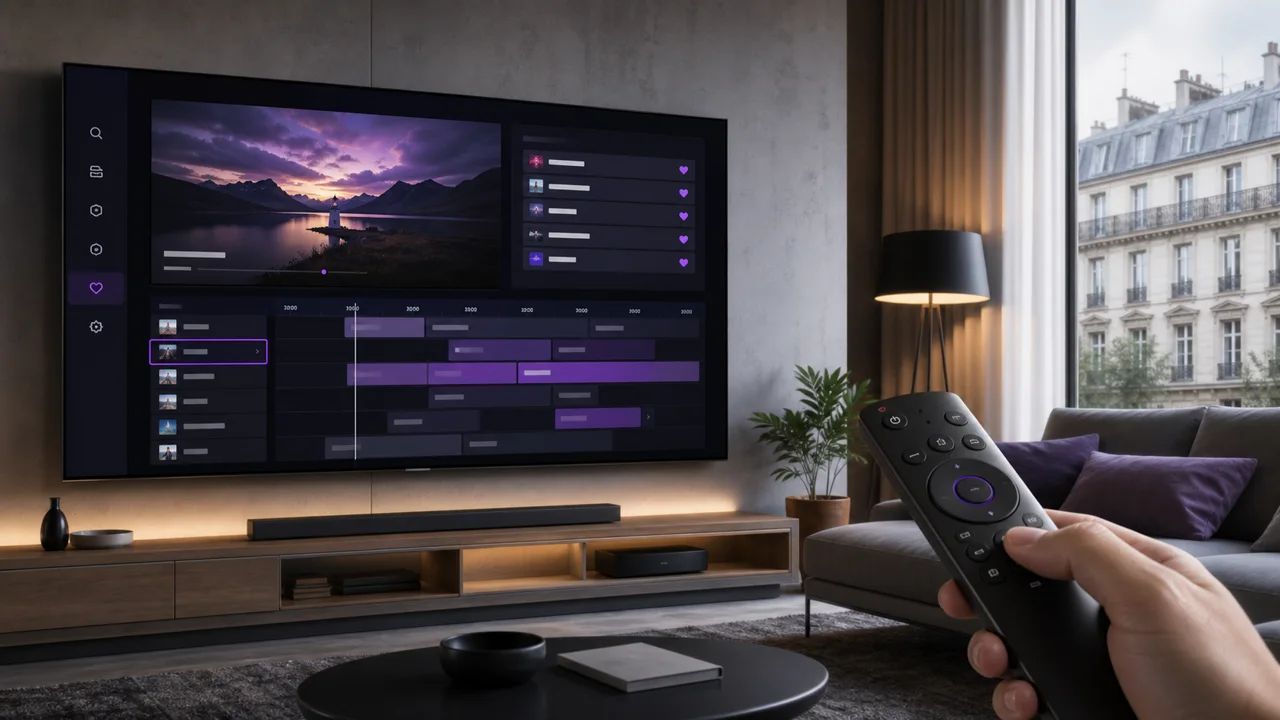
TiviMate regularly ranks among the most searched-for IPTV apps for Android TV. This guide details its installation, its connection, the configuration of the EPG, the organization into groups of channels, and the differences between its basic version and its Premium option.
What is TiviMate?
TiviMate is a third-party IPTV player designed specifically for Android TV and Google TV, with an interface designed for remote control rather than touch navigation. Its official site presents it as an application dedicated to playing IPTV playlists, with a display similar to a classic TV guide. TiviMate is a player, not a content provider: channels and catalog come entirely from your IPTV4KSubscriptions access, added separately.
How do you install TiviMate?
Install TiviMate from Google Play on your Android TV or Google TV, checking the publisher on the listing before you install. It is not available for iPhone, iPad or the native Samsung/LG systems. Step by step:
- Open Google Play on your Android TV or Google TV.
- Search for TiviMate and check the publisher displayed on the listing, available on Google Play.
- Review in-app purchases and included features before installation.
- Install the app and open it.
Our TiviMate installation guide details the connection of your IPTV4KSubscriptions access step by step; the TiviMate app page lists the official links available.
How do you connect TiviMate with Xtream Codes or M3U?
Connect TiviMate from Add Playlist using either Xtream Codes (server, username, password) or a full M3U URL. TiviMate supports both methods:
- Xtream Codes: enter the server address, your username and your password. This method generally loads the live, VOD and EPG in separate sections.
- M3U URL: paste the full M3U URL provided by your access.
Our article M3U or Xtream Codes details the differences between the two methods if you are unsure.
How do you add and manage multiple playlists in TiviMate?
TiviMate lets you add multiple playlists within the same profile, each listed separately in Settings > Playlists. This is useful if you are testing a new configuration without deleting the old one, or if you are combining multiple sources. Each playlist remains independent: deactivating or deleting it does not affect the others.
How do you configure the EPG in TiviMate?
The EPG (program guide) is usually linked automatically when you add the playlist, especially with an Xtream Codes connection. In M3U configuration, TiviMate can request a separate EPG address in the playlist settings. Once loaded, the EPG shows as a horizontal grid with navigation by channel and time. The general operation of this grid, including the causes of a blank or shifted display, is detailed in our EPG guide.
How do you organize channels into custom groups?
Beyond the categories your access provides automatically, TiviMate lets you create personalized groups of channels: you choose which channels to group together, without depending on the provider's original organization. This is particularly useful for quickly finding your favorite channels without browsing the entire catalog each time. The exact location of this function is usually found in channel-related settings; consult the configuration menu of your version to locate it precisely.
What is the difference between free TiviMate and Premium?
TiviMate offers a basic free version and a paid Premium option, where Premium unlocks extras such as additional playlists, multiple EPG sources and other advanced functions. The exact content is set by the publisher and can change over time. Before paying for an option, check on the official listing whether the missing functions really correspond to a paid feature or simply to a poorly configured setting.
How does TiviMate compare to other apps?
TiviMate specifically targets Android TV and Google TV; it is not made for an iPhone, an iPad or the native system of a Samsung or LG TV. Our IPTV application comparison compares it to IPTV Smarters Pro, IBO Player, VLC and Smart IPTV depending on your device.
Troubleshooting
- TiviMate does not appear in Google Play: Your device or its Android version may not be supported.
- Connection error: check server, username and password without added space.
- Empty EPG: force a playlist refresh and check the time zone in the settings.
- Incomplete categories: Refresh the playlist and check for filters or hidden categories in the Channels settings.
- Missing or poorly synced subtitles: This problem often extends beyond TiviMate itself. Our article IPTV subtitles: fixing common problems covers built-in tracks, external formats, and sync settings.
In summary
TiviMate is a complete player for Android TV and Google TV: Xtream Codes or M3U connection, EPG in a schedule grid, several possible playlists and customizable channel groups. To connect your IPTV4KSubscriptions access step by step, follow our TiviMate installation guide.
Frequently asked questions
Is TiviMate free?
A basic version exists, but certain advanced functions may require a paid option defined by the publisher. Prices and included features are entirely up to TiviMate and are subject to change; consult its official listing before purchasing an option.
What devices does TiviMate work on?
TiviMate mainly targets Android TV and Google TV. It is not designed for iPhone, iPad or the native system of a Samsung or LG TV — instead see our IPTV Smarters Pro or Smart IPTV guide for these devices.
How to add multiple playlists in TiviMate?
TiviMate generally allows you to add several playlists (Xtream Codes or M3U) within the same profile, each appearing separately in the Playlists settings. Maximum number and exact options depend on the installed version.
Why create custom channel groups in TiviMate?
Custom groups allow you to group your favorite channels regardless of the categories provided by your access, to navigate more quickly to what you watch most often.
Does TiviMate EPG work automatically?
The EPG is usually linked automatically when you add the Xtream Codes or M3U playlist. If it remains empty, check the profile settings and time zone, as explained in our dedicated EPG guide.
Does TiviMate provide the channels itself?
No. TiviMate is a player only; channels and catalog come from your IPTV4KSubscriptions access, added separately via Xtream Codes or M3U.