Definitions
What is IPTV? Definition and operation explained
What is IPTV? Plain-English definition: a server streams live TV over the internet and an app receives it via an M3U URL or Xtream Codes credentials.

The term IPTV comes up everywhere, but its definition often remains unclear. This guide explains in plain language what IPTV is, how the stream technically flows from the server to your screen, and what to check before getting started.
What is IPTV, in simple terms?
IPTV stands for “Internet Protocol Television”: literally, television delivered via the Internet Protocol. It is a broadcasting method where, instead of receiving channels through a terrestrial antenna (TNT), a satellite dish or a coaxial cable, the video signal travels over an ordinary Internet connection, as noted in the reference article on Wikipedia.
This distribution can take several concrete forms: an offer proposed by a telecom operator (the Internet box of your access provider often includes IPTV channels), an application installed on a connected device, or a third-party service you log into with credentials. The technology itself is neutral: it describes how content circulates, not who has the right to distribute it.
How does IPTV work, from server to screen?
IPTV works by streaming video from a remote server to a player app over your ordinary Internet connection. Three elements make that happen:
- A server hosts the video stream (live channels, films, series) and makes it accessible on the Internet.
- A connection method connects your application to the server: either an M3U URL (a unique address that points to the list of channels), or Xtream Codes credentials (server address, username, password).
- A player application (VLC, TiviMate, IPTV Smarters Pro, the native app of a Smart TV, etc.) downloads this list, displays it in the form of channels or categories, then plays the requested video stream.
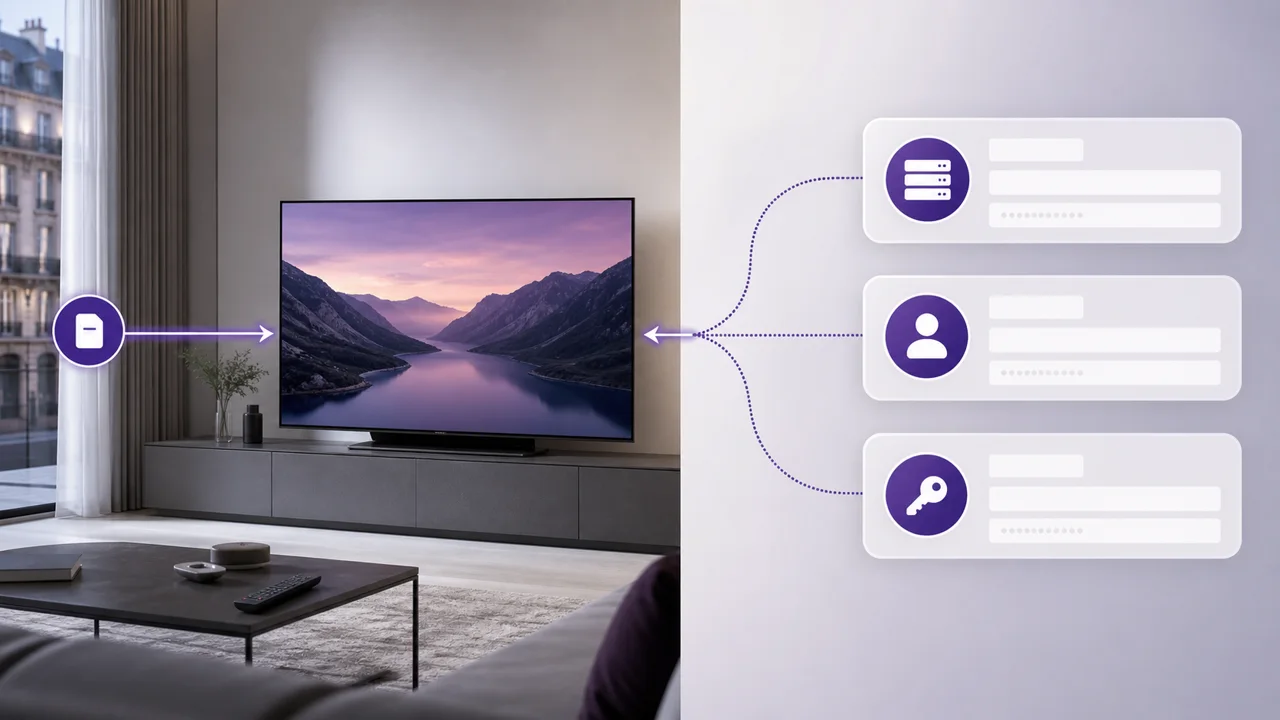
The diagram above illustrates this journey for an M3U connection: activation email containing the URL, opening in the application, then display of the channel list. An Xtream Codes connection follows a similar logic, but with separate credentials rather than a single URL. The exact difference between the two methods is detailed in our article M3U or Xtream Codes.
The M3U format has been around since the early days of MP3 and remains one of the most widely supported playlist formats among media players today, as documented on its reference page on Wikipedia. It's this broad compatibility that explains why so many IPTV applications still rely on this simple format.
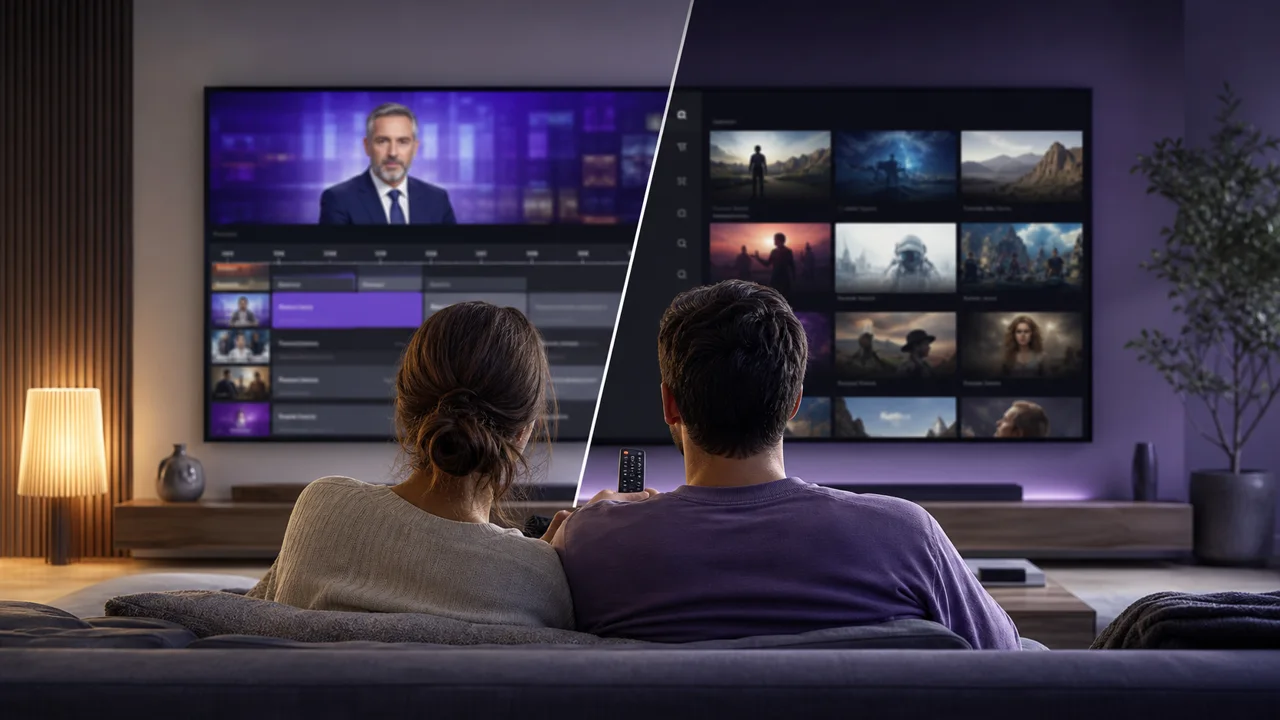
IPTV vs classic TV vs on-demand streaming: what is the difference?
IPTV sits between traditional television and on-demand platforms: it is neither identical to TNT nor identical to Netflix, and it borrows elements from both. Two features explain that middle position:
- Like TNT or cable, it offers live channels with zapping and, often, a program guide (EPG).
- Like on-demand streaming platforms, it passes via the Internet and can include a video on demand (VOD) catalog.
| Criterion | TNT / satellite / cable | IPTV | On-demand streaming (Netflix, etc.) |
|---|---|---|---|
| Delivery path | Antenna, satellite dish or coaxial cable | Internet connection | Internet connection |
| Live channels | Yes, fixed national lineup | Yes, depending on the subscription | Rarely (a few exceptions) |
| Program guide (EPG) | Yes | Yes, in the application | No |
| On-demand catalog (VOD) | No | Often included | Yes, the core of the service |
| Required hardware | Tuner or decoder | A compatible application | A compatible application |
| Sensitivity to Internet speed | None | Direct (HD, Full HD, 4K) | Direct, with automatic adaptation |
This intermediate position explains much of the confusion over the term. Our detailed comparison IPTV vs classic streaming covers each difference point by point.
How do you get started with IPTV?
Getting started with IPTV takes four steps that stay the same across providers: pick a plan, retrieve your connection details, install a compatible app, then enter your M3U URL or Xtream Codes credentials. In detail:
- Choose a plan adapted to your use (number of screens, duration). See our prices page.
- Retrieve your M3U URL or your Xtream Codes credentials, generally sent by email upon activation.
- Install an application compatible with your device (Smart TV, Android box, computer, mobile).
- Enter the URL or credentials into the app to load the channel list.
Our installation guides by device detail each step depending on your hardware, whether it is a Smart TV, a box or a smartphone. To go further on the vocabulary and technical bricks mentioned here, consult our IPTV glossary, our article on the structure of an M3U file, or our complete explanation of Xtream Codes credentials.
In summary
IPTV refers to a method of delivering television over the Internet, not a specific service. Understanding this principle (server, connection method, player application) helps you better configure your access and identify a serious service. To go further, compare IPTV to classic streaming or dig deeper into how M3U lists and Xtream Codes credentials work.
Frequently asked questions
What does IPTV stand for?
IPTV stands for “Internet Protocol Television”: the broadcasting of channels and video content via an Internet network rather than via traditional broadcast channels (terrestrial, satellite, cable).
How does IPTV actually work?
A remote server sends the video stream over the Internet. Your application (VLC, TiviMate, IPTV Smarters Pro, etc.) connects to this server via an M3U URL or Xtream Codes credentials, downloads the list of available channels, then plays the requested stream.
Do you need a special box to watch IPTV?
No, not necessarily. IPTV works on a Smart TV, an Android TV box, a stick (Fire TV, Chromecast), a smartphone, a tablet or a computer, via a playback application. A dedicated box is only useful if your TV is not connected.
What is the difference between IPTV and classic Netflix-type streaming?
Both use the Internet to broadcast video, but IPTV imitates an organization similar to television (live channels, zapping, EPG), while on-demand streaming platforms work mainly by catalog and recommendations. The details are in our dedicated comparison.
Do I need a good internet connection for IPTV?
Yes, the quality of the stream directly depends on the available bandwidth: the higher the resolution (HD, Full HD, 4K), the more bandwidth you need. An unstable connection is the most common cause of outages.