IPTV knowledge centre
Practical advice for a better IPTV experience
Choose an application, improve your network, understand EPG data and configure M3U or Xtream Codes access with clear, device-focused instructions.
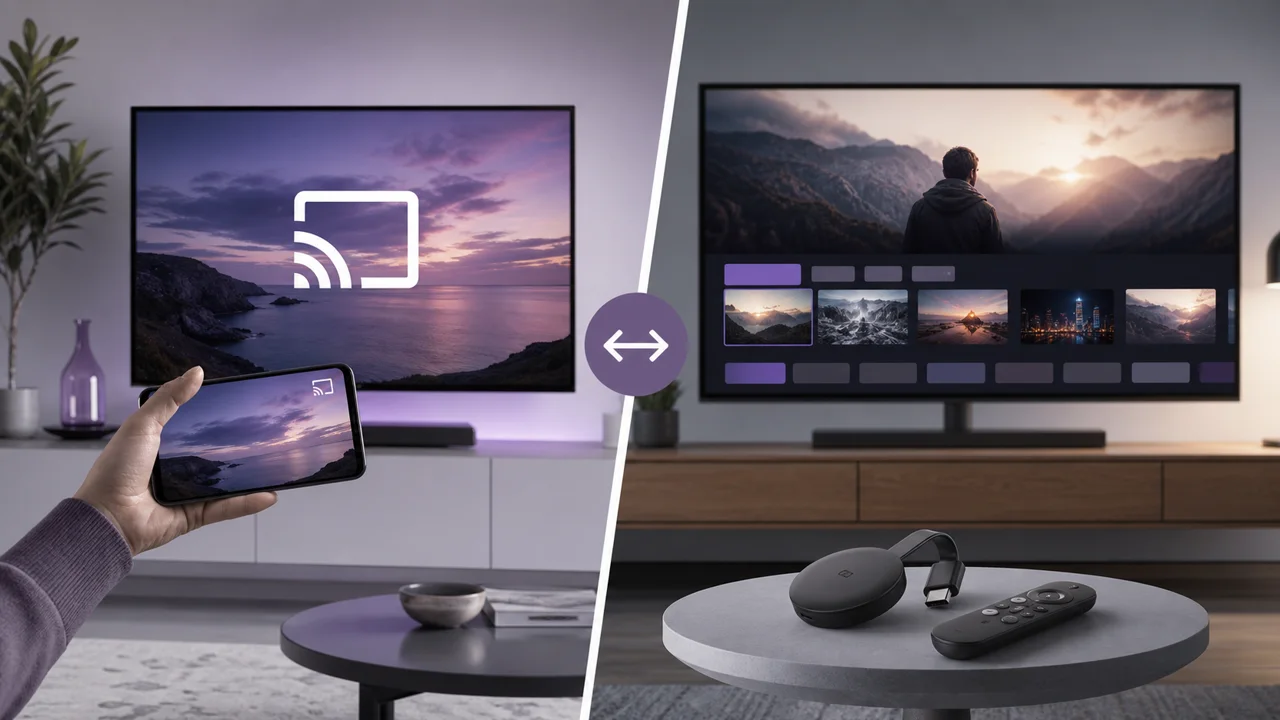
IPTV on Chromecast and Google TV: cast or install the application?
IPTV on Chromecast: cast from a mobile app, or install a native player on Chromecast with Google TV. Compare the two methods, their steps and real limits.
Read article →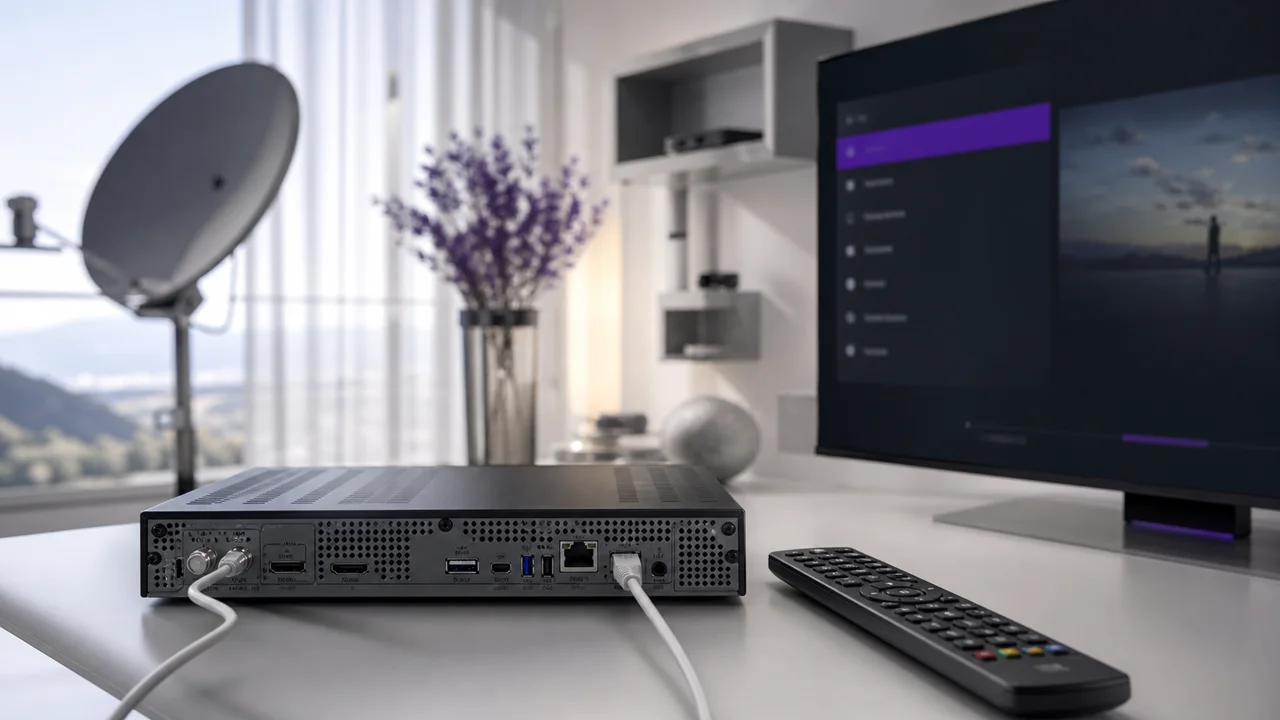
IPTV on Enigma2 (Vu+, Dreambox): portal and M3U list
Set up IPTV on an Enigma2 receiver (Vu+, Dreambox): install an IPTV plugin from the image's extensions manager, then connect an M3U URL or Xtream Codes.
Read article →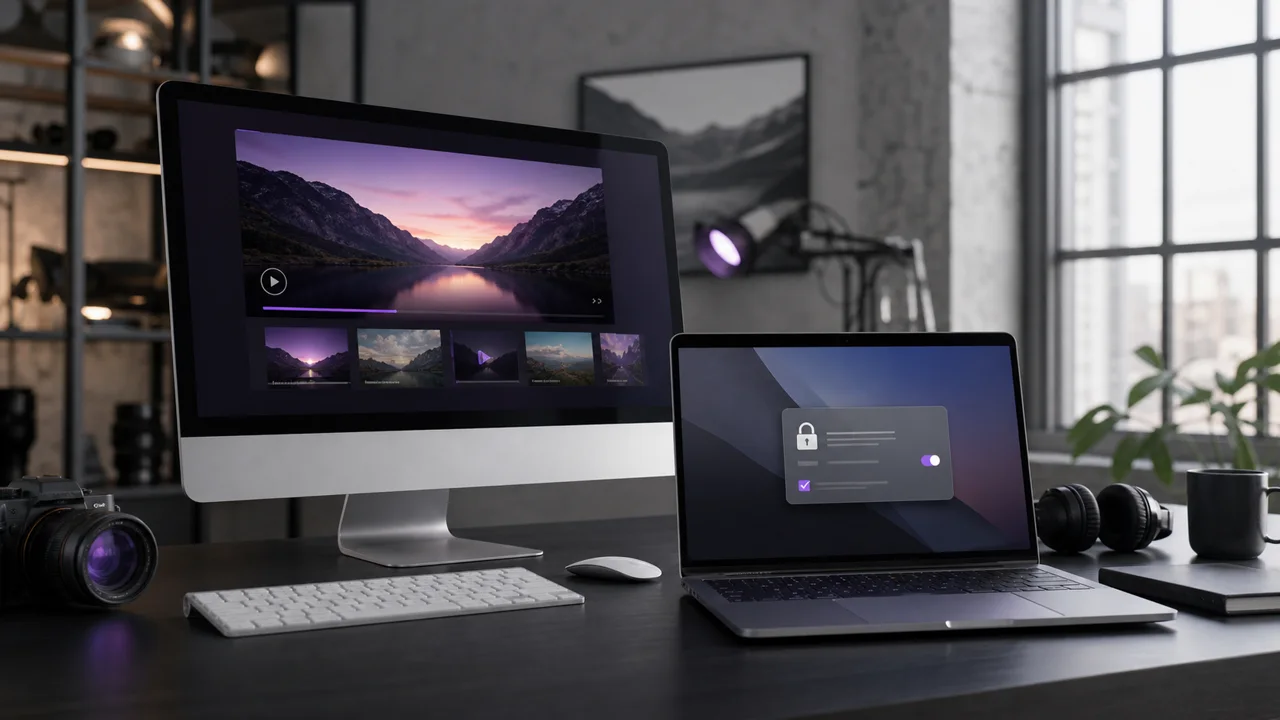
IPTV on Mac: which software to choose and why macOS may block it
IPTV on macOS: compare a dedicated Xtream Codes player, VLC and Kodi, and see why Gatekeeper can block legitimate software on first launch, then allow it.
Read article →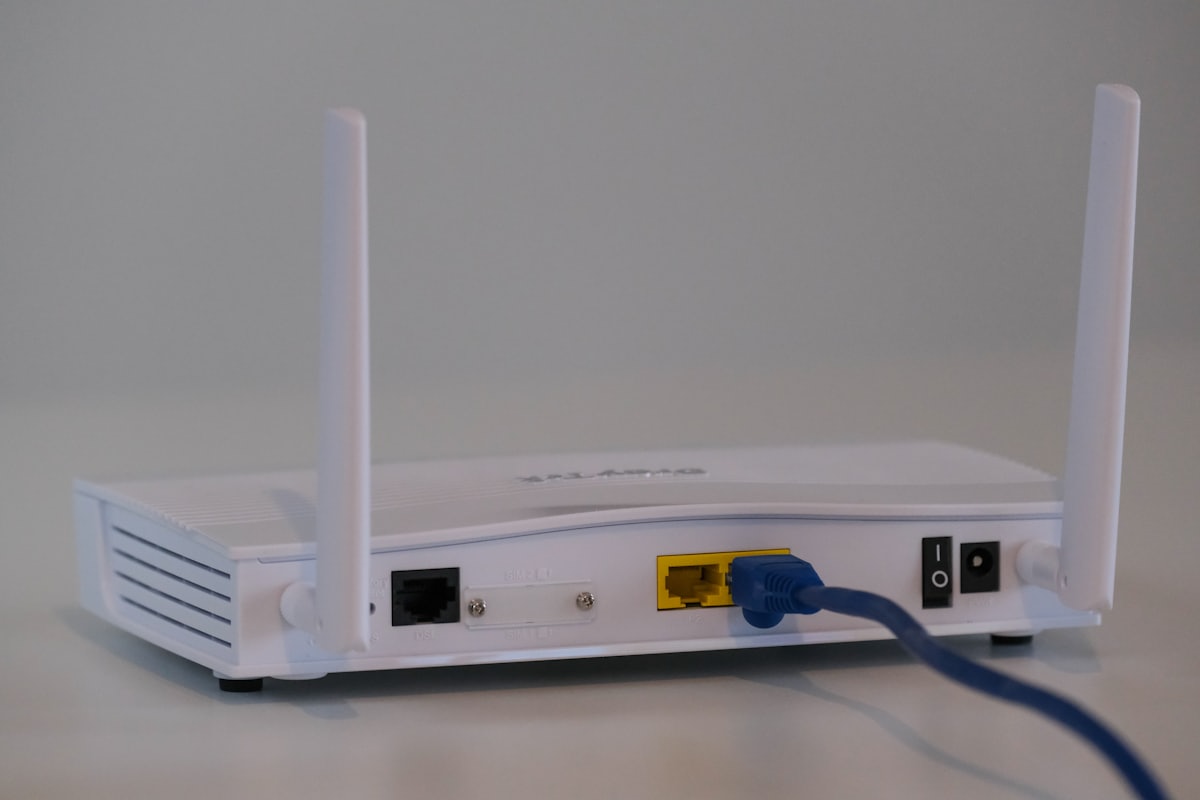
IPTV on Orange or SFR box: what works (and what doesn’t work)
Install IPTV on an Orange or SFR box: why the operator decoder is locked, why the box works only as an internet access point, and the real network limits.
Read article →
IPTV on Roku: why it's limited and the realistic alternatives
IPTV on Roku is limited: strict Channel Store rules make Xtream Codes players rare, so use realistic alternatives like AirPlay 2, mirroring or a second box.
Read article →
IPTV on Windows PC: IPTV Smarters Pro, VLC or Kodi?
IPTV Smarters Pro on Windows vs VLC and Kodi: compare all three players and follow step-by-step Xtream Codes or M3U setup for each on your Windows PC.
Read article →
IPTV parental control: configure restrictions per application
IPTV parental control works app by app: set a PIN, lock adult categories and add a restricted device profile. No single universal setting exists.
Read article →
IPTV Smarters Pro vs TiviMate: which one to choose depending on use
IPTV Smarters Pro vs TiviMate compared by use: devices, EPG and ease of setup. Smarters covers mobile and Fire TV; TiviMate targets Android TV boxes.
Read article →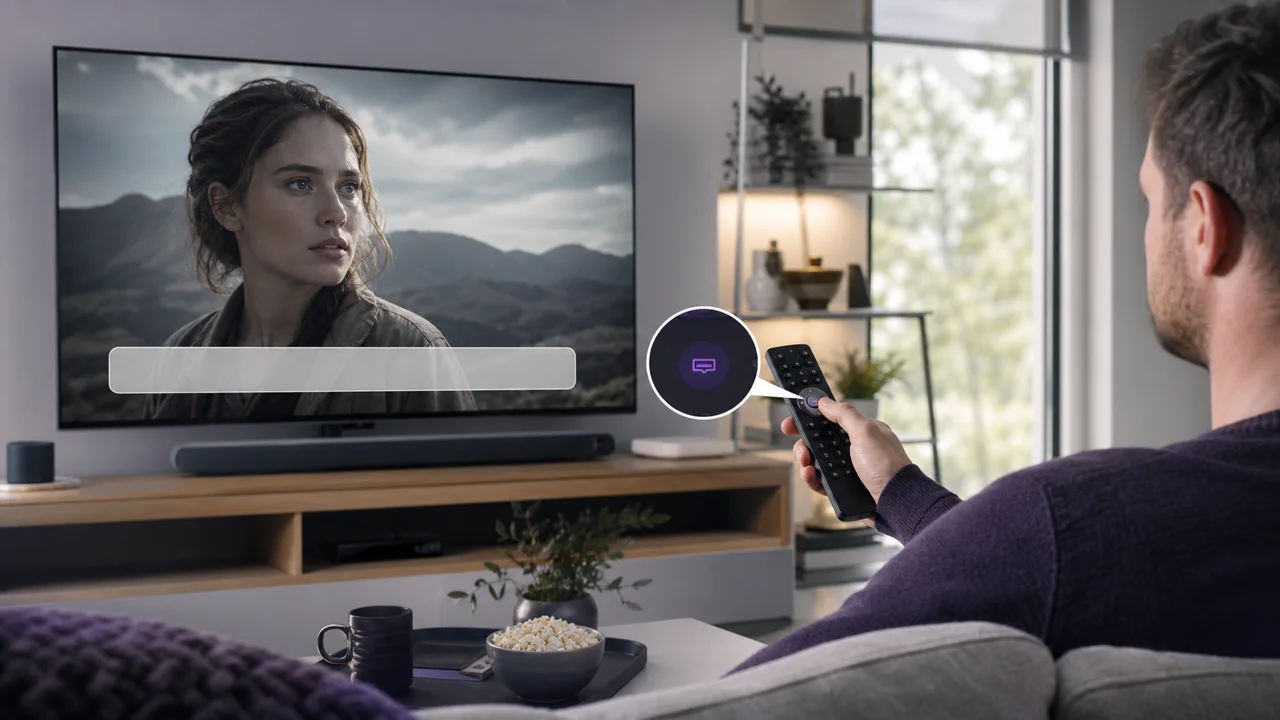
IPTV subtitles not showing: how to activate them
IPTV subtitles not showing? Enable the right track in the playback menu, confirm the stream carries one, and check app support for SRT and embedded formats.
Read article →
IPTV subscription: pitfalls to avoid before buying (2026)
IPTV scams and pitfalls to avoid before buying: sellers who vanish, no refund, unstable streams, dead support — and whether IPTV is really legal.
Read article →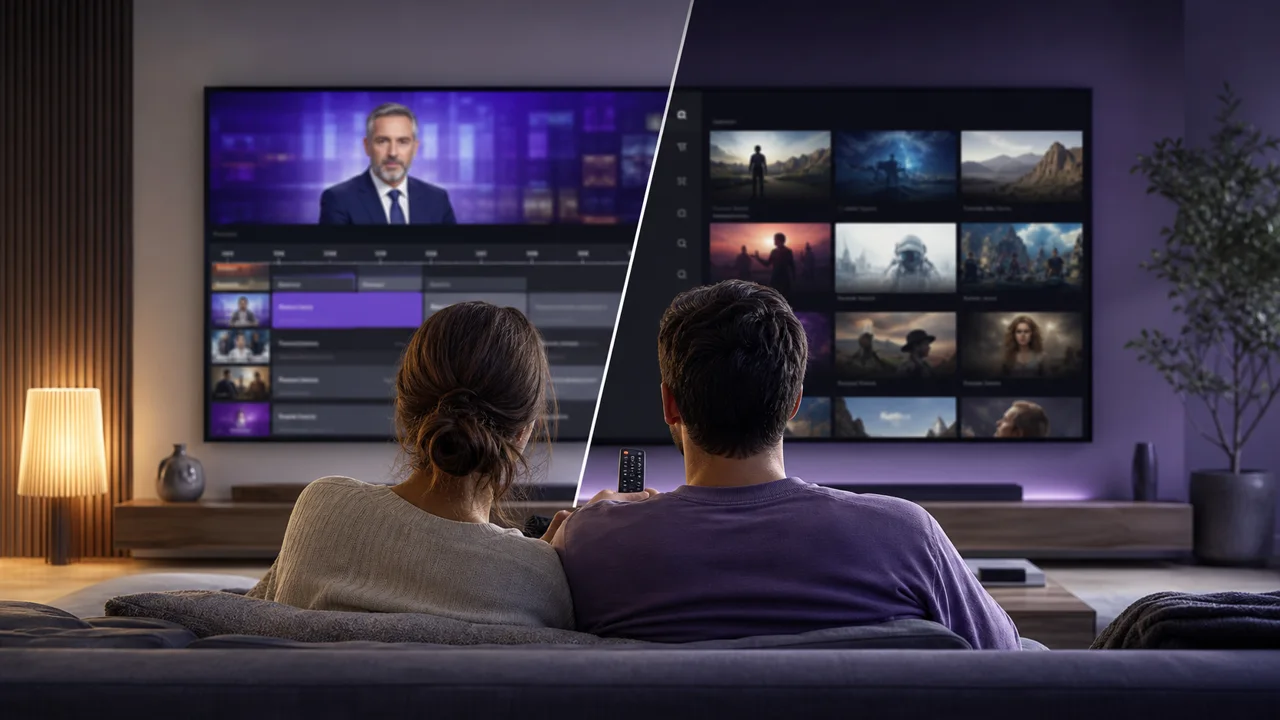
IPTV vs classic streaming: what are the differences?
IPTV vs streaming: how IPTV, on-demand platforms like Netflix and terrestrial TV differ in delivery, live content, catalog and Internet requirements.
Read article →
M3U playlist not loading: how to make it work
M3U playlist not loading? Test the URL in a browser first, then check for an incomplete or expired link, bad encoding, or an HTTP/HTTPS mismatch.
Read article →Ready to try IPTV4KSubscriptions?
Request a free trial on your device, with no payment card required.