Security
VPN and IPTV: usefulness, limits and impact on throughput
VPN and IPTV: what a VPN actually protects, when it helps or not, and how it can affect streaming speed on a Smart TV, mobile or computer — tested honestly.
A VPN can increase the privacy of your connection, but it is not necessary for entering IPTV credentials. Because it adds an intermediary server between your device and the internet, it can also reduce throughput or increase latency. The right choice therefore depends on your network and your need for confidentiality, not on a universal rule on VPN streaming.
What does a VPN actually do?
A VPN (virtual private network) creates an encrypted tunnel between your device and the VPN provider's server. Your internet traffic then exits from this server: sites see its public IP address, while your ISP primarily sees a connection to the VPN. Wikipedia summarizes it as a direct, encrypted link between remote computers, isolated from the rest of the public network. The VPN provider therefore becomes a trusted intermediary to be chosen carefully.
VPN and IPTV at a glance
| Advantages | Limits | |
|---|---|---|
| Confidentiality | Masks your real IP address from visited sites | Does not make anonymous; VPN provider sees traffic |
| Public network | Encrypts the connection on Wi-Fi you don't control | Useless on an already stable home connection |
| Speed | Can sometimes bypass a local restriction | Adds a detour that often reduces throughput and increases latency |
| IPTV4KSubscriptions setup | Compatible, no blocking | Not required: M3U and Xtream Codes work without VPN |
Does IPTV4KSubscriptions require a VPN?
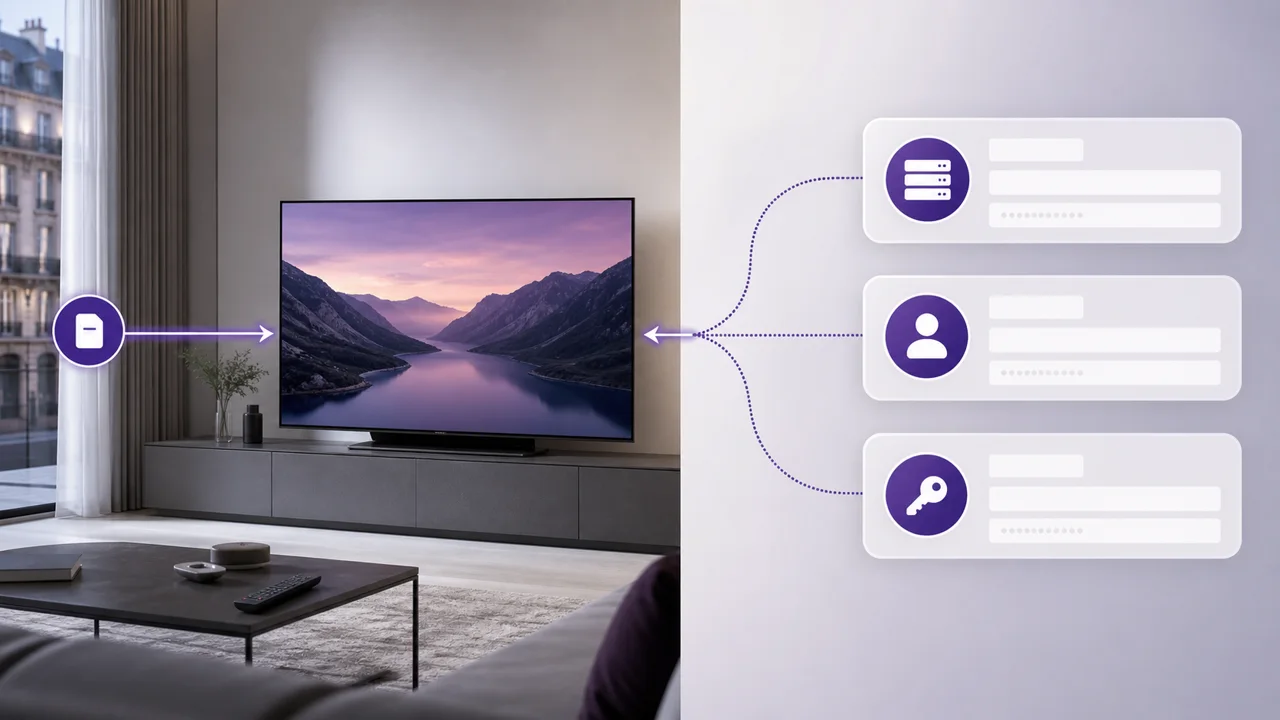
No. Access to IPTV4KSubscriptions does not require any particular VPN settings: you add your M3U or Xtream Codes information to a compatible player, as explained in our M3U or Xtream Codes comparison. So you can start without a VPN on Windows, macOS or another device, and then decide separately whether this tool meets your privacy need.
When is an IPTV VPN really useful?
There are situations where a VPN has a legitimate use, independent of IPTV4KSubscriptions:
- On a public network that you don't control, it adds a layer of encryption up to the VPN server. Official cybersecurity guides for individuals, such as those from Cybermalveillance.gouv.fr, recommend using a VPN if possible when public Wi-Fi cannot be avoided.
- To limit the information visible to the local network or the access provider, it hides the destinations behind the VPN connection, without making the user anonymous.
- To centralize protection for multiple applications, a VPN installed on the device can cover more than just the IPTV player.
When is a VPN useless or even counterproductive?
Conversely, you have to be honest about the cases where a VPN does nothing, or can even degrade your experience:
- For an already stable home connection, it is not necessary for the service to function.
- Encryption and routing through an intermediary server may reduce throughput or increase latency. If you experience buffering, first compare playback with and without a VPN using our streaming buffering guide.
- A remote or busy VPN server can create additional outages. Change servers before concluding that the problem is with your IPTV player.
How do you measure a VPN's impact on your speed?
Run a speed test with the VPN disabled, then try again with a nearby VPN server enabled. Compare download throughput, latency and stability, not just the peak figure. Then reproduce the test in the application with the same channel and the same quality. This also helps if several screens in the home are watching at the same time, as detailed in our guide multi-screen IPTV.
Repeat the operation at different times of the day. If the playback remains stable and the VPN meets your needs, you can keep it. If it significantly degrades the video, try another server or disable it for this use.
Our position, clearly
We do not recommend any brand or the systematic use of a VPN. The choice depends on your need for privacy, your network and your devices. Measure its impact before and after activation, then keep the most stable configuration. For other practical questions about your access, see our FAQ.
In summary
A VPN can improve privacy on some networks, especially public Wi-Fi, but it is not required to set up IPTV4KSubscriptions. Test throughput, latency, and playback with and without a VPN. If you use one, choose a nearby server and disable unnecessary features that may slow down your device.
Frequently asked questions
Can a VPN improve the quality of my streaming?
This is not its main objective. It can change the path traffic takes, but it also adds encryption and an intermediary. Only a comparative test on your connection can measure the effect.
Does IPTV4KSubscriptions block the use of a VPN?
No, we do not block or penalize the use of a VPN. Our service remains accessible normally, with or without an active VPN, as long as your connection remains stable.
Which VPN do you recommend?
IPTV4KSubscriptions is not affiliated with any provider. Compare privacy policy, jurisdiction, covered devices, server locations and refund terms before choosing.
Does a VPN really change my visible IP address?
Yes: The sites you visit see the VPN server's IP address, not yours. However, this does not make the user anonymous, since the VPN provider itself is aware of the traffic passing through its servers.
Do you need a VPN to use IPTV4KSubscriptions on public Wi-Fi?
This is not mandatory, but this is one of the cases where a VPN has a real benefit: on a public network that you do not control, it adds a layer of encryption recommended by official cybersecurity guides. At home, on a network that you control, it does not add anything to the operation of the service.