Connections
IPTV in motorhomes and caravans: connection, equipment and data
IPTV in a motorhome: choose between 4G/5G and campsite Wi-Fi, pack a reliable hotspot, and watch data use since 4K burns far more than SD video.
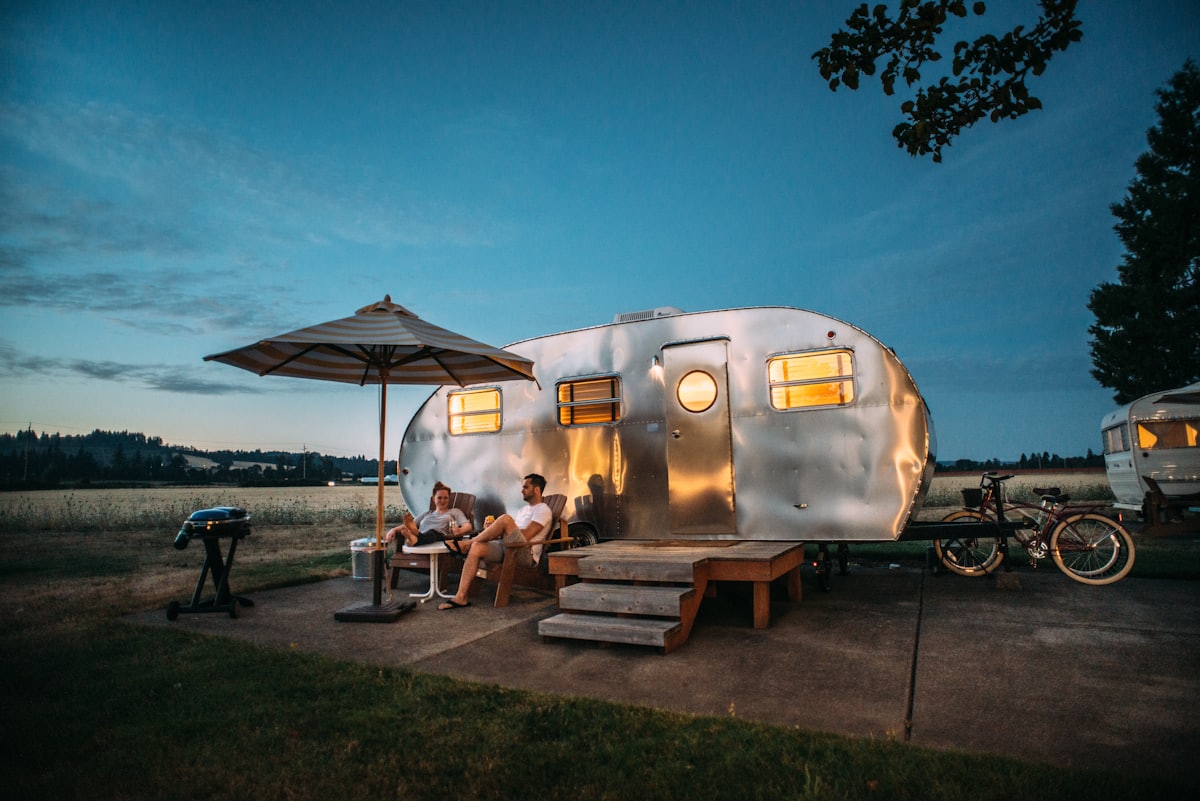
Traveling in a motorhome or caravan does not change anything in your IPTV configuration itself: your credentials remain valid wherever an internet connection is available. What does need a different approach is the connection: unlike a fixed home, it depends on your current location, the local mobile network or the Wi-Fi offered on site.
Which connection sources work in a motorhome?
You have two realistic options on the road: a 4G/5G mobile network or campsite Wi-Fi. Neither is universally better, so the right choice depends on local coverage and how busy the site is.
- The 4G/5G mobile network: via a dedicated plan, a 4G/5G router or smartphone connection sharing. Its speed depends on local coverage, which can be checked in advance with tools such as ARCEP's Ma Connexion Internet, which maps mobile and fixed coverage in France.
- Campsite or rest-area Wi-Fi: its quality varies enormously depending on the establishment and the number of users connected simultaneously, particularly in high season when many pitches share the same connection.
Neither option is universally better: 4G/5G generally offers more predictable and personal speed, while campsite Wi-Fi may be sufficient in the off-season or on a well-equipped site.
What equipment do you need for IPTV in a motorhome?
At a minimum you need a playback device and a stable connection; a dedicated 4G/5G router and an optional outdoor antenna make things easier when several screens share the signal.
| Element | Role | Note |
|---|---|---|
| Playback device | Smart TV, streaming box or stick connected to the vehicle's screen | See our IPTV applications comparison depending on your device |
| 4G/5G Router or Mobile Hotspot | Distributes a mobile connection between multiple vehicle devices | Useful when several people or screens share the same connection |
| Outdoor 4G antenna (optional) | Improves reception in weak coverage areas | Does nothing if the mobile network is completely absent on site |
| Battery or stable power supply | Keeps router and playback device active without power interruption | Particularly useful on long trips, far from electric hook-up points |
How do you adapt quality to the available network?
A mobile connection in a camper van is rarely as stable as home fiber. Reduce playback quality if the local network warrants it, rather than forcing a high quality that will cause repeated interruptions. Our guide on the speed needed for each IPTV quality details the benchmarks for each definition level, useful for choosing a realistic setting for your 4G/5G plan.
How much data does IPTV use on the road?
On a limited mobile plan, streaming in high definition or 4K quickly consumes a significant volume of data. A few simple habits prevent unpleasant surprises:
- Check the data volume included in your plan before a long trip on the road.
- Reduce the default quality if you are nearing your monthly limit.
- Download catalog content on demand over Wi-Fi, if your application allows it, rather than streaming continuously over 4G/5G.
How do you stabilize the connection on site?
The same Wi-Fi principles apply when connected to a campsite network: choose a location close to the access point if possible, and test the speed before starting an extended viewing session. Our guide to optimizing Wi-Fi remains relevant, even on a temporary campsite network.
In summary
IPTV in a motorhome works with the same configuration as at home; it is the connection, 4G/5G mobile or campsite Wi-Fi, that requires some planning. Plan for a reliable router or access point, adapt the playback quality to the network available on site, and monitor your data consumption if you stream in high definition on a limited mobile plan.
Frequently asked questions
Is it better to use 4G/5G or campsite Wi-Fi for IPTV?
It depends on local coverage and the number of users connected at the same time. A personal 4G/5G plan generally offers more predictable speed than campsite Wi-Fi shared by many pitches, especially in peak season.
What equipment do you need for IPTV in a motorhome?
At a minimum, a playback device (Smart TV, box or streaming stick) and a stable internet connection. A dedicated 4G/5G router or mobile hotspot makes it easy to split the signal between multiple devices in the vehicle.
How much data does 4K IPTV consume on a mobile plan?
Consumption varies depending on the quality actually broadcast, but 4K requires significantly more data than standard definition. Our article on the speed needed for each quality level provides benchmarks for assessing the impact on a limited plan.
Does an outdoor 4G antenna really improve reception in a motorhome?
It can help in weak coverage areas, picking up a stronger signal than an internal router or smartphone antenna, but it does not create coverage where the mobile network is completely absent.
Do you need a dedicated IPTV box or is the application sufficient on a smartphone/tablet?
Both work. A streaming box or stick connected to the vehicle's television offers a classic viewing experience, while an application on a smartphone or tablet is sufficient for more occasional or individual use.